
This section is pretty straightforward. We'll reuse the same class as previously used. You can observe the following HTML code:
<!-- ABOUT SECTION -->

    <div class="about position-relative py-5">
      <div class="container">
        <div class="row d-flex align-items-center py-5">
          <div class="col-md-6 my-auto">
            <h1 class="display-1 font-weight-normal custom-font-title text-white">The<br /> Love<br /> of car</h1>
          </div>
          <div class="col-md-6 my-auto">
            <h3 class="font-weight-normal custom-font-title text-white">About us</h3>
            <p class="lead font-weight-normal text-white">Circuit Club was founded in 2003 with one goal in mind, to make motorsport accessible through Trackdays. What started out simply as a bunch of mates with a love of cars and driving fast…</p>
            <a class="btn btn-primary" href="#">Learn more</a>
          </div>
        </div>
      </div>
    </div>

<!-- END ABOUT SECTION -->
The only new class we used is the .text-white class. It's a utility class of Bootstrap that lets you color the font with some primary colors. You can access the document at https://getbootstrap.com/docs/4.0/utilities/colors/:
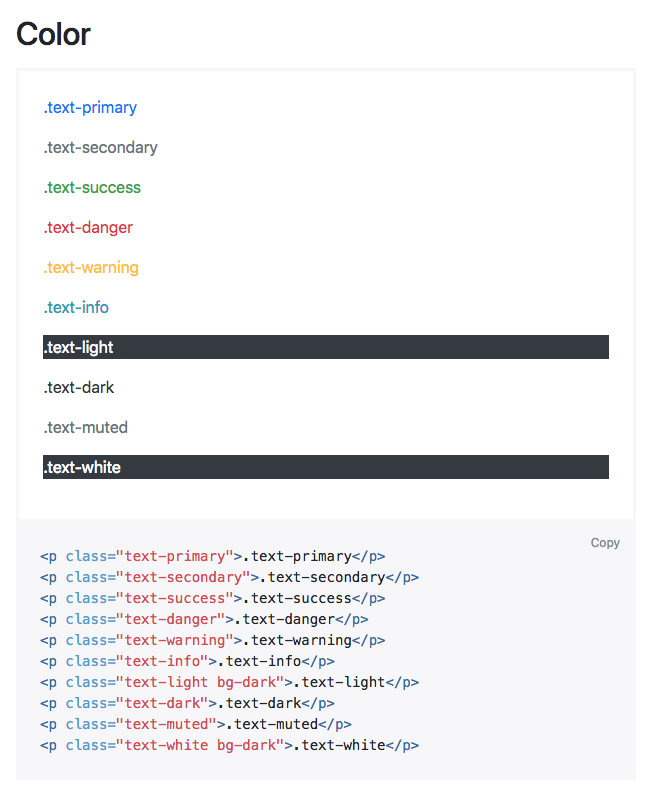
Text color classes in Bootstrap.
For the CSS, we only need to add the background and a little styling on the title:
.about {
  background-image: url(../img/about-us-bg.jpg);
  background-repeat: no-repeat;
  background-size: cover;
}

.about h1.display-1::after {
  content: "";
  display: block;
  background: #BF0000;
  width: 90px;
  height: 2px;
  margin-top: 30px;
}
Let's take a look at how it looks:
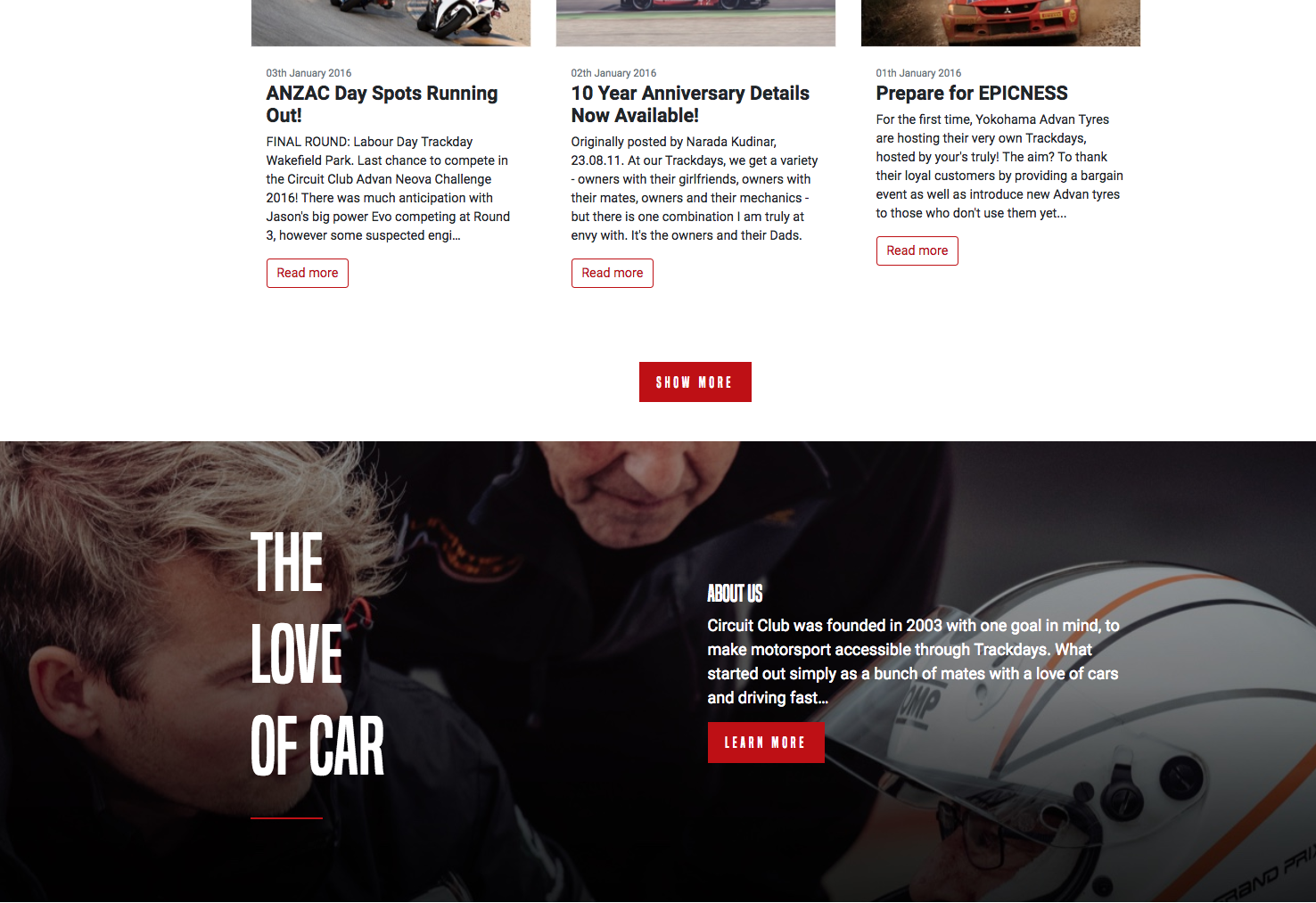
The About Us section
This About Us section was pretty easy; let's continue to the PARTNERS section.