
Red Hawk version 2 is another in-depth, all-in-one information gathering suite for reconnaissance and data collection.
In a new terminal, change to the desktop (or directory of your choice) and clone Red Hawk v2 by entering https://github.com/th3justhacker/RED_HAWK:

Once all objects have been successfully unpacked, change directories into the RED_HAWK directory by typing cd RED_HAWK. Use the ls command to verify that rhawk.php exists:

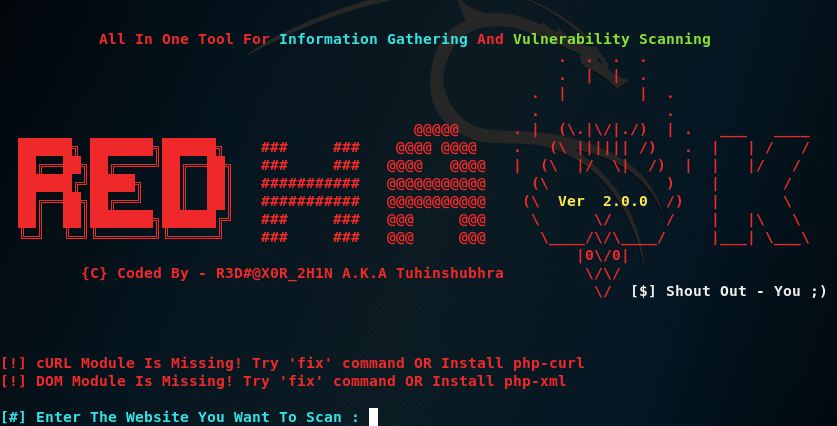
To start Red Hawk, type php rhawk.php and press Enter. If successful, the following screen should be displayed:
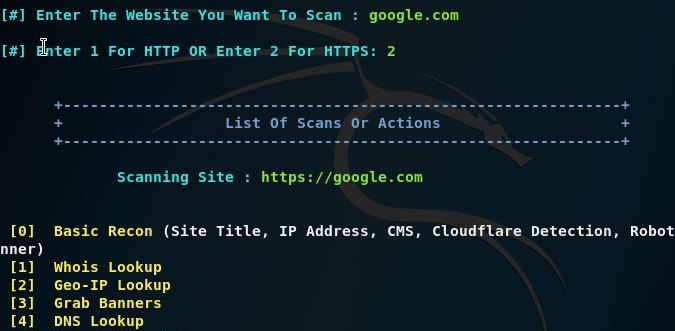
Enter your website and choose either HTTP or HTTPS. Then, choose from the options available. For example, type one for a Whois lookup:
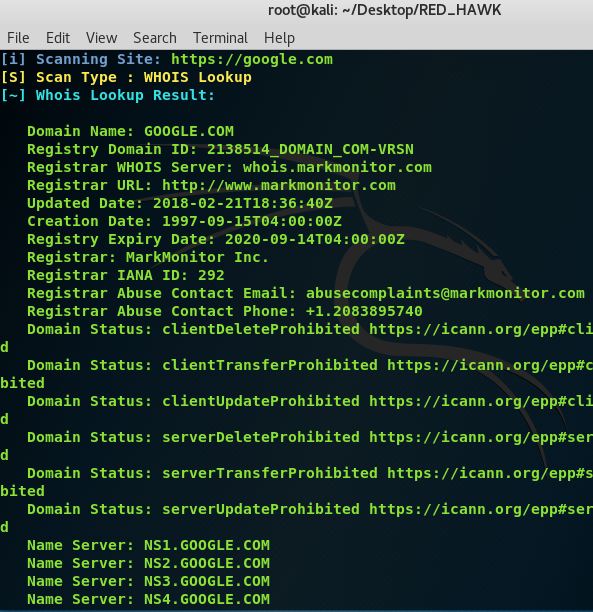
The Whois lookup information for https://www.google.com/ is displayed as follows:
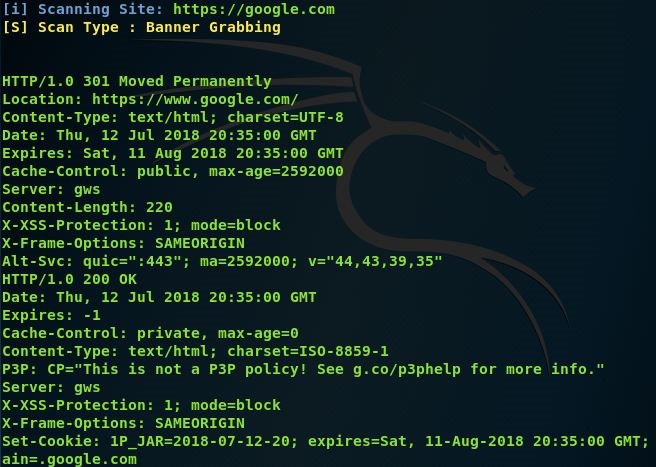
The results of option [3] Grab Banners for https://www.google.com/ are as follows:
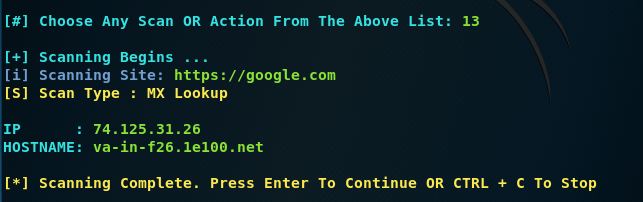
An MX lookup (option 13) for Google.com gives the following output:
There are several options available to the user including option [A], which scans for everything.