
Kali Linux has several tools that can be used to identify wireless networks; one basic tool is the iwlist Linux command. This command lists the available wireless networks within range of the wireless card. Open a Command Prompt and type the following:
# iwlist wlan0 scan
The following screenshot shows the output:
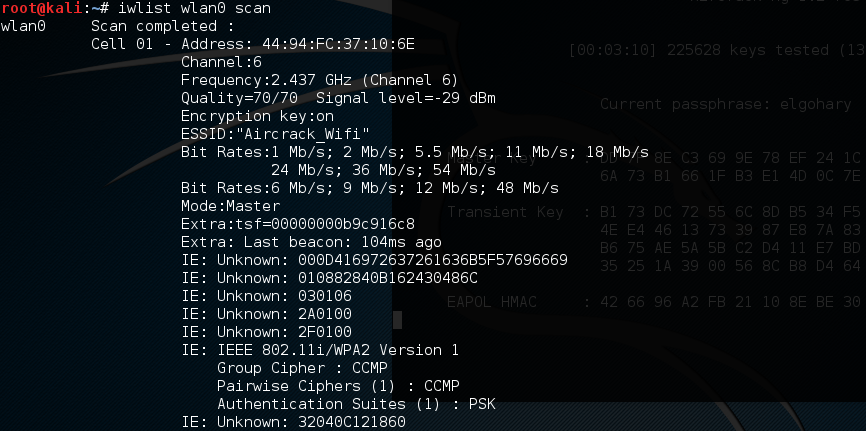
While a simple tool, this gives us some good information. This includes the BSSID or MAC address of the wireless access point (which will become important later), the type of authentication and encryption, and other information.