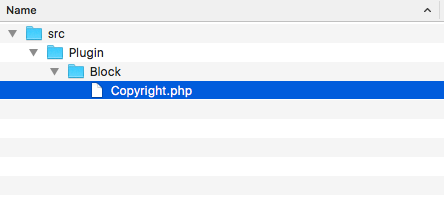
- Create a src/Plugin/Block directory in your module. This will translate the
\Drupal\mymodule\Plugin\Block namespace and allow a block plugin discovery. - Create a Copyright.php file in the newly created folder so that we can define the Copyright class for our block:
- The Copyright class will extend the \Drupal\Core\Block\BlockBase class:
<?php

namespace Drupal\mymodule\Plugin\Block;

use Drupal\Core\Block\BlockBase;

class Copyright extends BlockBase {

}
We will extend the BlockBase class, which implements \Drupal\Core\Block\BlockPluginInterface and provides us with an implementation of nearly all of the interface's methods.
- We will provide the block's identifier, administrative label, and category:
<?php

namespace Drupal\mymodule\Plugin\Block;

use Drupal\Core\Block\BlockBase;

/**
 * @Block(
 *   id = "copyright_block",
 *   admin_label = @Translation("Copyright"),
 *   category = @Translation("Custom")
 * )
 */
class Copyright extends BlockBase {

}
The annotation document block of the class identifies the type of plugin through @Block. Drupal will parse this and initiate the plugin with the properties defined inside it. The id is the internal machine name, the admin_label is displayed on the block listing page, and category shows up in the block select list.
- We will need to provide a build method to satisfy the \Drupal\Core\Block\BlockPluginInterface interface. This returns the output to be displayed:
<?php
namespace Drupal\mymodule\Plugin\Block;
use Drupal\Core\Block\BlockBase;
/**
* @Block(
* id = "copyright_block",
* admin_label = @Translation("Copyright"),
* category = @Translation("Custom")
* )
*/
class Copyright extends BlockBase {
/**
* {@inheritdoc}
*/
public function build() {
$date = new \DateTime();
return [
'#markup' => t('Copyright @year© My Company', [
'@year' => $date->format('Y'),
]),
];
}
}
The build method returns a render array that uses Drupal's t function to substitute @year for the \DateTime object's output that is formatted as a full year.
Since PHP 5.4, a warning will be displayed if you have not set a timezone explicitly in your PHP's configuration.
- Install your module if it has not yet been installed by going to the Extend page. If you have already installed your module, go to the Performance page and rebuild Drupal's caches.
- Go to the Black layout page from Structure in the administrative menu. In the Footer fourth region, click on Place block.
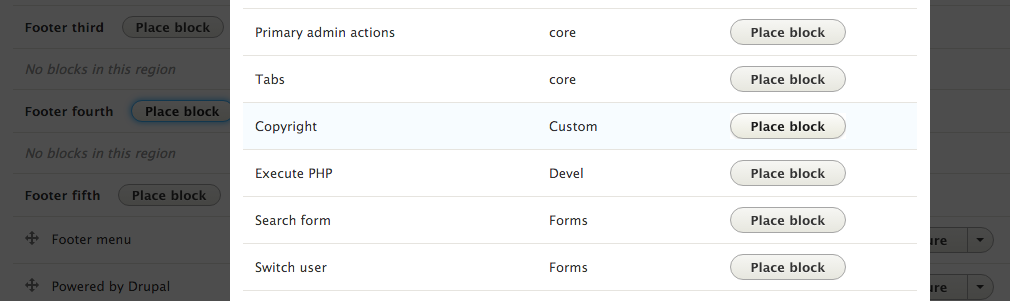
- Review the block list and add the custom block to your regions, for instance, the footer region. Find the Copyright block, and click on Place block:
- Uncheck the Display title checkbox so that only our block's content can be rendered. Click on Save block and accept all of the other defaults.
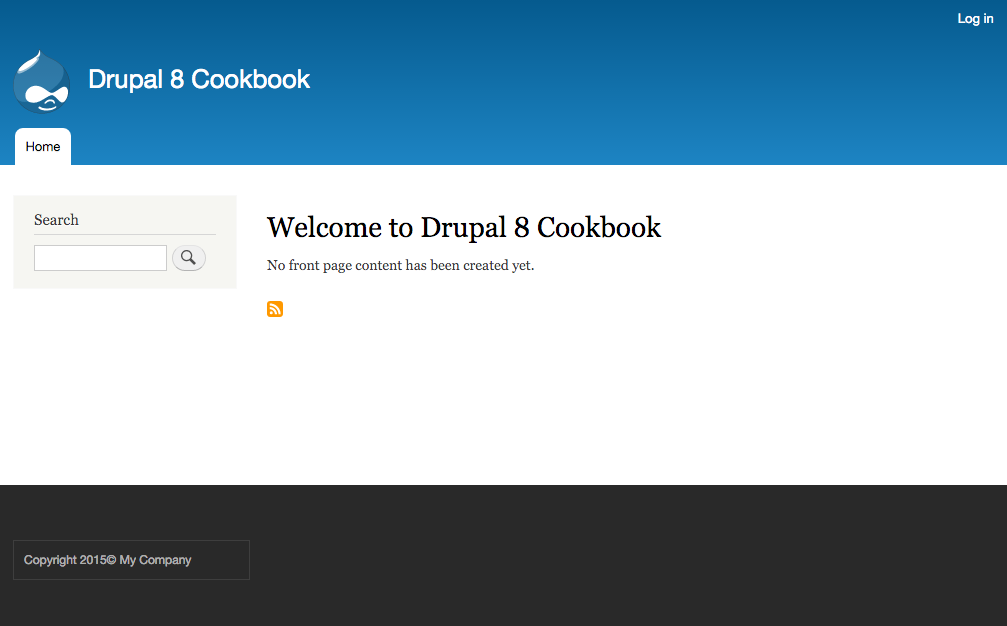
- View your Drupal site, and verify that the copyright statement will always keep the year dynamic: