
- Go to Extend and install the Configuration Translation module. It will prompt you to enable the Interface Translation, Language, File, and Field modules to be installed, if they are not.
- After the module is installed, go to Configuration. Then, go to the Configuration translation page under the Regional and Language section.
- Click on the list for the Date format option in the configuration entity option table:
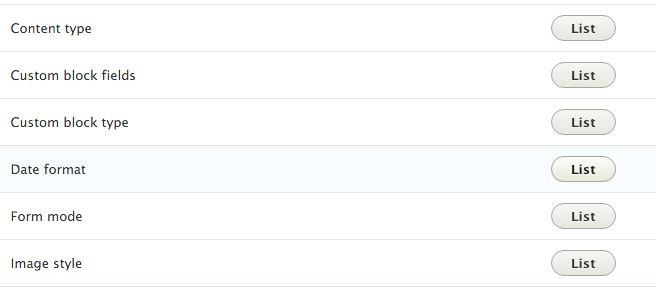
- We will translate the Default long date format to represent the Danish format. Click on the Translate for the Default long date format row.
- Click on Add to create a Danish translation:
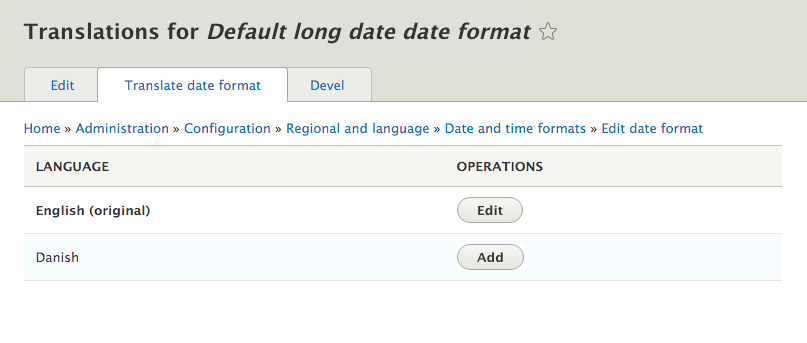
- For Danish, we will provide the following PHP date format: l j. F, Y - H.i. This will display the day of the week, the day of the month, the month, the full year, and the 24-hour notation for the time.
- Click on Save translation.
- Whenever a user is browsing your Drupal site with Danish as their language, the date format will now be localized for their experience.