- Firstly, we'll set up the controller. Create a src folder in your module's base directory and another folder named Controller inside it.
- Create MyPageController.php that will hold the route's controller class:
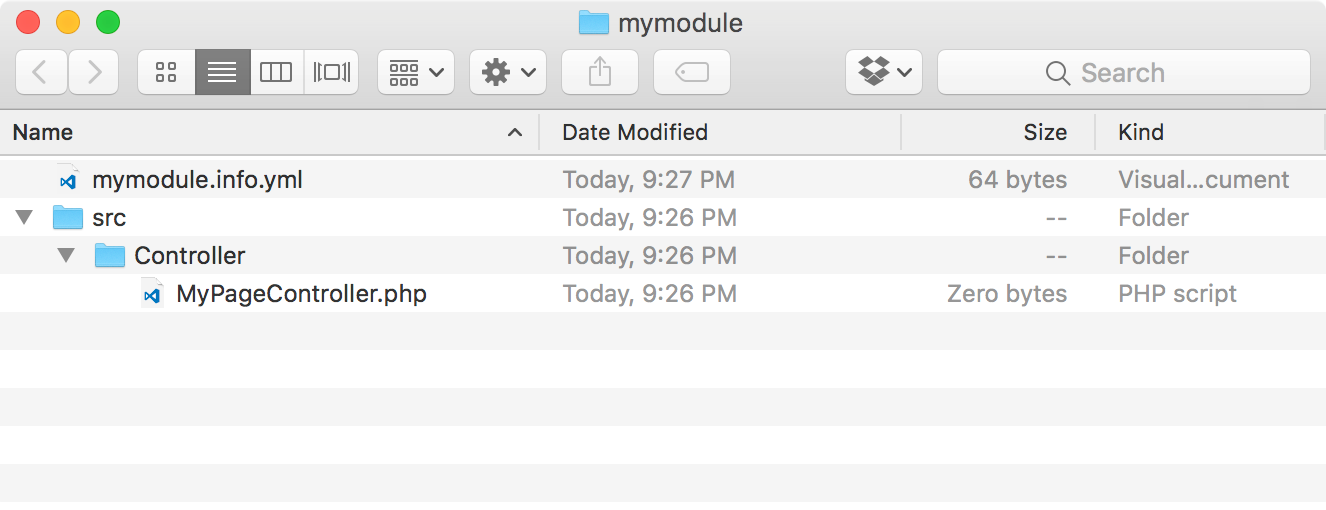
- The PSR-4 standard states that filenames match the class names they hold, so we will create a MyPageController class:
<?php

namespace Drupal\mymodule\Controller;

use Drupal\Core\Controller\ControllerBase;

/**
 * Returns responses for My Module module.
 */
class MyPageController extends ControllerBase {

}
This creates the MyPageController class, which extends the \Drupal\Core\Controller\ControllerBase class. This base class provides a handful of utilities for interacting with the container.
The Drupal\mymodule\Controller namespace allows Drupal to automatically load the file from /modules/mymodule/src/Controller.
- Next, we will create a method that returns a string of text in our class. Add the following method to our MyPageController class:
/**
 * Returns markup for our custom page.
 */
public function customPage() {
  return [
    '#markup' => t('Welcome to my custom page!'),
  ];
}
The customPage method returns a render array that the Drupal theming layer can parse. The #markup key denotes a value that does not have any additional rendering or theming processes.
- Create a mymodule.routing.yml file in the base directory of your module so that a route can be added to this controller and method.
- The first step is to define the route's internal name for the route to be referenced by:
mymodule.mypage:
- Give the route a path (mypage):
mymodule.mypage:
  path: '/mypage'
- The defaults key allows us to provide the controller with a fully qualified class name, the method to use, and the page's title:
mymodule.mypage:
  path: '/mypage'
  defaults:
    _controller: '\Drupal\mymodule\Controller\MyPageController::customPage'
    _title: 'My custom page'
You need to provide the initial \ when providing the fully qualified class name.
Remember that Drupal uses PSR-4 autoloading. Drupal is able to determine that a class with the namespace of \Drupal\mymodule\Controller is in the /path/to/drupal/modules/mymodule/src/Controller directory.
- Lastly, define a requirements key to set the access callback:
mymodule.mypage:
  path: '/mypage'
  defaults:
  _controller: '\Drupal\mymodule\Controller\MyPageController::customPage'
  _title: 'My custom page'
requirements:
  _permission: 'access content'
- Go to Configuration, and then Performance in the DEVEOLOPMENT section, and click on Clear all caches button to rebuild Drupal's routes.
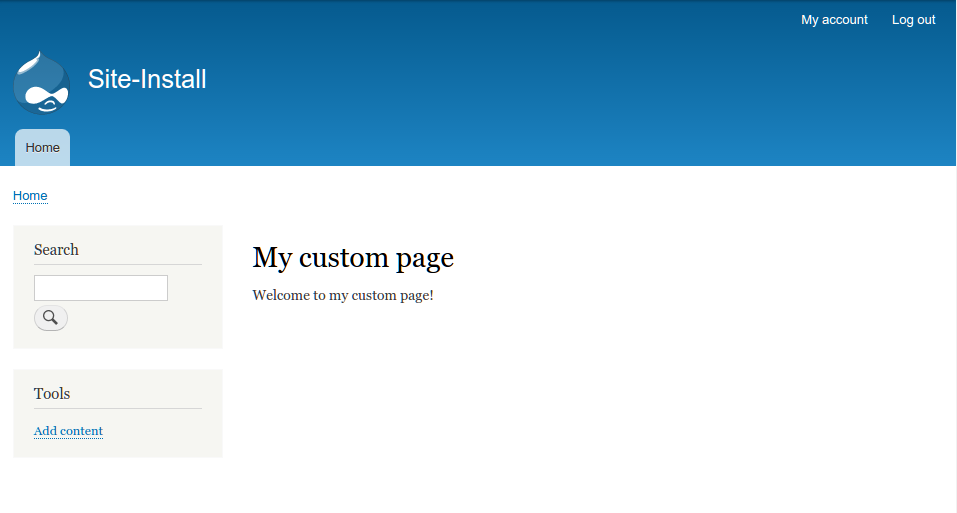
- Go to /mypage on your Drupal site and view your custom page: