Both Drush and Drupal Console support the ability to edit the configuration through the command line in YAML format. Both the tools operate in the same fashion and have similar command names:
- Drush: config-edit [name]
- Console: config:edit [name]
The difference is that Drush will list all the available options to be edited if you do not pass a name, while Console allows you to search.
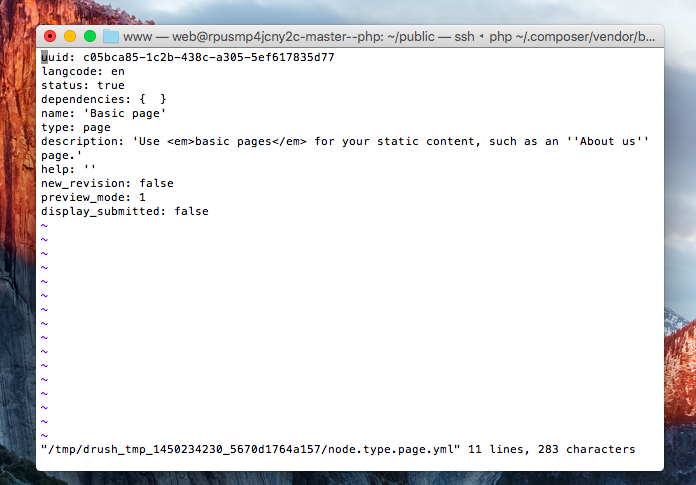
When you edit a configuration item, your default terminal-based text editor will open. You will be presented with a YAML file that can be edited. Once you save your changes, the configuration is then saved on your Drupal site: