- Use the role-create command to create a new role labeled staff:
$ drush role-create staff
 Created "staff"
- Use the role-lists command to verify that the role was created in Drupal:
$ drush role-list
ID Role Label
anonymous Anonymous user
authenticated Authenticated user
administrator Administrator
staff Staff
- The user-create command will create our user:
$ drush user-create staffmember
User ID : 2
User name : staffmember
User roles : authenticated
User status : 1
- In order to add the role, we will need to use the user-add-role command:
$ drush user-add-role staff staffmember
Added role staff role to staffmember
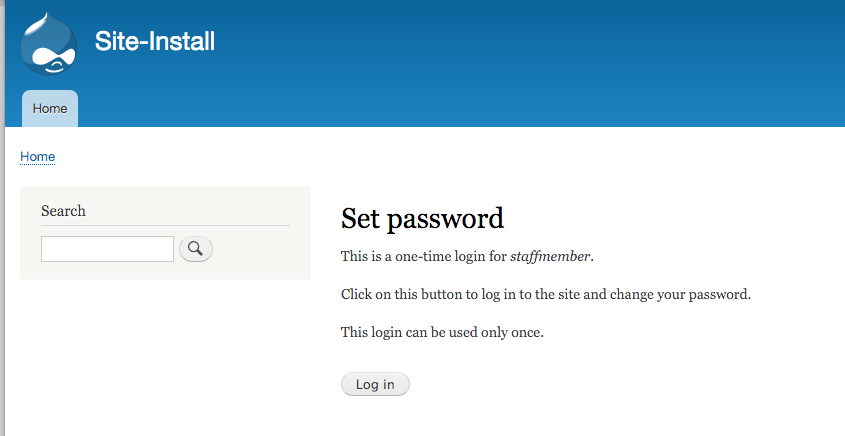
- We will now log in as the staffmember user using the user-login command:
$ drush user-login staffmember --uri=http://example.com
http://example.com/user/reset/2/1452810532/Ia1nJvbr2UQ3Pi_QnmITlVgcCWzDtnKmHxf-I2eAqPE
- Copy the link and paste it in your browser to log in as that user: