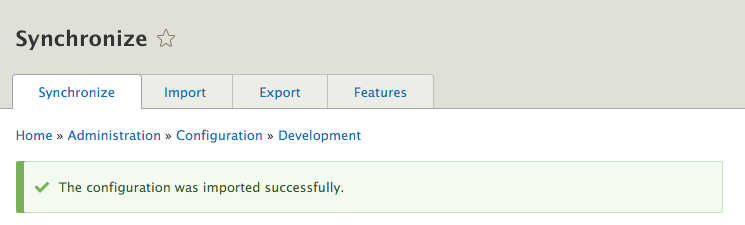
- Go to the development site. Modify the site to simulate creating changes that need to be deployed to our other Drupal site.
- For example, let's modify the site's name; go to the Configuration page and the Basic site settings form.
- From the Configuration page, go to Configuration synchronization.
- Navigate to the Export tab; we will land on the Full archive page. Click on the Export button to begin the export and download process:
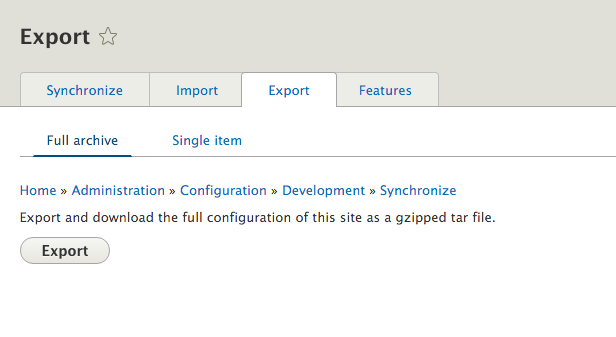
- Save the gzipped archive; this contains an archive of all the site's configuration as YAML.
- Navigate to your other Drupal site and then to its Configuration synchronization page.
- Click on the Import tab and then on the Full archive tab. Use the Configuration archive file input, and click on Choose File to select the tarball you just downloaded. Click on Upload to begin the import process.
- You will be taken to the Synchronize tab to review changes that need to be imported:
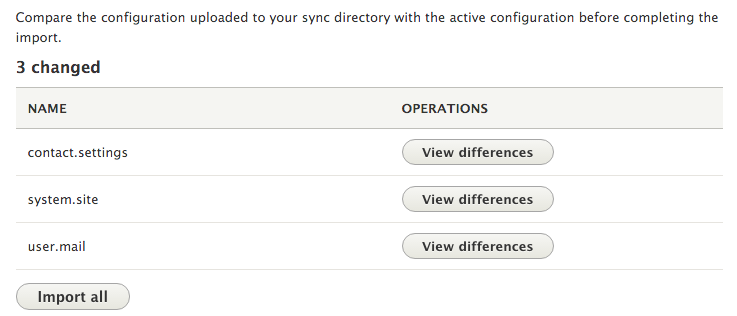
- Click on Import all to update the current site's configuration to the items in the archive.
- A batch operation will begin with the import process: