
- For the purpose of demonstration, change your development site's name to Drush Config Sync Demo!. This way, there is at least one configuration change to be imported to the production Drupal site.
- Open a command-line terminal and change your directory to the working directory of your development Drupal site.
- Use the drush config-export command to export the configuration to a directory. The command will default to the sync configuration directory defined in your Drupal 8 site.
If you have not explicitly defined a sync directory, Drupal automatically creates a protected folder in the current site's uploaded files' directory, with a unique hash suffix on the directory name.
- You will receive a message that the configuration has been exported to the directory.
- Using a method of your choice, copy the contents of the configuration sync folder to your other Drupal sites that match the configuration sync folder. For example, a default folder generated by Drupal can be sites/default/files/config_XYZ/sync.
- Open a command-line terminal and change your directory to your production Drupal site's working directory.
- Use the drush config-import command to begin the process of importing your configuration.
- Review the changes made to the configuration entity keys and enter y to confirm the changes:
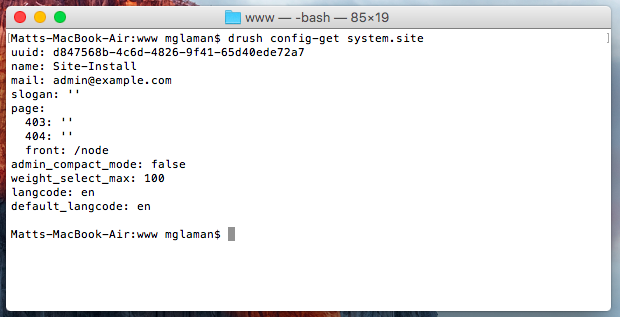
- Check whether your configuration changes have been imported.