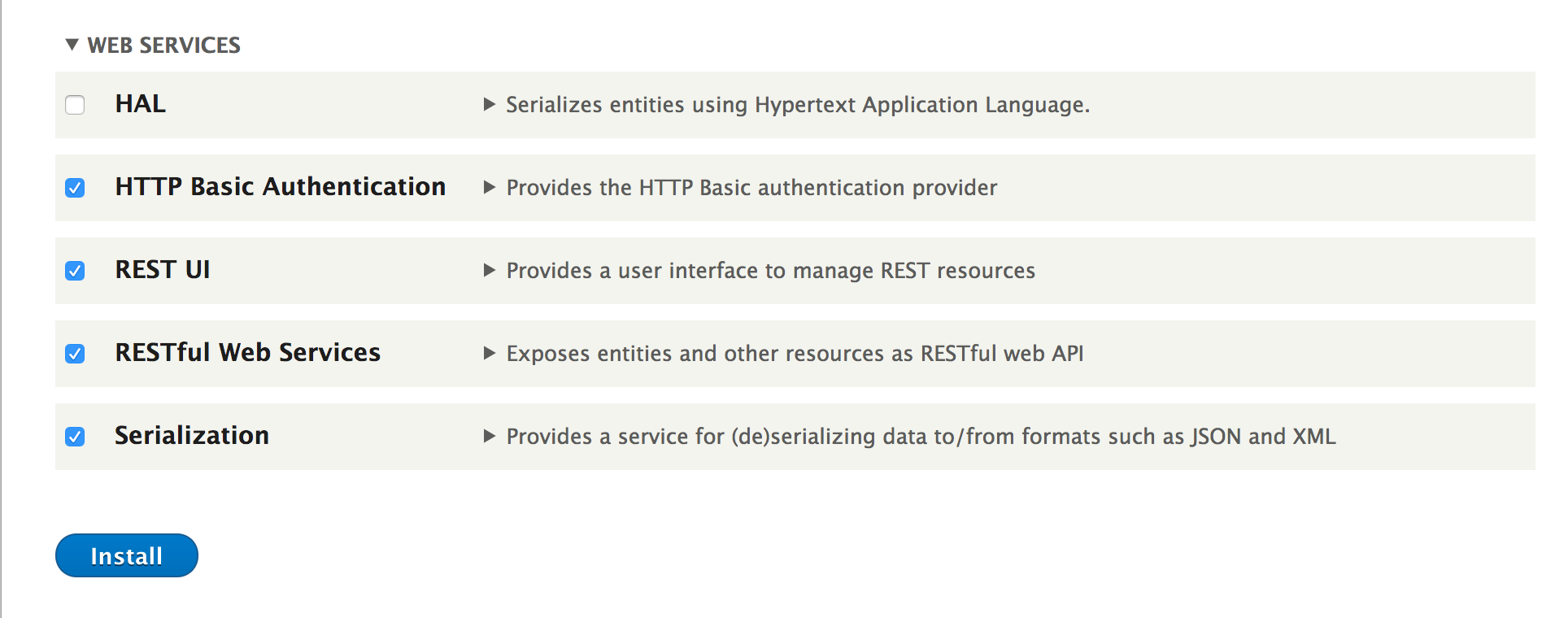
- Go to Extend from the administrative toolbar and install the following Web Services modules: Serialization, RESTful Web Services, REST UI, and HTTP Basic Authentication:
- Go to Configuration and click on REST under Web Services to configure the available endpoints.
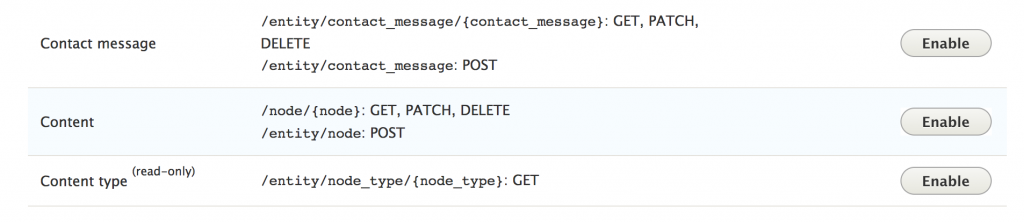
- Click on the Enable button for the Content row:
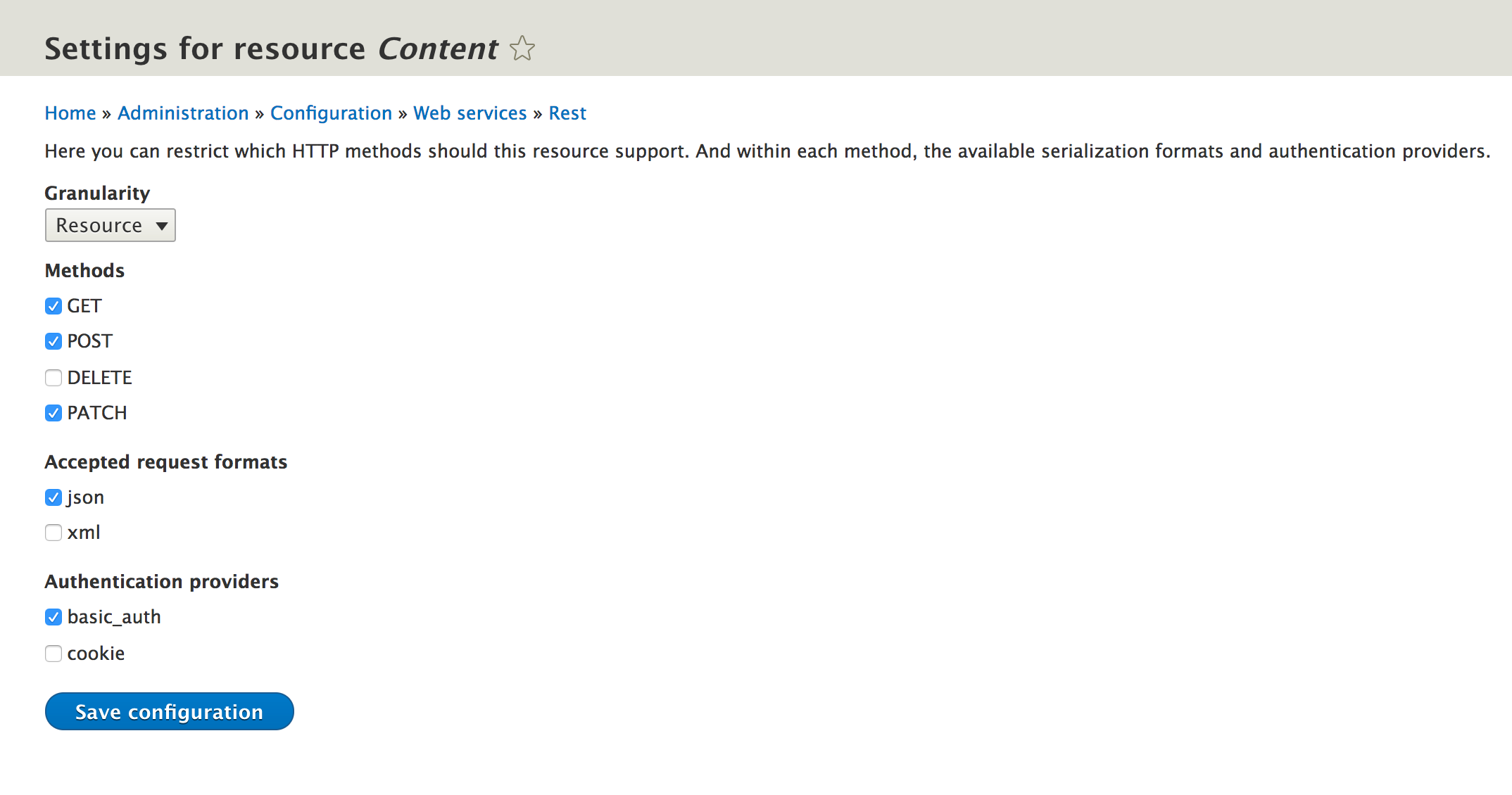
- With the endpoint enabled, it must be configured. Check the GET, POST, and PATCH methods checkbox to allow the GET, POST, and PATCH requests. Then, check the json checkbox so that data can be sent as JSON. Check the basic_auth checkbox and then save it:
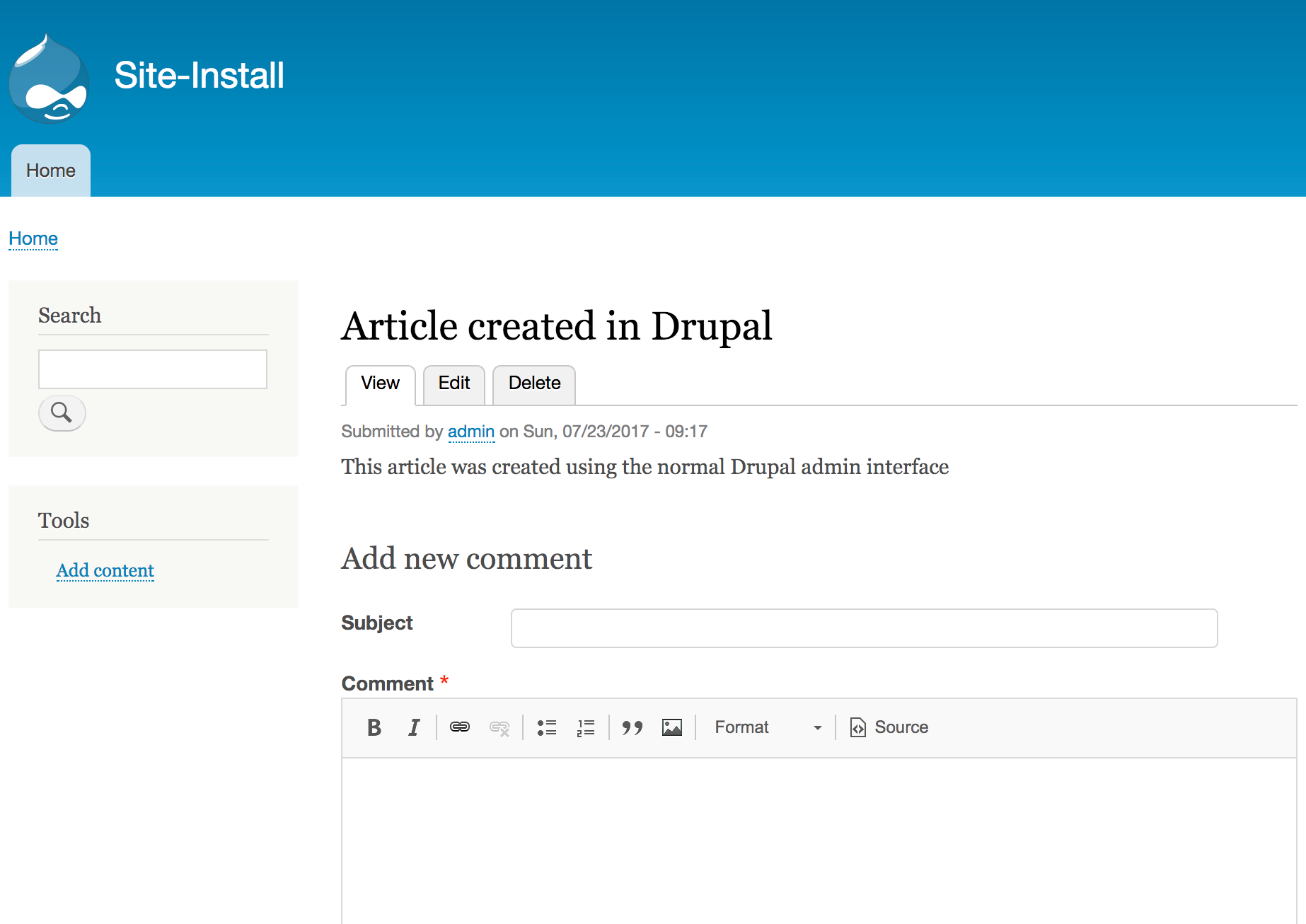
- Create a sample Article node on your Drupal site that you will modify using the REST endpoint. Ensure that you note its path. You will use the same path later in our request (for example, /node/4). This will also show you the node's ID:
- Then, start building your JSON payload. You must provide the identifier (nid) value for the existing node and the content type (type) value. Ensure that you provide the value of nid, which matches your current node:
{
   "nid" : {
      "value" : 4
   },
   "body" : {
      "value" : "This article was updated using the RESTful API endpoint!"
   },
   "type" : "article"
}
- Before you send your JSON payload, you will need to retrieve a CSRF token. You can do this by performing a GET request against /session/token. Then, use the returned value in your POST request header:
curl -X GET http://127.0.0.1:8888/session/token
- You can send the request that contains your body payload to the /node/4?_format=json, where /node/4 matches the path of the node you would like to edit, path through an HTTP PATCH request to create our node:
curl -X PATCH \
  'http://127.0.0.1:8888/node/4?_format=json' \
  -u admin:admin \
  -H 'x-csrf-token: MAjbBsIUmzrwHQGNlXxvGMZQJzQCDZbmtecstzbk5UQ' \
  -d '{
  "type": "article",
  "nid": {"value": 4},
  "body": {"value": "This article was updated using the RESTful API endpoint!!"}
}
'
- A successful request will return a 200 header code and the full values of the updated node.
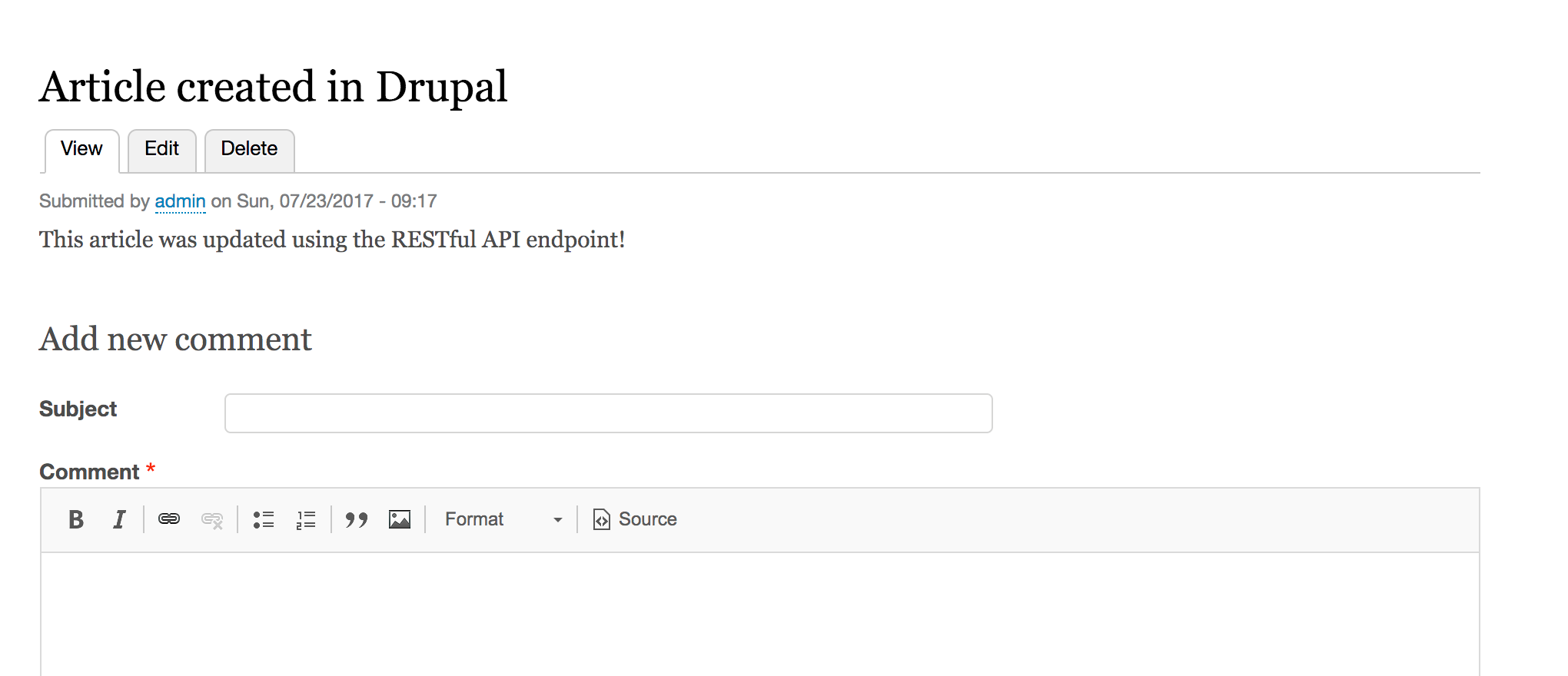
- View your Drupal site and verify that the node was created, by going to /node/{nid}, using the node ID from the request response: