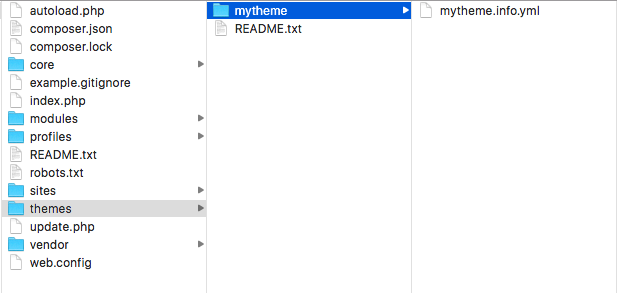
- In the root directory of your Drupal site, create a folder called mytheme in the themes folder.
- Inside the mytheme folder, create a mytheme.info.yml file so that Drupal can discover the theme. We will then edit this file:
- First, we will need to define the themes name using the name key:
name: My Theme
- All the themes need to provide a description key, that will be displayed on the Appearance page:
description: My custom theme
- Next, we will need to define the type of extension, that is, a theme and the version of core that is supported:
type: theme
core: 8.x
- The base theme call allows us to instruct Drupal to use a specific theme as a base:
base theme: classy
- The final item is a regions key that is used to define the regions of the blocks that can be placed, which is a YAML-based array of key/value pairs:
regions:
  header: 'Header'
  primary_menu: 'Primary menu'
  page_top: 'Page top'
  page_bottom: 'Page bottom'
  breadcrumb: 'Breadcrumb'
  content: 'Content'
Regions are rendered in the page template file, which will be covered in the next recipe, Twig templates.
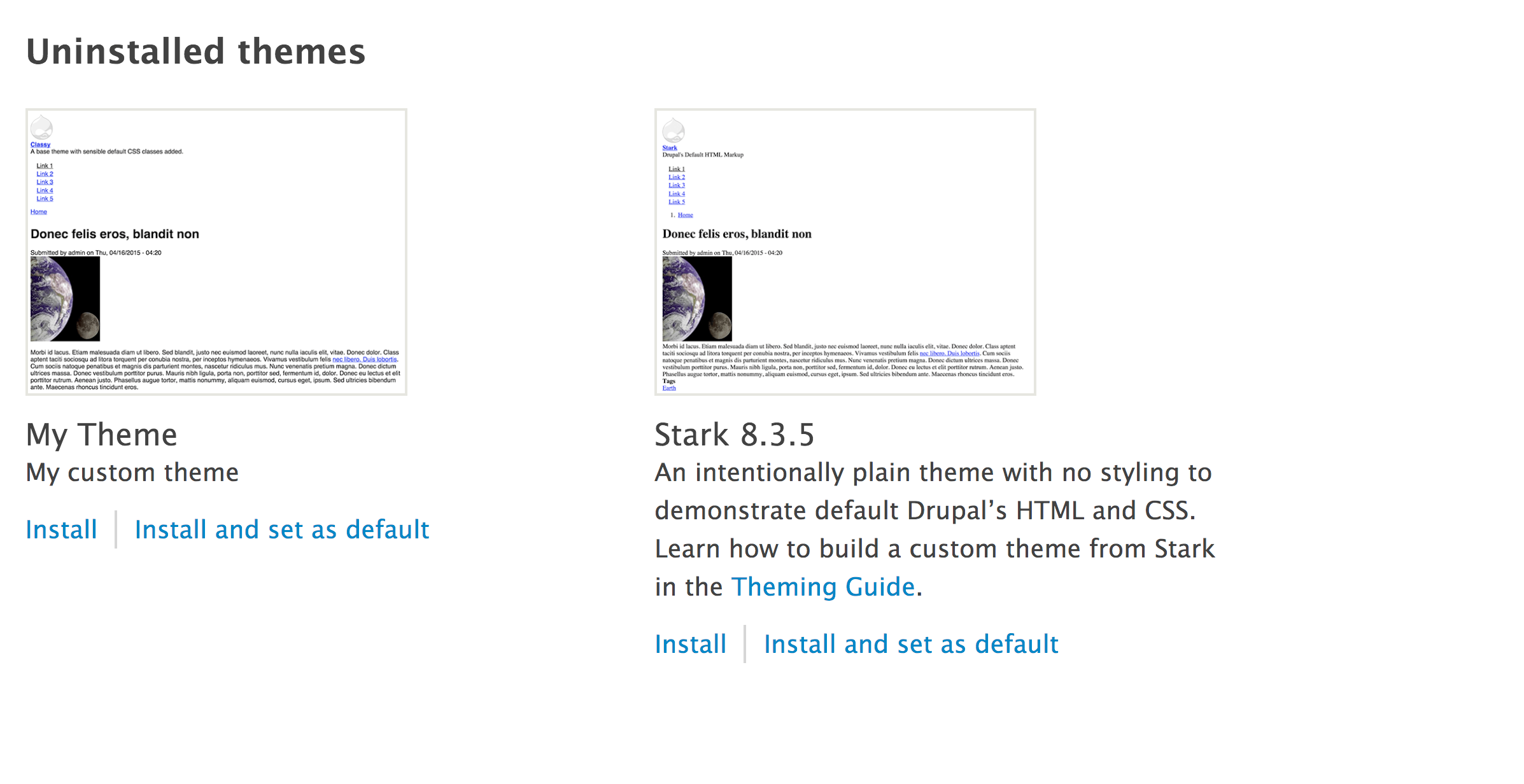
- Log in to your Drupal site, and go to Appearance from the administrative toolbar.
- Click on Install and set default in the My theme entry to enable and use the new custom theme: