- First, we will install the Features module using Composer, which will also download its dependency, the Configuration Update Manager module:
$ cd /path/to/drupal8
$ composer require drupal/features
- Go to Extend and install the Features UI module, confirming the requirements to install Features and Configuration Update Manager as well.
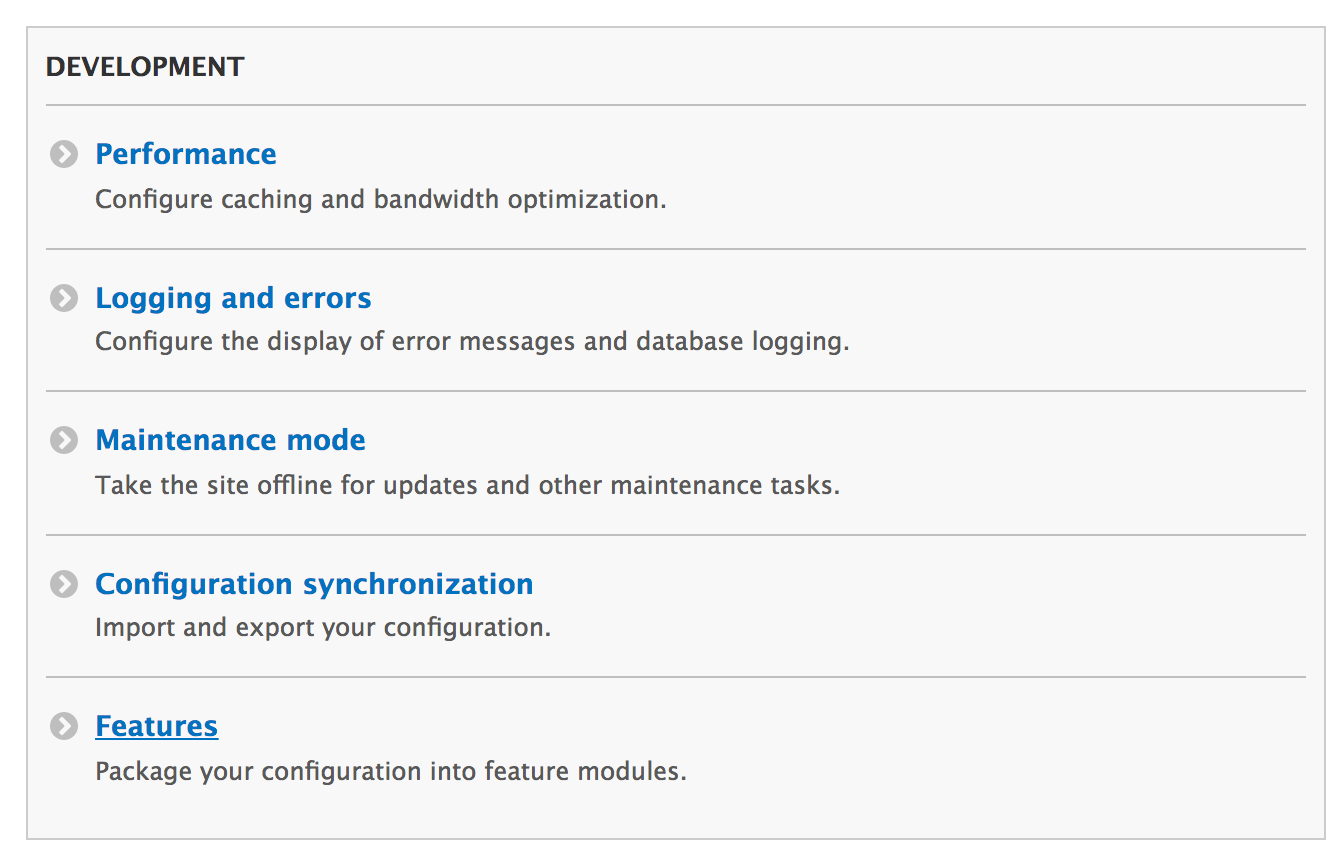
- Go to Configuration, and in the DEVELOPMENT section, you will find the link to access the Features user interface; click on Features:
- Click on Create new feature to start making a custom Feature module.
- Provide a Name for the feature, such as Content Authoring.
- Optionally, you can provide a description. This acts as the description key in the module's info.yml.
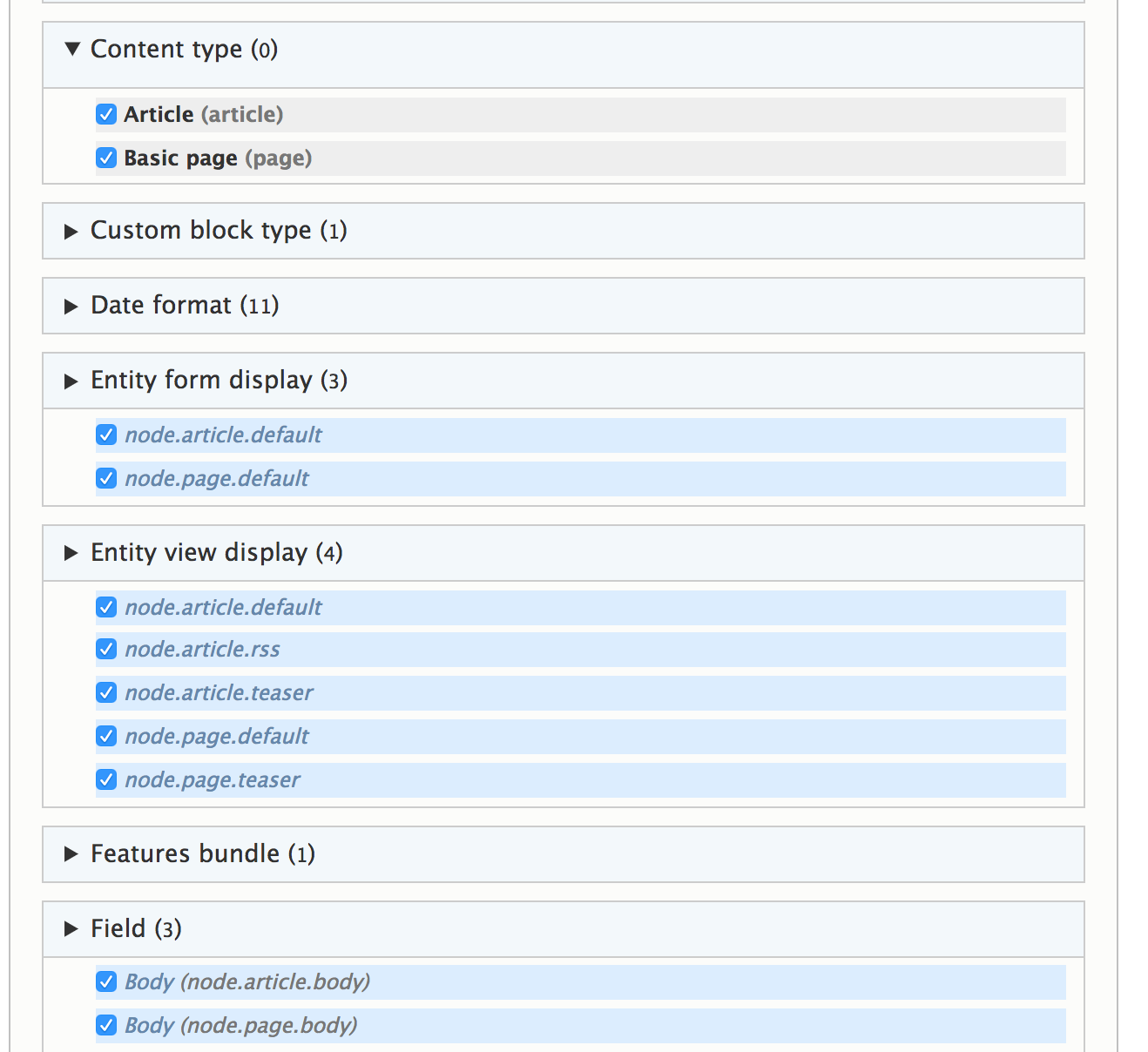
- Toggle the Content types grouping and check the Article and Basic Page checkboxes to mark them for export.
- The Features module will automatically add detected dependencies or important configuration items to also be exported, such as fields and view modes:
- Click on Write to write the module to export the module and configuration to the /modules/custom directory in your Drupal site.
- Go to Extend, search for the Content Authoring module, and install your newly created module.