
The Features UI provides a means to review changes to the feature's configuration that may have been made. If a configuration item controlled by a feature module has been modified, it will show up under the differences section of the Features UI. This will allow you to import or update the Feature module with the change.
The Import option will force the site to use the configuration defined in the module's configuration YAML files. For example, in the following screenshot we have an exported content type whose description was modified in the user interface after being exported:
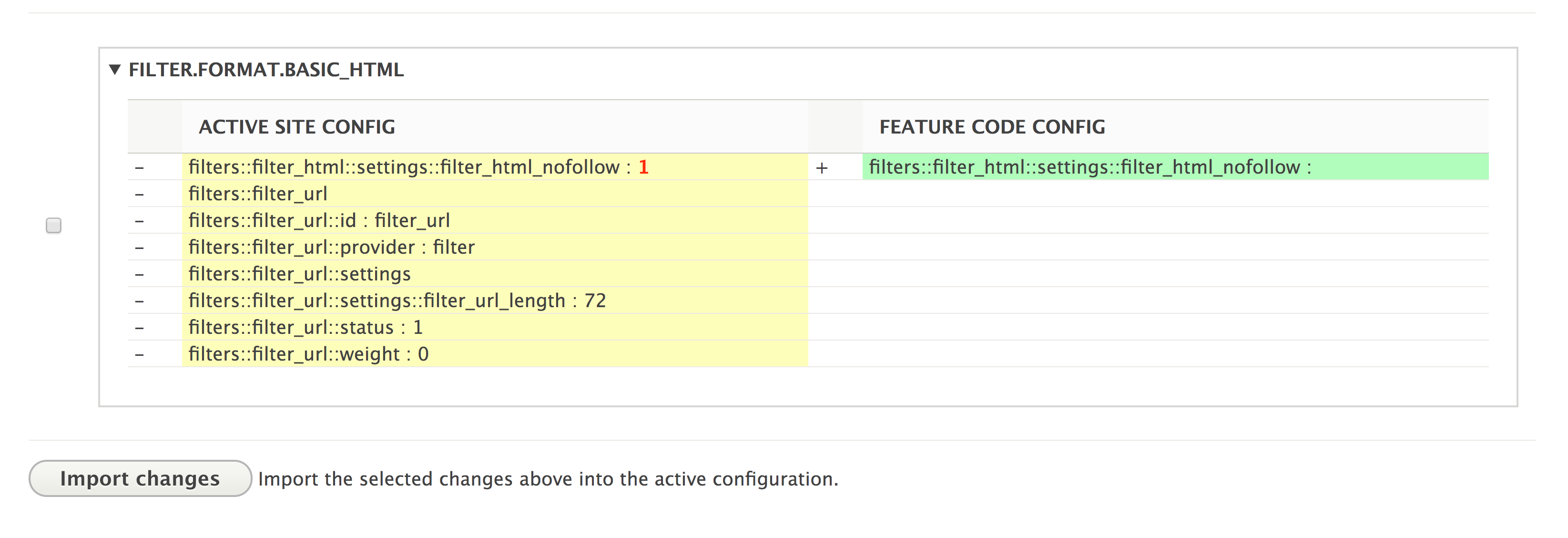
The difference created by the feature module is highlighted. If the difference was checked, and if you click on Import changes, the content type's description would be reset to that defined in the configuration.
From the main features overview table, the feature module can be re-exported to include the change and update the exported YAML files.