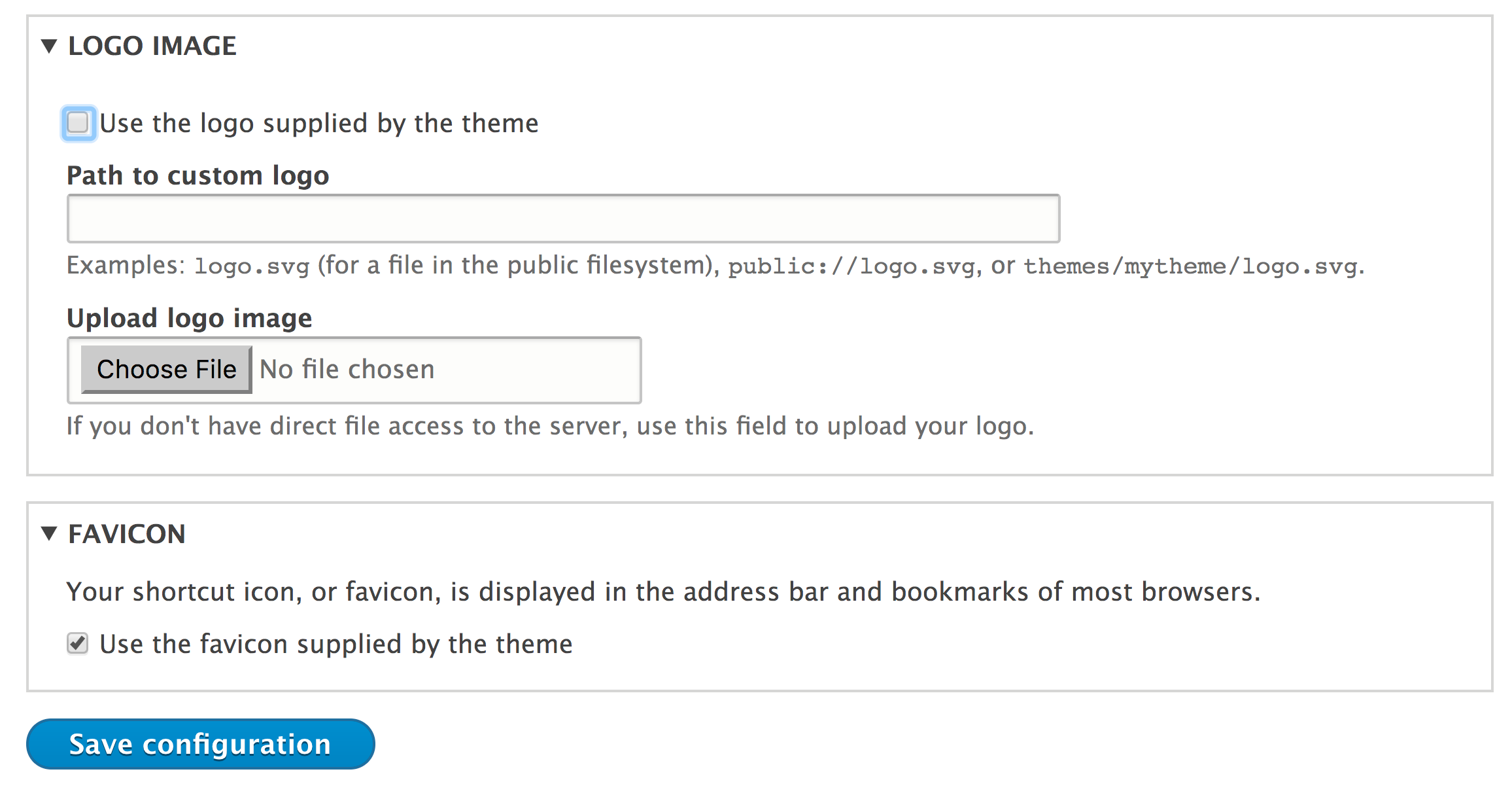
Drupal controls the site's favicon and logo settings as a theme setting. Theme settings are active on a theme-by-theme basis and are not global. Themes can provide a default logo by providing logo.svg in the theme root folder. A favicon.ico placed in a theme folder will also be the default value of the favicon for the website.
Currently, there is no way to specify a logo of a different file type for a theme. Previous versions of Drupal looked for logo.png. A feature has been planned for Drupal 8.5 to allow the themes to define the logo's filename and extension. Refer to the core issue for more information at https://www.drupal.org/node/1507896.
You can change the site's logo and favicon by navigating to Appearance and then clicking on Settings for your current theme. Unchecking the use default checkboxes for the favicon and logo settings allows you to provide custom files: