- Create a folder named mymodule in the modules folder in the base directory of your Drupal site. This will be your module's directory.
- Create a mymodule.info.yml file in your module's directory. This contains metadata that identifies the module to Drupal.
- Add a line to the name key to provide a name for the module:
name: My Module!
- We will need to provide the type key to define the type of extension. We provide the module value:
type: module
- The description key allows you to provide extra information about your module, which will be displayed on the module's list page:
description: This is an example module from the Drupal 8 Cookbook!
- All modules need to define the core key in order to specify a major release compatibility:
core: 8.x
- Save the mymodule.info.yml file, which resembles the following code:
name: My Module!
type: module
description: This is an example module from the Drupal 8 Cookbook!
core: 8.x
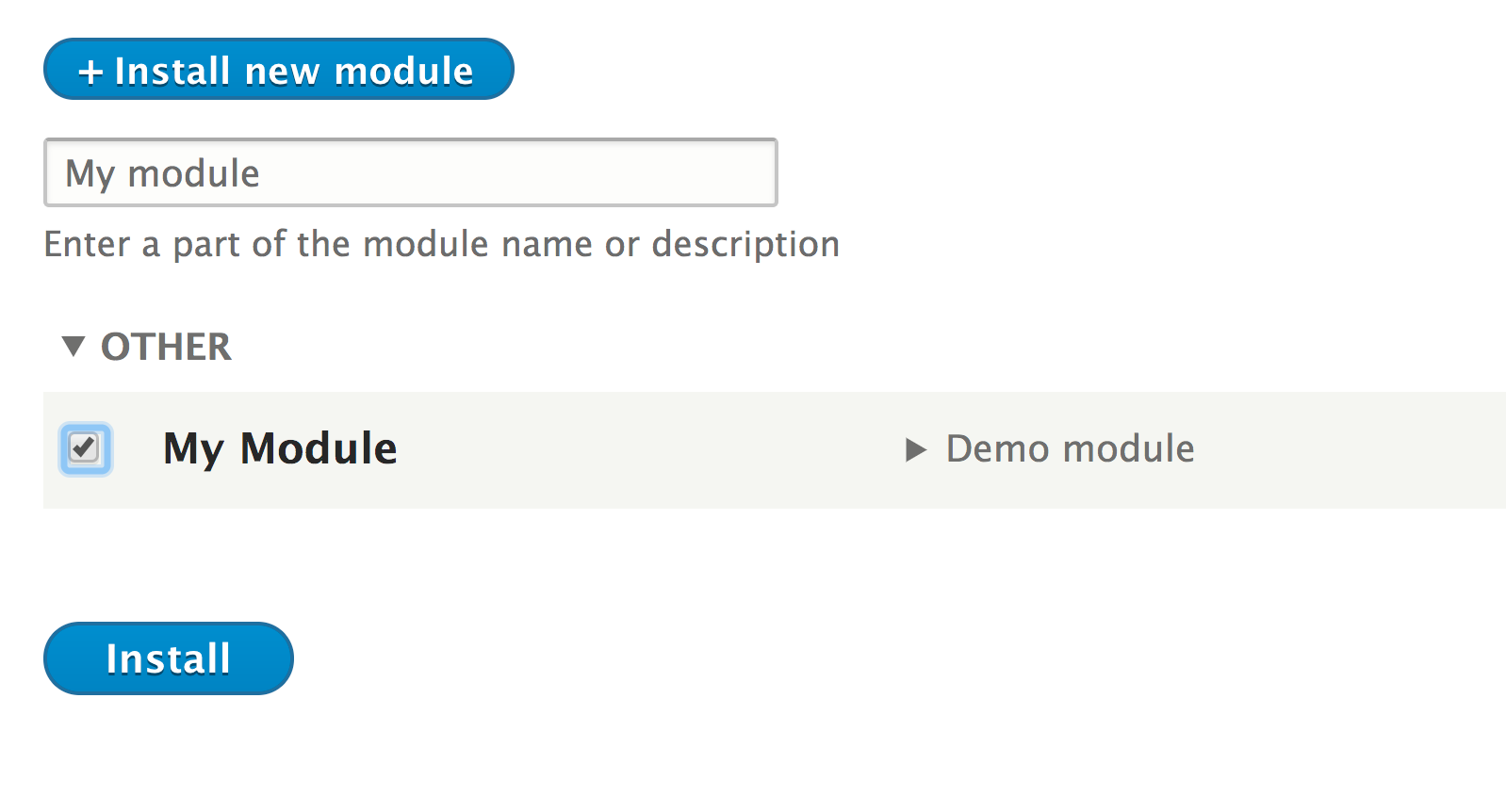
- Log in to your Drupal site and go to Extend from the administrative toolbar.
- Search for My Module to filter the list of options.
- Check the checkbox and click on Install to enable your module: