
Now, in Chapter 3, Filtering Traffic, we went through how to create columns in Wireshark, and this is another way of doing so and editing these columns:
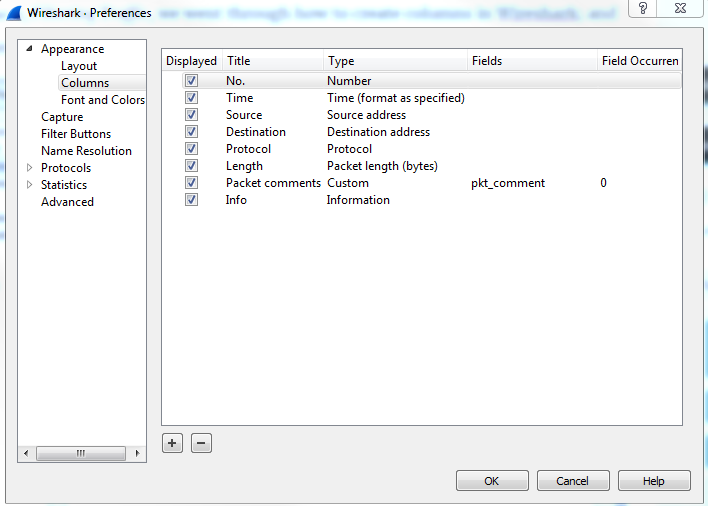
So, while you can right-click on a field within the packet details to create a column out of it, you can also create your own custom ones in here, or reorder or remove the different ones that are already there.