
When on your DigitalOcean dashboard, click into your cluster and go to the Nodes tab. Here, you should see that the nodes in your cluster have successfully been provisioned:
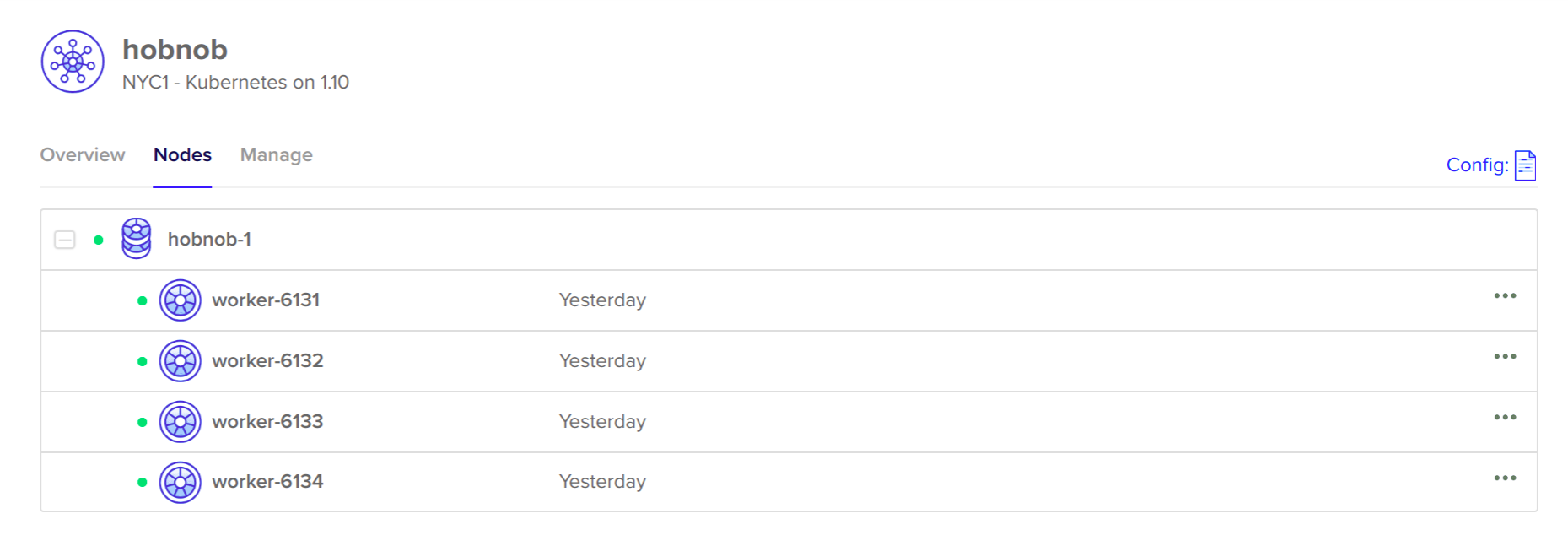
We can confirm this from the command line by running kubectl get nodes:
$ kubectl get nodes
NAME STATUS ROLES AGE VERSION
worker-6000 Ready <none> 17h v1.10.1
worker-6001 Ready <none> 17h v1.10.1
....
Because our current context is set to do-nyc1-hobnob, it will get the nodes on our remote cluster, and not the local cluster.
Now that the nodes are ready, how do we go about updating the Elasticsearch-specific settings mentioned previously? The simplest way is to SSH into each server and run the following three sets of commands:
# sysctl -w vm.max_map_count=262144
# ulimit -n 65536
However, this becomes unmanageable once we have a large number of servers. Instead, we can use a tool called pssh.