
Now, our Jenkins server should be available on port 80, but we are still accessing our server via an IP address. Therefore, the next step is to configure our DNS records to direct traffic destined for jenkins.hobnob.social to our VPS.
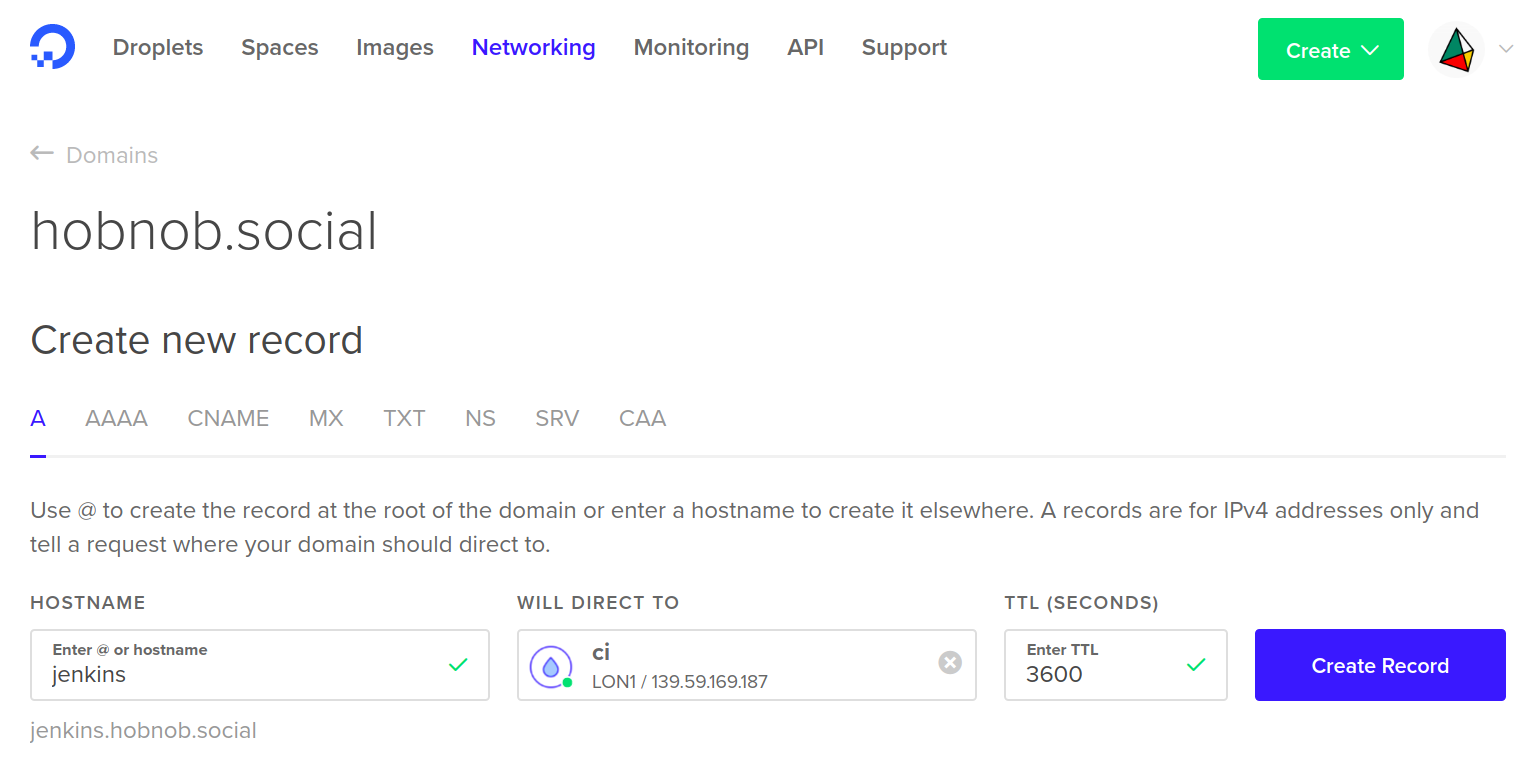
On DigitalOcean, go to the Networking tab at the top and add a new A record pointing the hostname jenkins.hobnob.social to our VPS instance:
Now, our Jenkins server instance should be available at jenkins.hobnob.social.