
The easiest component of our application to Dockerize is Elasticsearch. It is easy because we don't need to write our own Dockerfile – the Docker image for the most current versions of Elasticsearch are already provided by Elastic. We just need to download the image and run them in place of our local Elasticsearch installation.
Elastic provides three types of Elasticsearch images:
- elasticsearch (basic): Elasticsearch with X-Pack Basic features pre-installed and automatically activated with a free license
- elasticsearch-platinum: Elasticsearch with all X-Pack features pre-installed and activated using a 30-day trial license
- elasticsearch-oss: Only Elasticsearch
We won't be needing X-Pack, and so we will use the elasticsearch-oss flavor.
Go to Elastic's Docker Registry at https://www.docker.elastic.co/:
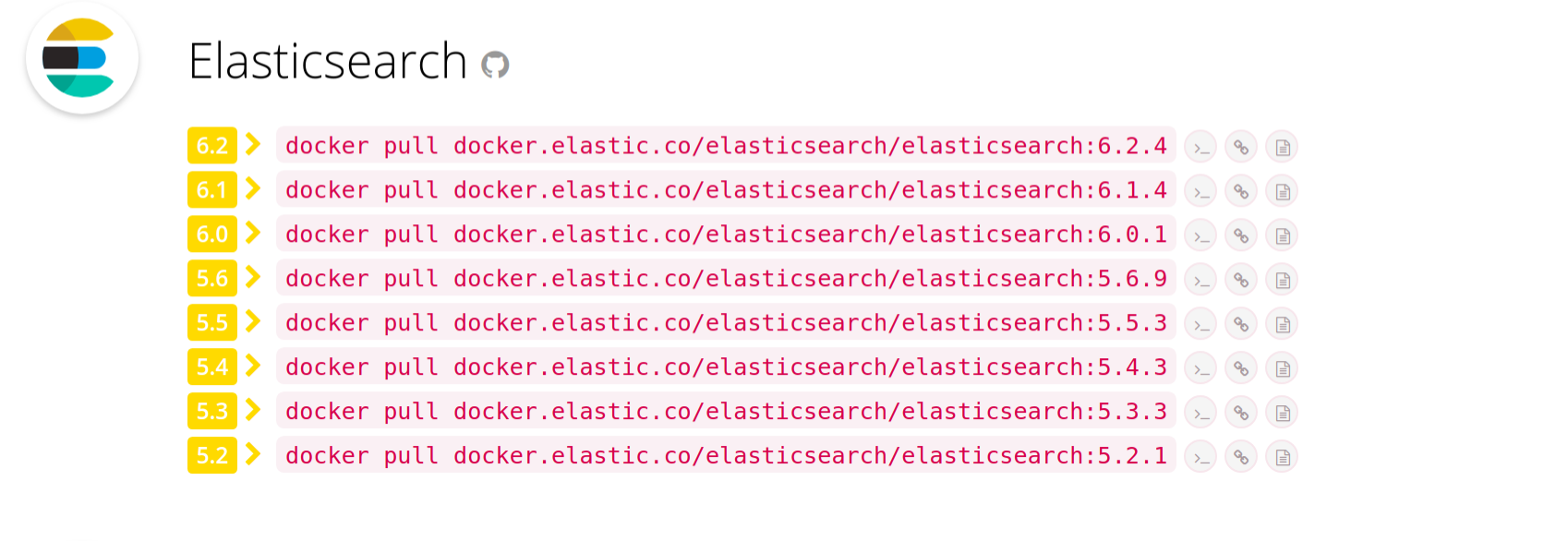
Then, run the docker pull command to get the most recent version of Elasticsearch, making sure to replace elasticsearch with elasticsearch-oss:
$ docker pull docker.elastic.co/elasticsearch/elasticsearch-oss:6.2.4
6.2.4: Pulling from elasticsearch/elasticsearch-oss
469cfcc7a4b3: Pull complete
8e27facfa9e0: Pull complete
cdd15392adc7: Pull complete
19ff08a29664: Pull complete
ddc4fd93fdcc: Pull complete
b723bede0878: Pull complete
Digest: sha256:2d9c774c536bd1f64abc4993ebc96a2344404d780cbeb81a8b3b4c3807550e57
Status: Downloaded newer image for docker.elastic.co/elasticsearch/elasticsearch-oss:6.2.4
All Elasticsearch Docker images use centos:7 as the base image. Here, 469cfcc7a4b3 is the layer that comprises the centos:7 image, and you can see that subsequent layers are built on top of that.
We can verify that the image is downloaded properly by running docker images:
$ docker images
REPOSITORY                                          TAG    IMAGE ID      SIZE
docker.elastic.co/elasticsearch/elasticsearch-oss   6.2.4  3822ba554fe9  424MB
Docker stores its files under /var/lib/docker. The metadata for all Docker images can be found at /var/lib/docker/image/overlay2/imagedb/content/sha256/, and the contents of the images themselves can be found at /var/lib/docker/overlay2. For our elasticsearch-oss image, we can view its metadata inside the file at /var/lib/docker/image/overlay2/imagedb/content/sha256/3822ba554fe95f9ef68baa75cae97974135eb6aa8f8f37cadf11f6a59bde0139.
overlay2 signifies that Docker is using OverlayFS as its storage driver. In earlier versions of Docker, the default storage driver was AUFS. However, it’s been superseded by OverlayFS as the latter is faster and has a simpler implementation. You can find out which storage driver Docker is using by running docker info and looking at the value of the SD field.