
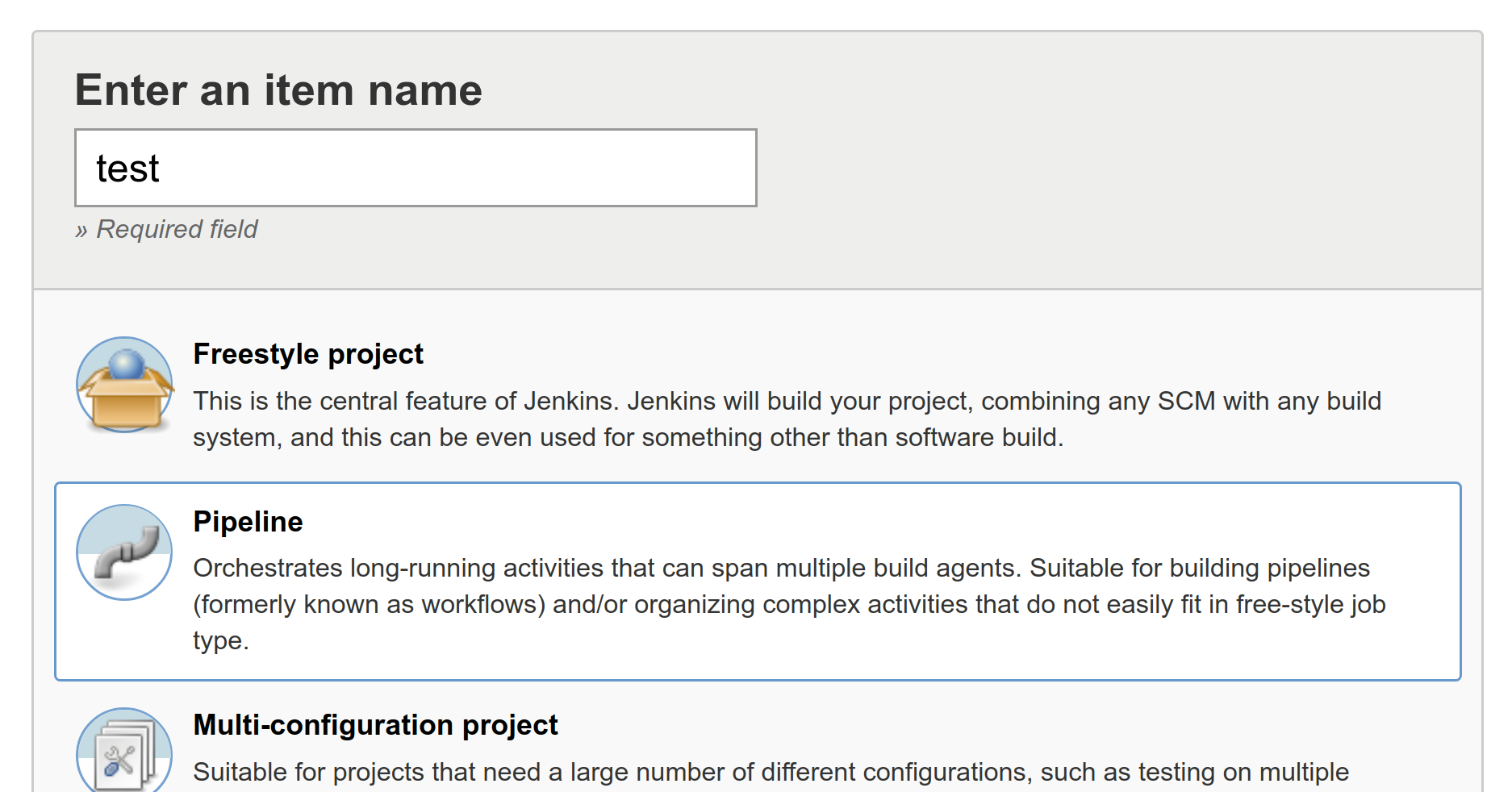
Navigate to http://jenkins.hobnob.social/job/backend/ and click on the New Item link again, but this time select the Pipeline option:
In the General section, check the GitHub project checkbox and paste in the URL to your GitHub project:

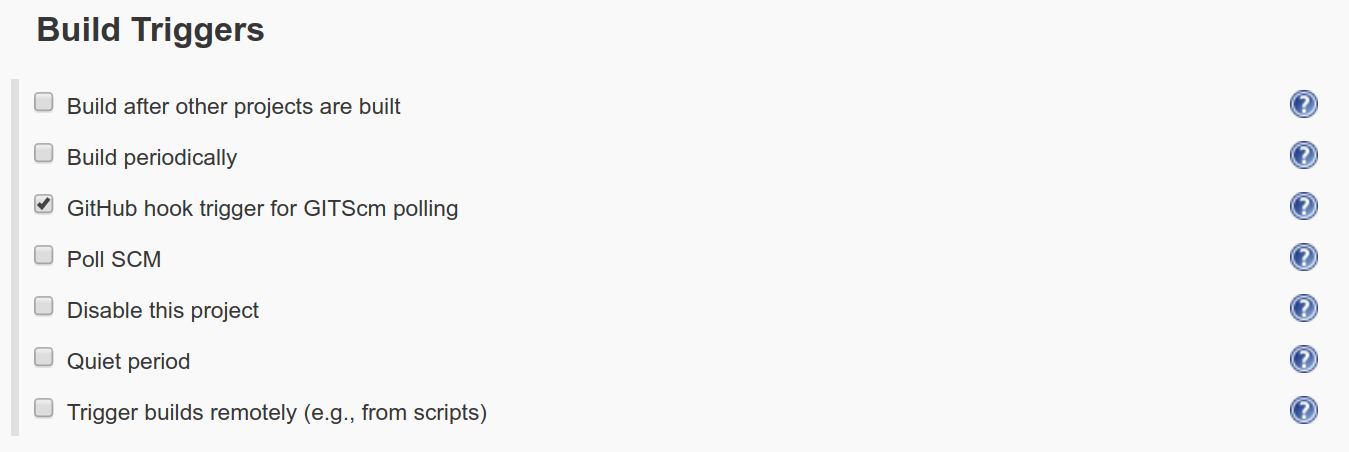
Then, in the Build Triggers section, check the option for GitHub hook trigger for GITScm polling. This means this pipeline will be executed every time our webhook endpoint (http://jenkins.hobnob.social/github-webhook/) receives a message from GitHub related to this GitHub project:
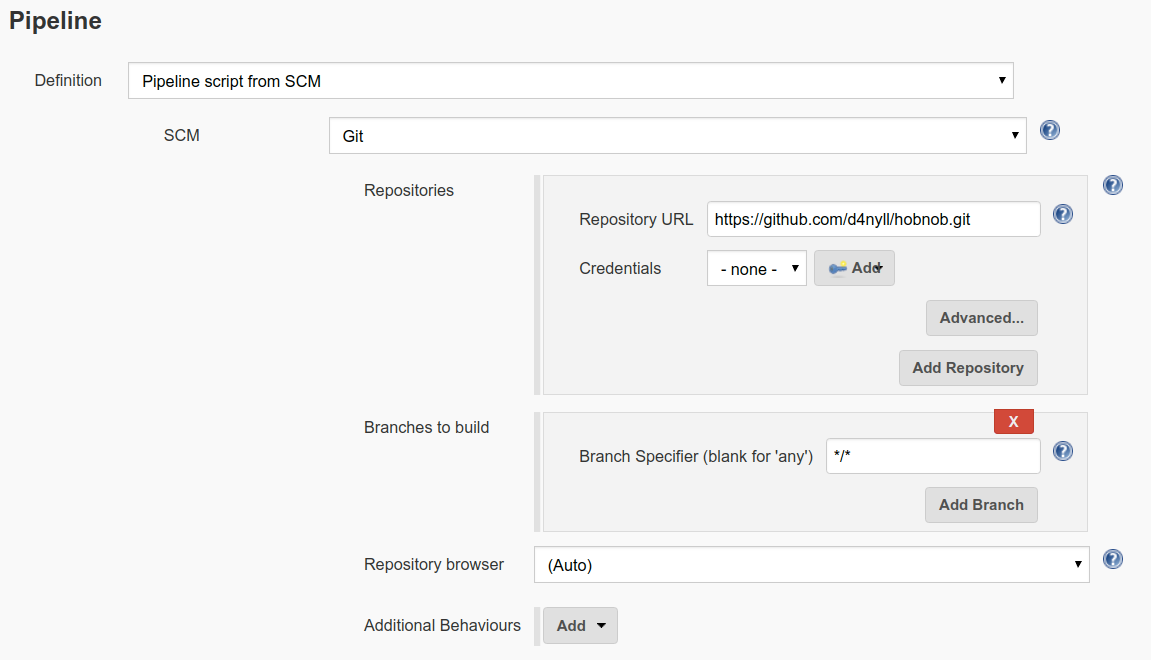
Next, under the Pipeline section, select Pipeline script from SCM and make sure Script Path is set to Jenkinsfile. This will tell Jenkins to use the Jenkins file from the repository. Then, click on Add repository and paste in the repository URL. Lastly, in Branches to build, enter the value */* so that the pipeline will trigger based on changes on any branch:
Save the pipeline, and move on to running our first build!