
First, go to https://hub.docker.com/ and create an account with Docker Hub. Make sure to verify your email.
Then, click on Create | create Repository at the top navigation. Give the repository a unique name and press Create. You can set the repository to Public or Private as per your own preferences (at the time of writing this book, Docker Hub provides one free private repository):
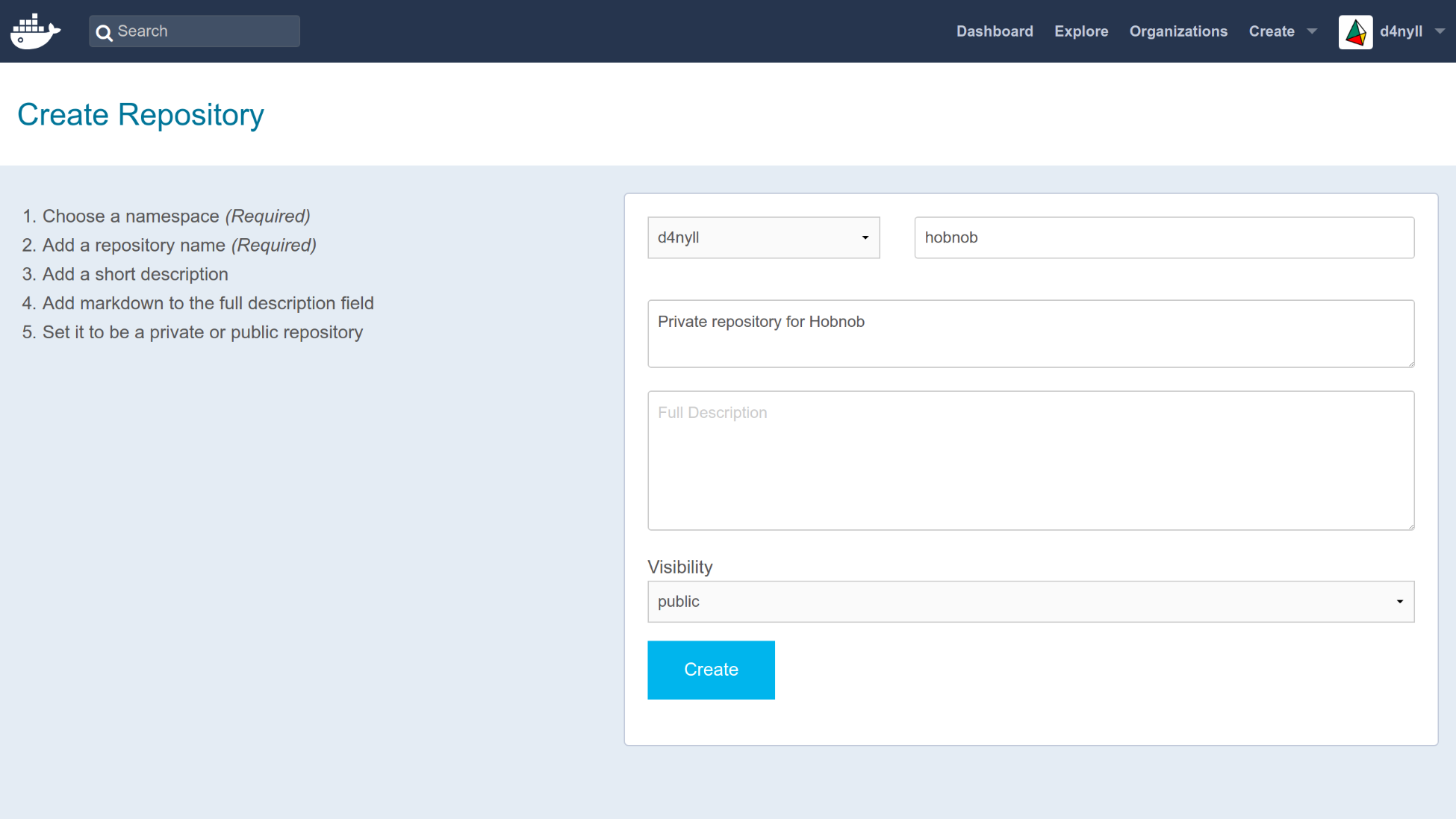
The repository can be identified using <namespace>/<repository-name>, where the namespace is simply your Docker Hub username. You can find it on Docker Hub via the URL hub.docker.com/r/<namespace>/<repository-name>/.
If you have an organization, the namespace may be the name of the organization.
Next, return to your terminal and login using your Docker Hub credentials. For example, my Docker Hub username is d4nyll, so I would run the following:
$ docker login --username d4nyll
Enter your password when prompted, and you should see a message informing you of your Login Succeeded. Next, build the image (if you haven't already):
$ docker build -t hobnob:0.1.0 . --no-cache
Sending build context to Docker daemon 359.4kB
Step 1/13 : FROM node:8-alpine as builder
...
Successfully built 3f2d6a073e1a
Then, tag the local image with the full repository name on Docker Hub, as well as a tag that'll appear on Docker Hub to distinguish between different versions of your image. The docker tag command you should run will have the following structure:
$ docker tag <local-image-name>:<local-image-tag> <hub-namespace>/<hub-repository-name>:<hub-tag>
In my example, I would run the following:
$ docker tag hobnob:0.1.0 d4nyll/hobnob:0.1.0
Lastly, push the image onto Docker Hub:
$ docker push d4nyll/hobnob
The push refers to repository [docker.io/d4nyll/hobnob]
90e19b6c8d6d: Pushed
49fb9451c65f: Mounted from library/node
7d863d91deaa: Mounted from library/node
8dfad2055603: Mounted from library/node
0.1.0: digest: sha256:21610fecafb5fd8d84a0844feff4fdca5458a1852650dda6e13465adf7ee0608 size: 1163
Confirm it has been successfully pushed by going to https://hub.docker.com/r/<namespace>/<repository-name>/tags/. You should see the tagged image appear there.