
Next, go to our Hobnob repository on GitHub and select Settings | Integrations & services. You should see a list of services that hook onto events on GitHub, including the Travis service we added at the beginning of this chapter:
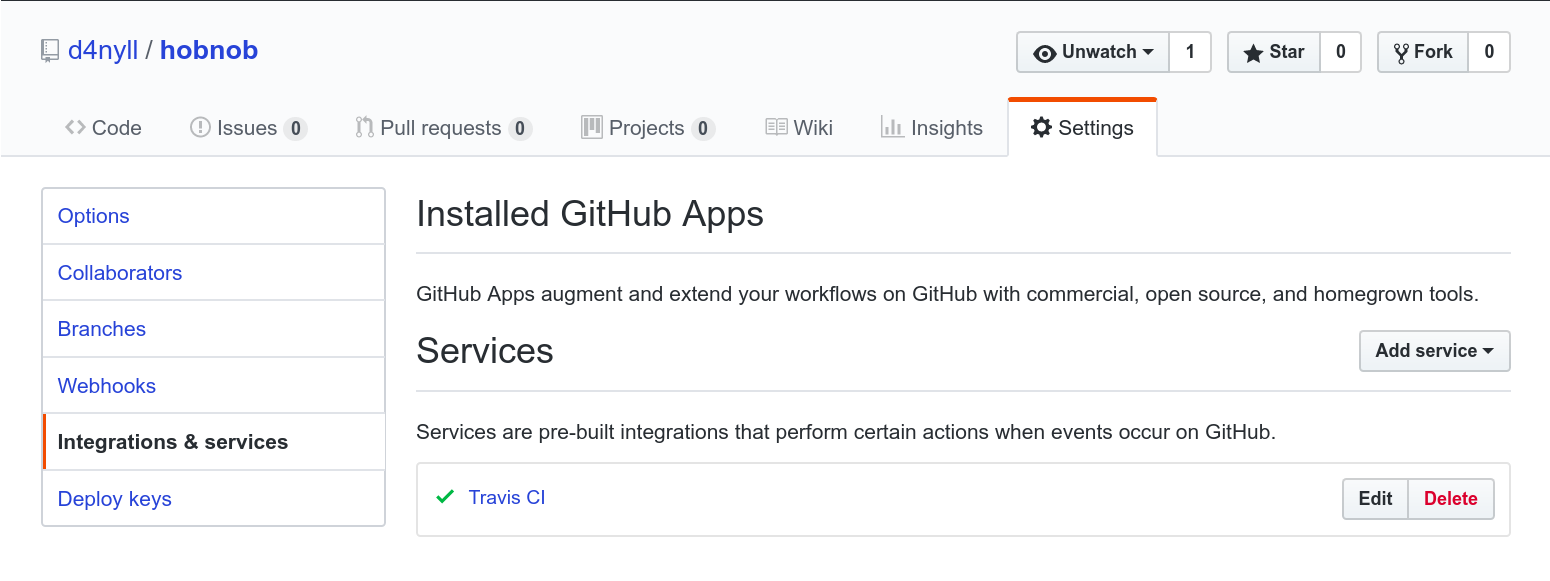
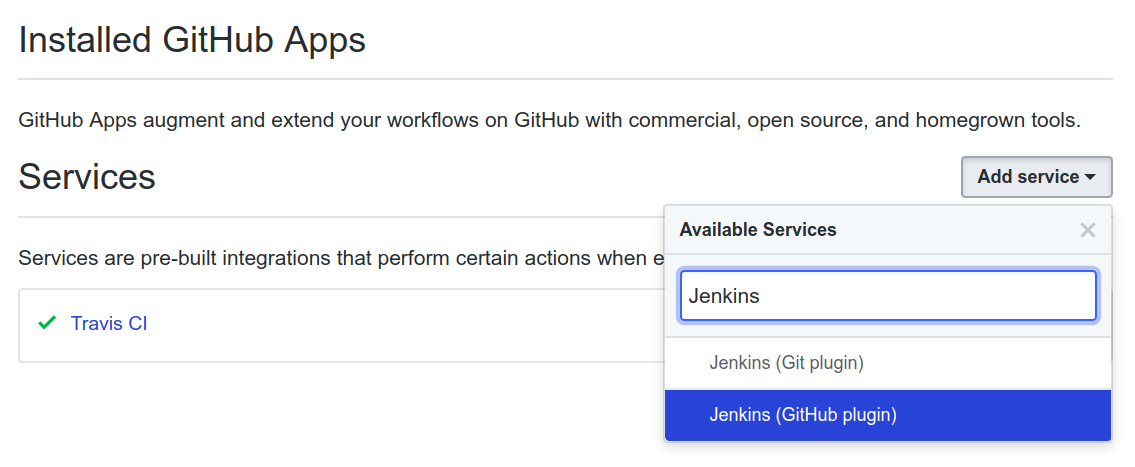
Next, we need to add the Jenkins (GitHub plugin) to the list of services:
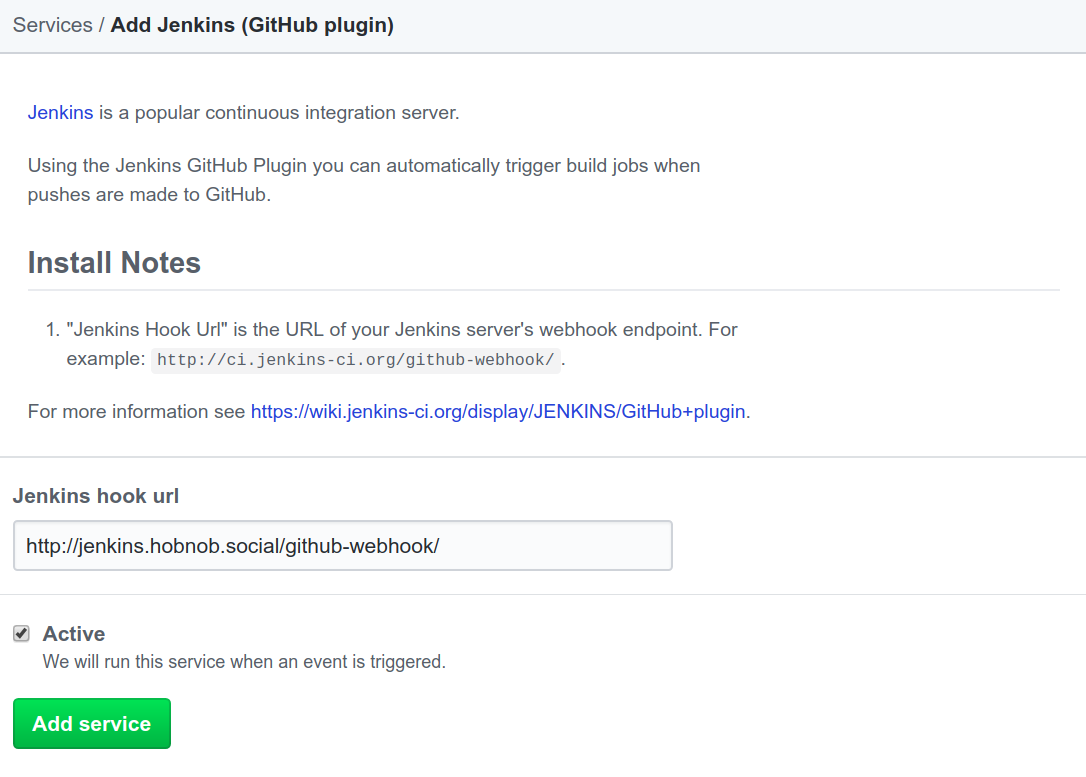
On the next screen, GitHub will ask you to specify the Jenkins hook url; this is the URL that GitHub uses to inform our Jenkins instance of a change in the repository. Jenkins uses a single post-commit hook URL for all the repositories; by default, this has the format of http://<ip-or-hostname>/github-webhook/. So for us, we will use http://jenkins.hobnob.social/github-webhook/:
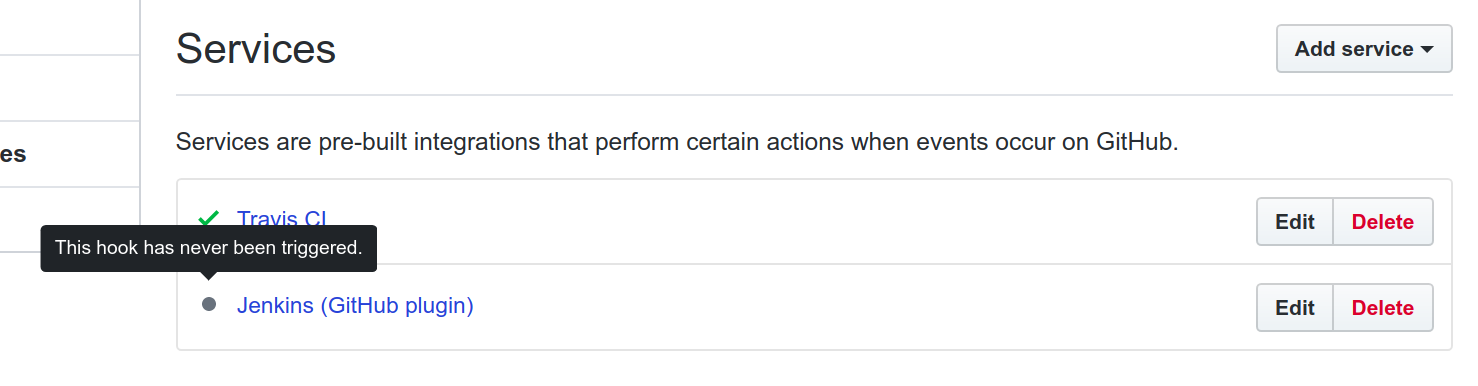
This will add the Service Hook to GitHub, but it'll also indicate that it has never been triggered:
Next, we need to create the pipeline on Jenkins so that when the service hook is triggered, we can run our pipeline as defined in the Jenkinsfile.