
But before we create a pipeline, we know that our application will consist of two parts—a backend API server and a frontend web interface. We will eventually use Jenkins to build both of these applications, and so it would be wise to separate the pipelines into two separate groups, which in the context of Jenkins, is a folder.
To create a new folder, click on the New Item link found on the left-hand side of the interface. You'll then be presented with the following screen:
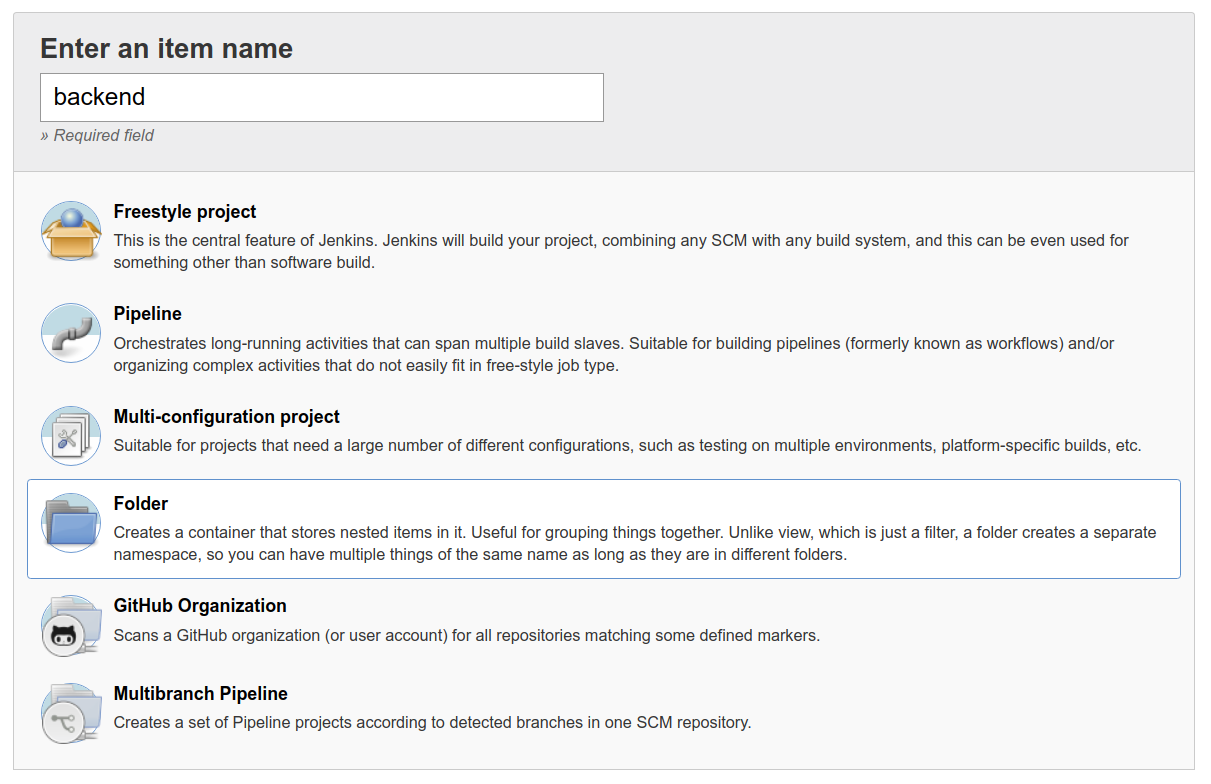
Under the Name parameter, enter a name that identifies this folder and acts as a namespace for all projects grouped under this folder. This name will also be used in the URL path, as well as the directory name in the filesystem, therefore, you should pick a name that does not contain spaces or special characters (especially slashes).
You may optionally specify a Display Name and Description. Click Save and the folder will be created and can be accessed through the URL, http://jenkins.hobnob.social/job/backend/. Next, we are going to create a new pipeline under this folder.