We're now ready to get started! Inside our new project directory, create a new index.html file. Inside it, add in the following boilerplate.
<!DOCTYPE html>
<html lang="en">
<head>
  <meta charset="UTF-8">
  <meta name="viewport" content="width=device-width, initial-scale=1.0">
  <meta http-equiv="X-UA-Compatible" content="ie=edge">
  <title>Hobnob</title>
</head>
<body>
</body>
</html>
We will be using two libraries: react and react-dom. react is the base package that allows you to define components; the react-dom package allows you to translate React components in the Virtual DOM to DOM elements, and mount those DOM nodes into the DOM itself.
The reason they are separated into two packages is because React is not only used for web applications, it can also be used in Native applications with React Native, or inside <canvas> elements with React Canvas. React simply provides a framework to create reusable components, and is oblivious to how those components are used and rendered.
So, let's add those two libraries inside our index.html's <head> tag.
...
  <title>Hobnob</title>
  <script crossorigin src="https://unpkg.com/react@16/umd/react.production.min.js"></script>
  <script crossorigin src="https://unpkg.com/react-dom@16/umd/react-dom.production.min.js"></script>
 </head>
 ...
This exposes React and ReactDOM as global variables, which we can use further down the page.
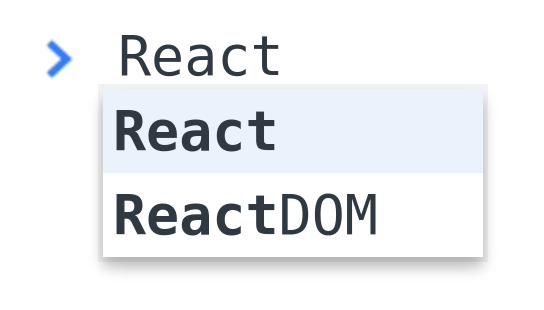
Open your HTML file on the browser, and open up the developer tools. In the console, start typing in the word React. You'll see that both React and ReactDOM are available.