Now, run git commit --amend to change the commit hash; this will be sufficient to constitute a change. Push this change to the remote repository. Fingers crossed, this should trigger the build on our Jenkins server.
First, it will download the repository and it into a workspace located at /var/lib/jenkins/jobs, then, it will run the instructions specified in our Jenkinsfile.
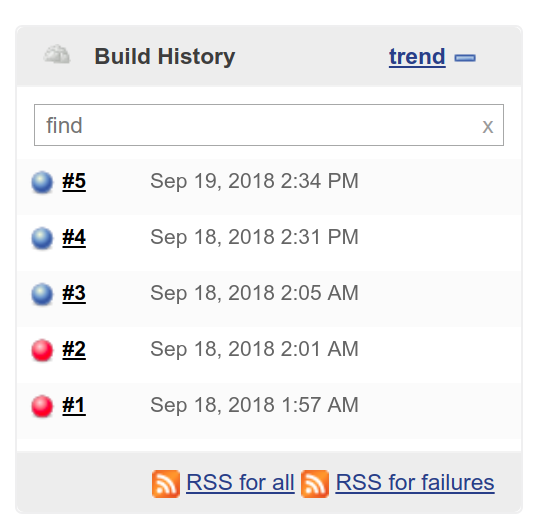
When a build (freestyle project or pipeline) is triggered, it will be added to the list of builds in the Build History sidebar on the left. The indicator to the left of the build shows the status of the build. Initially, it will be flashing blue, indicating it is running but not yet complete. Once the pipeline has completed execution, the indicator will change to a non-flashing blue or red, representing a successful or failed build:
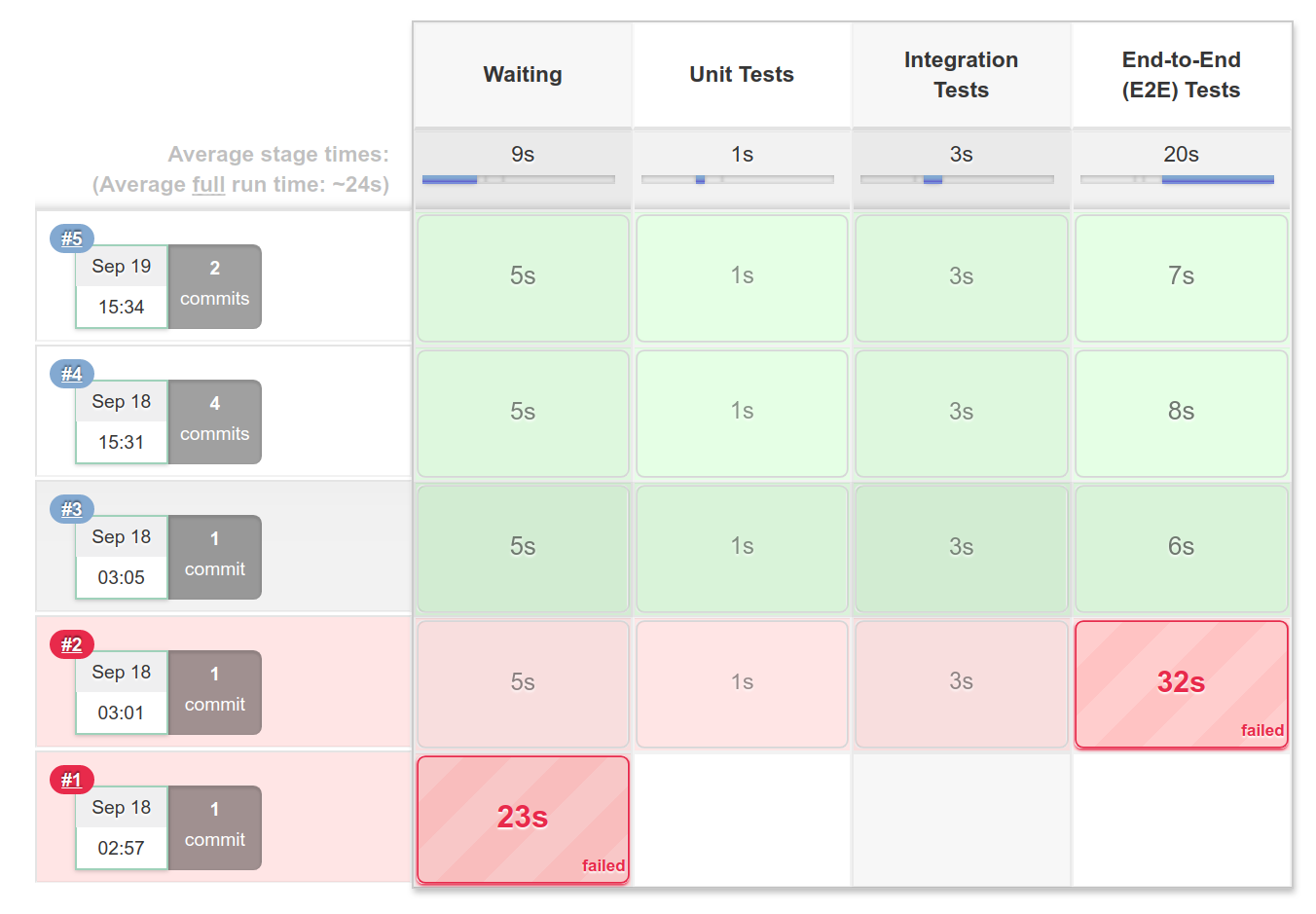
You can keep track of the progress of the pipeline by going to the Console Output tab and reading the stdout produced. However, if you prefer a visual representation, you can look at the Stage View, which displays a table with colored blocks, where green represents a passing stage, and red represents a failed stage. This is provided by the pipeline stage view plugin (plugins.jenkins.io/pipeline-stage-view), which is installed by default: