
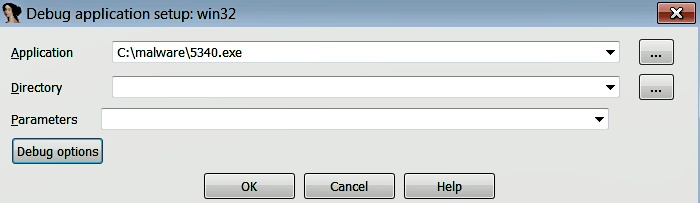
There are different ways to launch a new process; one method is to directly launch the debugger, without initially loading the program. To do that, launch IDA (without loading the executable), then select Debugger | Run | Local Windows debugger; this will bring up a dialog where you can choose the file to debug. If the executable takes any parameters, you can specify them in the Parameters field. This method will start a new process, and the debugger will pause the execution at the program's entry point:
The second method of launching a process is to first load the executable in IDA (which performs the initial analysis and displays the disassembled output). First, choose the correct debugger via Debugger | Select debugger (or F9); then, you can place the cursor on the first instruction (or the instruction where you want the execution to pause) and select Debugger | Run to cursor (or F4). This will start a new process, and will execute until the current cursor location (in this case, the breakpoint is automatically set at the current cursor location).