
Before we move on to writing our WebGIS code, we need to configure a service so we can expose spatial data for a web client to consume.
Our examples are based on GeoServer as it is considered a reference implementation of OGC web standards. Apart from that, GeoServer provides a rather intuitive administration GUI to simplify many server maintenance tasks.
If you happen to not have GeoServer installed, please get it up and running first - you can download the software from here: http://geoserver.org/release/stable/. GeoServer documentation may be obtained from here: http://docs.geoserver.org/.
Installation is rather straightforward and we suggest for the sake of simplicity you use the installation pack wrapped with the Jetty container.
While data service configuration is specific to GeoServer, you can use any alternative GeoServer of your choice, for example, MapServer (http://www.mapserver.org/). If you decide to not use GeoServer and go for an alternative, our code examples should not be affected (although perhaps some service URL defaults may differ).
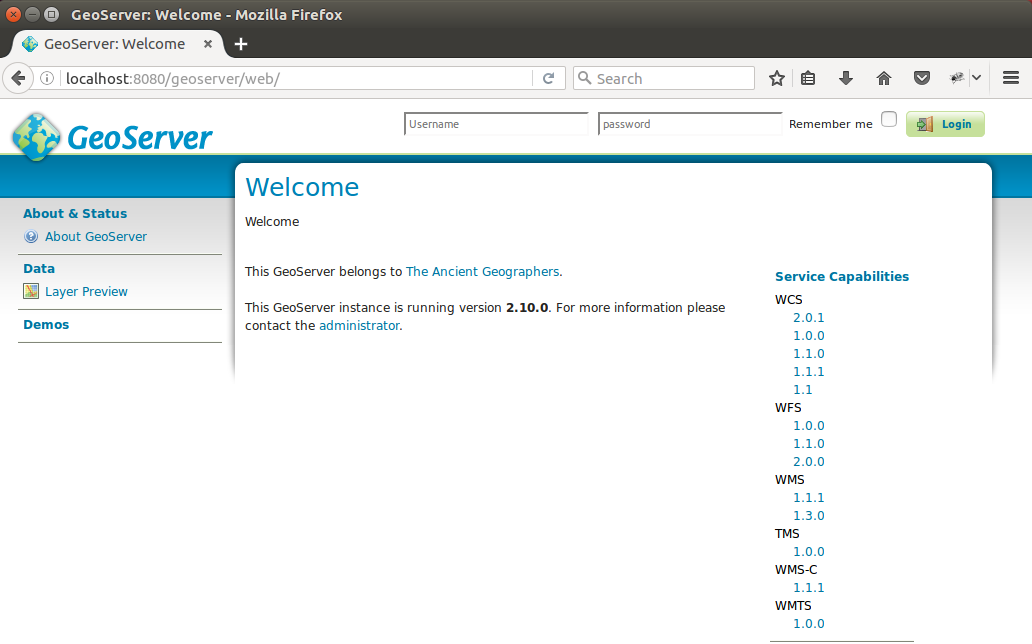
Once you have your installation up and running on the default port 8080, when you navigate to http://localhost:8080/geoserver you should be greeted with the following screen:
Now as our GeoServer instance is up and running, we can move on to configuring some data sources. In order to configure GeoServer, one has to log on first - the default administrator user name is admin and the default password is geoserver.
https://www.packtpub.com/application-development/geoserver-beginner%E2%80%99s-guide
https://www.packtpub.com/networking-and-servers/mastering-geoserver
https://www.packtpub.com/application-development/geoserver-cookbook.