
The offset function is used to create a linear feature parallel to the original line at a specified offset. For example, let's imagine that we are designing a second track for a railway line. As a base, we will create a geometry parallel to the existing track at a 4 meter offset:
SELECT ST_OffsetCurve(ST_LineMerge(wkb_geometry),4) FROM multilinestrings WHERE osm_id = '4581657';
Despite its name, the ST_OffsetCurve function operates on ordinary LineStrings. The MultiLineStrings must be merged with ST_LineMerged prior to analysis:
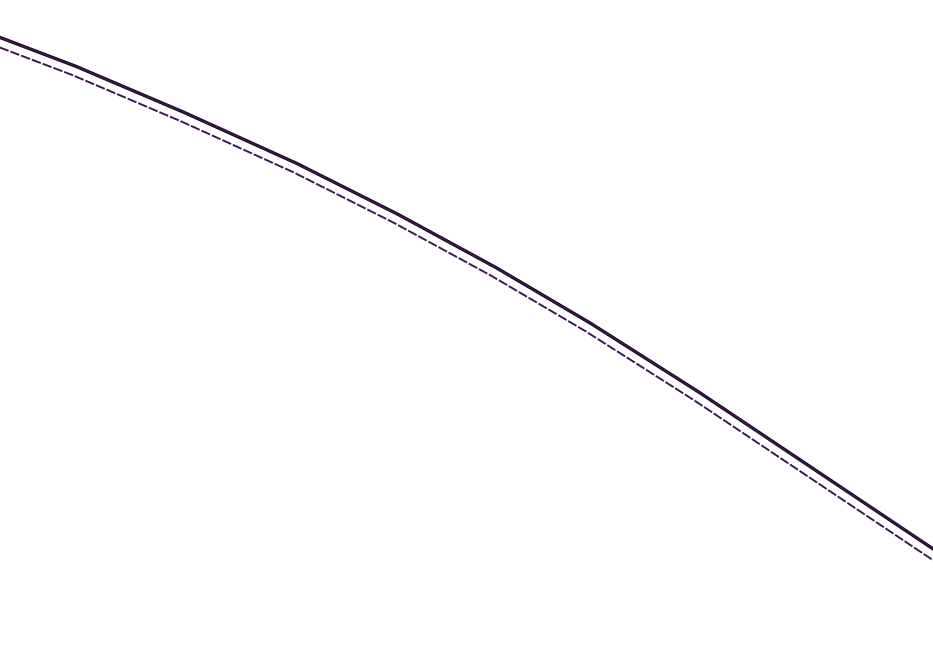
The ST_OffsetCurve function creates a new geometry on the left side of the original geometry, maintaining its direction. To create a new geometry to the right, simply supply a negative offset value.
This function also offers further fine-tuning options, including the following:
- quad_segs: Number of segments to approximate a quarter circle (just like the third parameter for ST_Buffer), defaults to 8
- join: One of round, mitre, bevel - line join style
- mitre_limit: Mitre ratio limit for mitre join
The fine-tuning parameters are given as a third argument, in the form of a space-separated string. So, a 32-segment quarter circle has a mitre join and a mitre limit of 2:
SELECT ST_OffsetCurve(ST_LineMerge(wkb_geometry),4,'quad_segs=32 join=mitre mitre_limit=2') FROM multilinestrings WHERE osm_id = '4581657';