
The data used as an example is extracted from the Czech hydrological dataset. Its location was mentioned at the beginning of the chapter, in the The data section. Now we'll import a DIBAVOD watershed layer into a database using ogr2ogr:
ogr2ogr -t_srs EPSG:32633 -f PostgreSQL "PG:dbname=mastering_postgis host=localhost user=osm password=osm" -lco GEOMETRY_NAME=geom -lco PRECISION=no -nln watershed_ord3 A08_Povodi_III.shp
Next, we will convert the Simple Feature geometry to a topology with 2-meter precision:
SELECT topology.CreateTopology('water_topology', 32633, 1, FALSE);
SELECT topology.AddTopoGeometryColumn('water_topology','public','watershed_ord3','topogeom','POLYGON');
UPDATE watershed_ord3 SET topogeom = topology.toTopoGeom(geom,'water_topology',1,2);
We learned about geometry simplification in Chapter 2, Spatial Data Analysis. Let's try to use it to simplify watersheds with a 50-meter tolerance:
SELECT ogc_fid, ST_SimplifyPreserveTopology(geom,50) FROM watershed_ord3;
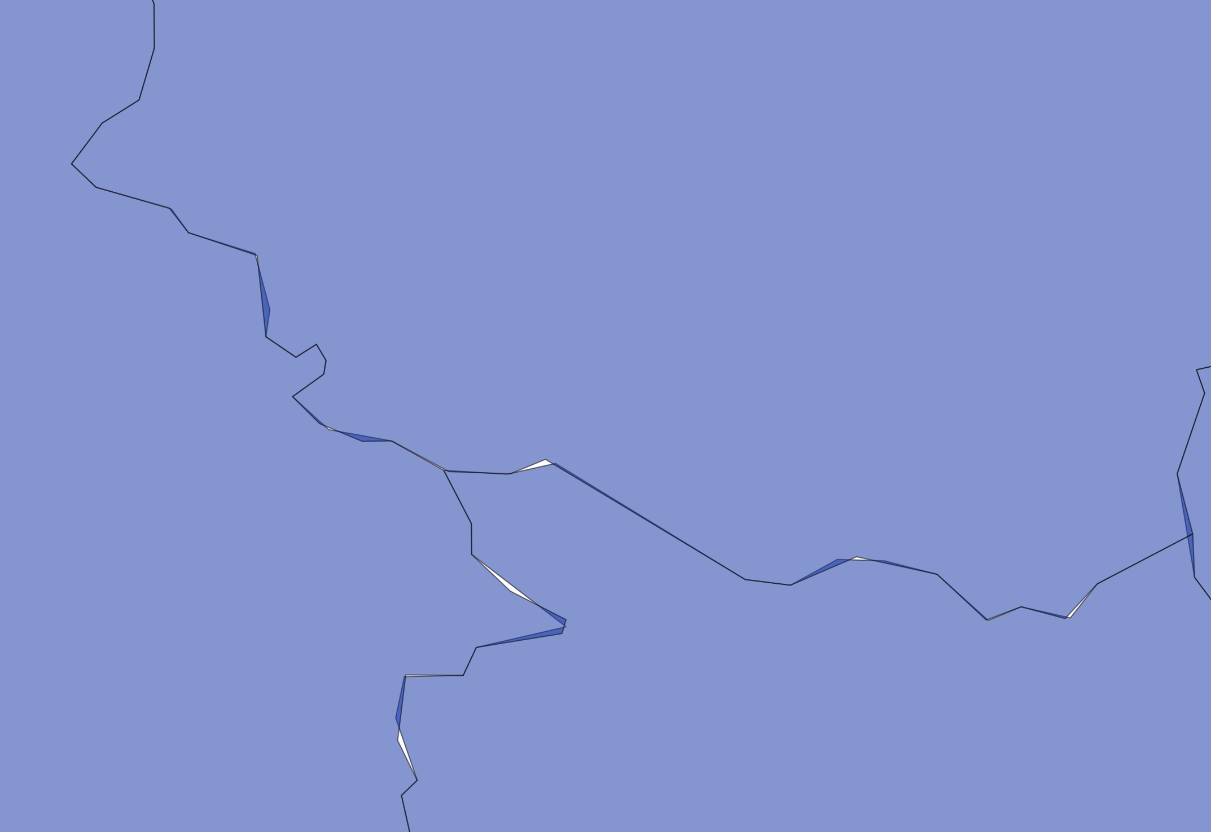
This is definitely not hydrologically correct: some areas belong to two watersheds and there are gaps.
With topology, it is possible to simplify a dataset without sacrificing its topological integrity. The trick is to use the topology.ST_Simplify function (not public.ST_Simplify) on a TopoGeometry column:
SELECT ogc_fid, topology.ST_Simplify(topogeom,50) from watershed_ord3;
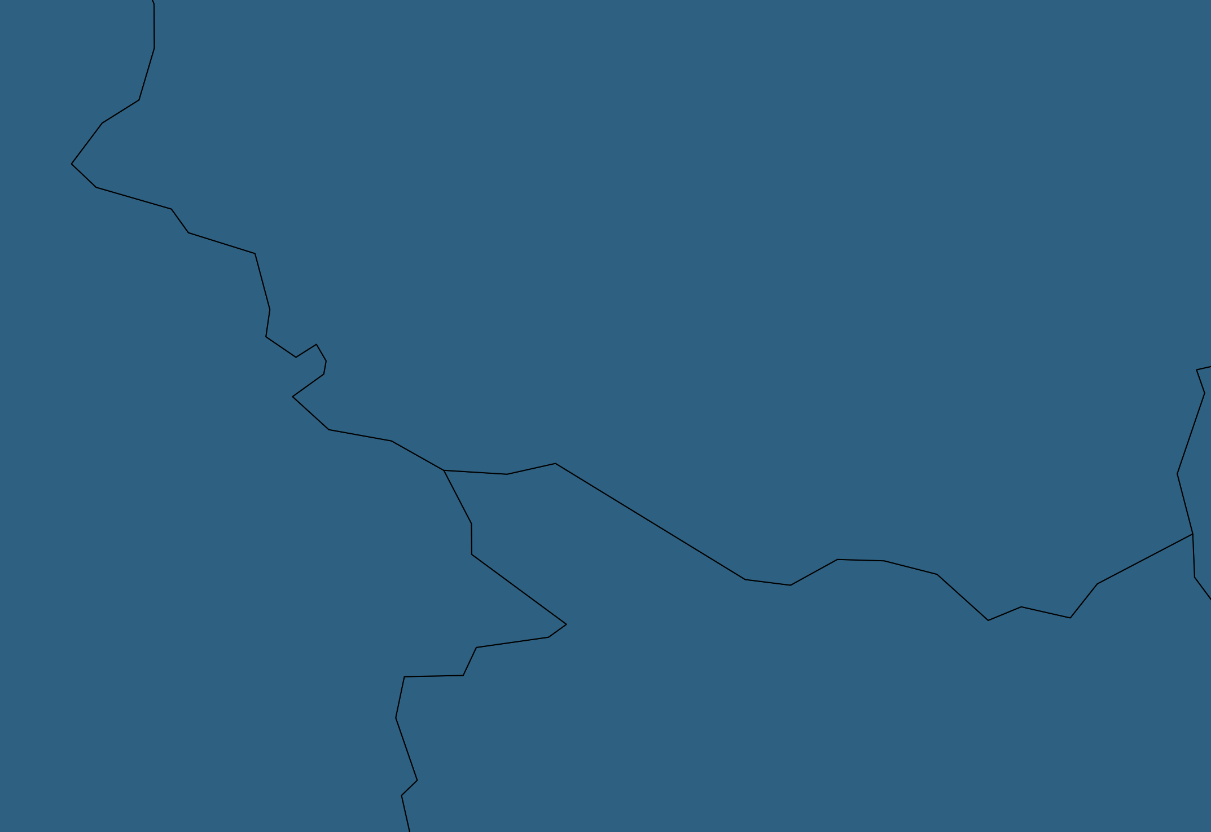
As result, geometries are simplified, but nodes are preserved and connectivity is not lost.