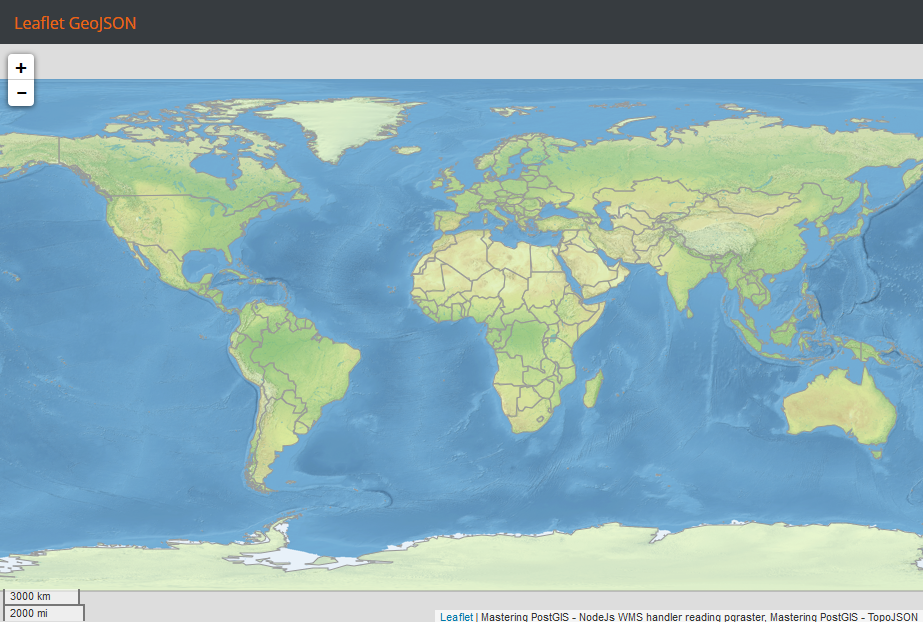
By now, you should expect the Leaflet examples to be rather compact and easy to understand. You are going to be surprised though when you see that consuming a TopoJSON layer in Leaflet is a matter of one line:
omnivore.topojson('data/topojson.json').addTo(map);
In order to achieve this though, we need a MapBox Leaflet plugin called omnivore. You can get some more information on it here: https://www.mapbox.com/mapbox.js/example/v1.0.0/omnivore-topojson/.
The exact source code of the example is a bit longer, as there is a style declaration and I feed the TopoJSON to a GeoJSON layer, so the style can be applied.
In order to preview the example, navigate to the example's folder, run sencha app watch, and navigate to http://localhost:1841/apps/08_leaflet_topojson/. You should see a similar output to the following: