
As mentioned before, merging faces is done by deleting an edge, and merging edges is done with node deletion. Let's assume West and East Nulland have reunited. There are two standard functions for edge removal: the mutating topology.ST_RemEdgeModFace and immutable topology.ST_RemEdgeNewFaces.
These functions don't work when any of the faces are members of any TopoGeometry, so we have to delete them first. For learning purposes, let's delete the whole East Nulland row and clear a West Nulland's TopoGeometry:
DELETE FROM countries WHERE name='East Nulland';
UPDATE countries SET topogeom = topology.clearTopoGeom(topogeom) WHERE name='West Nulland';
Now change the underlying topology:
SELECT topology.ST_RemEdgeModFace('my_topology',4775);
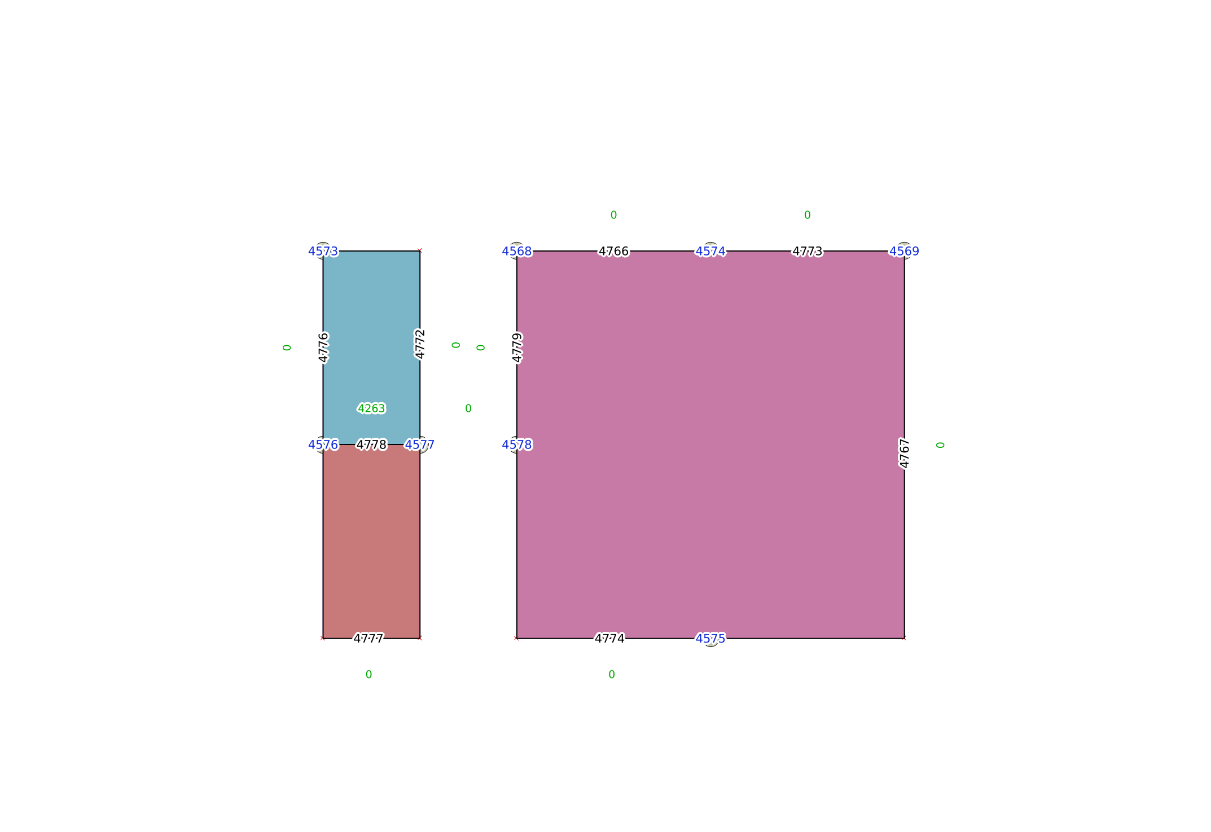
The edge with ID 4775 is now removed, and the faces merged. The West Nulland's TopoGeometry can be recreated:
UPDATE countries SET name = 'Nulland', topogeom = topology.CreateTopoGeom('my_topology',3,1,'{{4258,3}}'::topology.topoelementarray) WHERE name = 'West Nulland';
However, the two now-unnecessary nodes, 4574 and 4575, remain. To get rid of them, we'll use the topology.ST_ModEdgeHeal function. It accepts three arguments: the topology name, the first edge ID, and the second edge ID. The first edge becomes modified with merged geometry, and the second one is deleted:
SELECT topology.ST_ModEdgeHeal('my_topology',4774,4767);
The ID of a deleted node (not edge!) is returned:
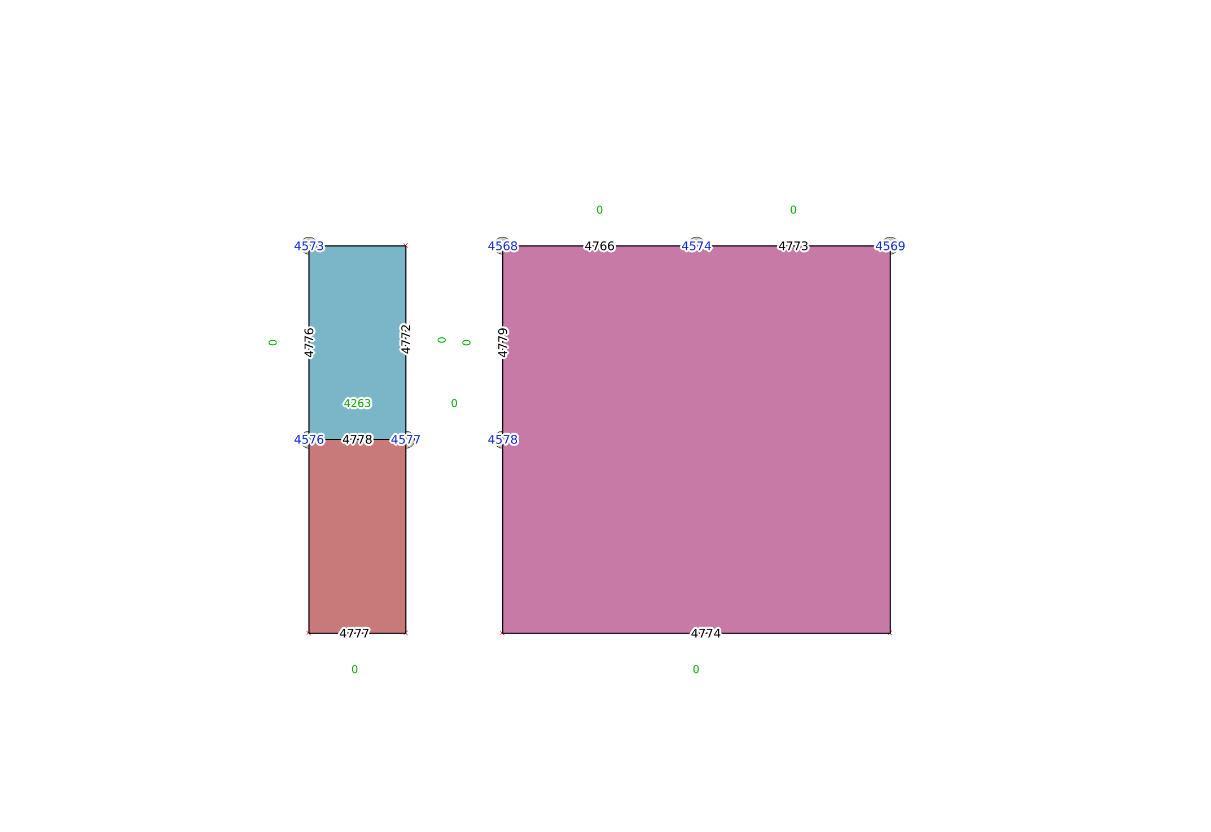
The second unnecessary node will be deleted when edges 4774 and 4773 are merged:
SELECT topology.ST_ModEdgeHeal('my_topology',4774,4773);
 st_modedgeheal
----------------
           4569