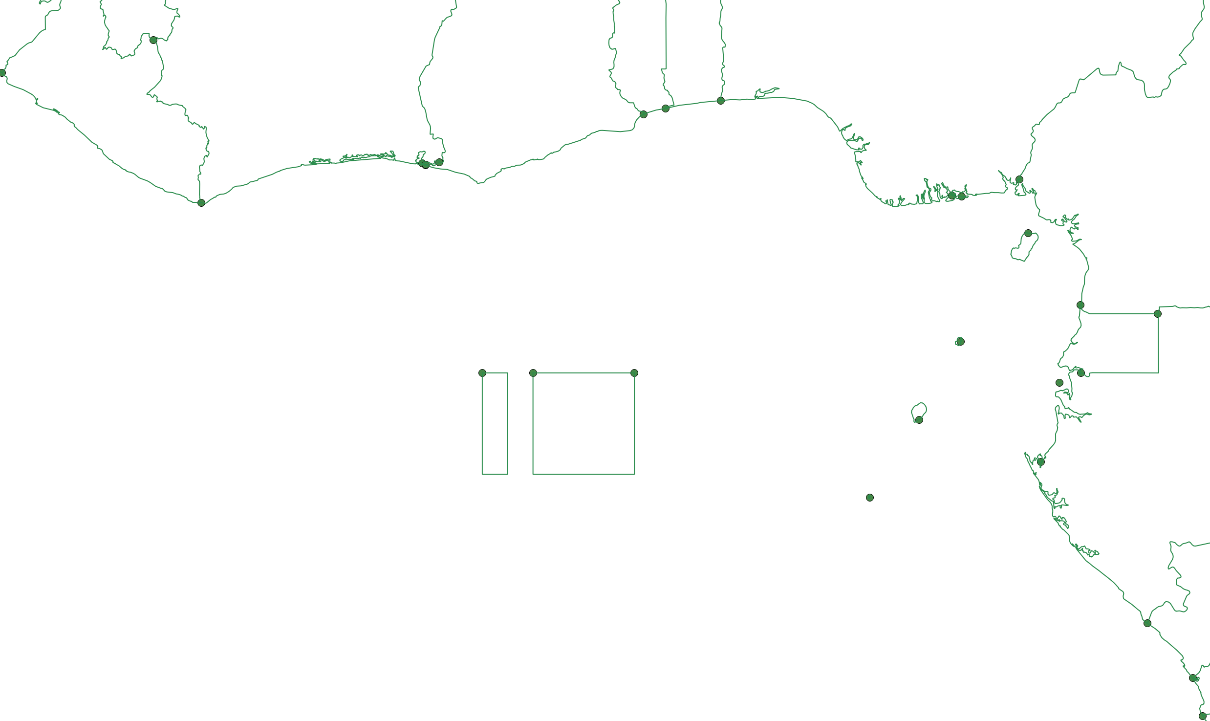
First, we will add new features to the topology using two different methods. One approach is to use the standard ST_ functions. We will start with two isolated nodes. This is done with the topology.ST_AddIsoNode function. It takes three arguments: the topology name, the containing face ID (in our case, we will create nodes in empty space, so it will be NULL), and the point geometry:
SELECT topology.ST_AddIsoNode('my_topology',NULL,'SRID=4326;POINT(-1 1)');
 st_addisonode
---------------
          4568

SELECT topology.ST_AddIsoNode('my_topology',NULL,'SRID=4326;POINT(1 1)');
 st_addisonode
---------------
          4569
Note the returned nodes' IDs, as they will be necessary later when adding edges:
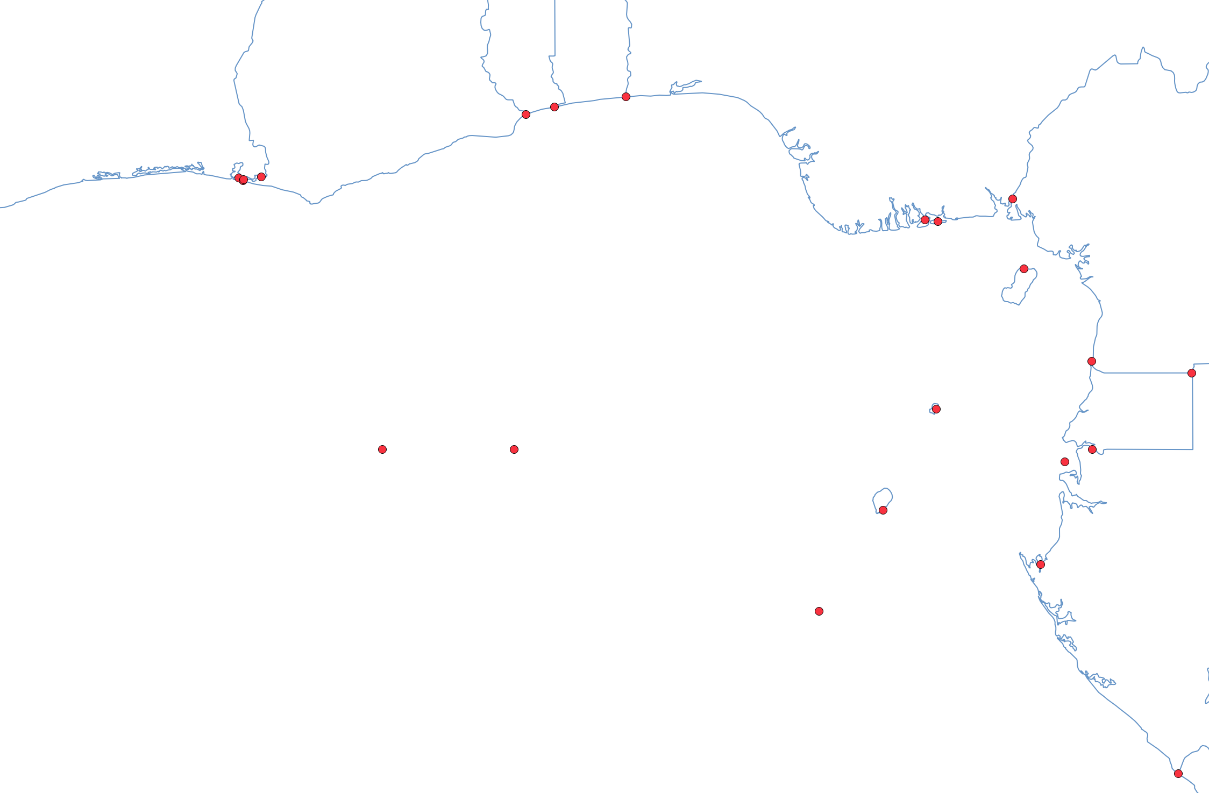
Next, it's time to add two edges, the first as isolated, the second creating a new face. The edge creation functions ST_AddIsoEdge and ST_AddEdgeNewFaces require four arguments: the topology name, the start node ID, the end node ID, and a LINESTRING geometry:
SELECT topology.ST_AddIsoEdge('my_topology',4568,4569,'SRID=4326;LINESTRING(-1 1, 1 1)');
 st_addisoedge
---------------
          4766
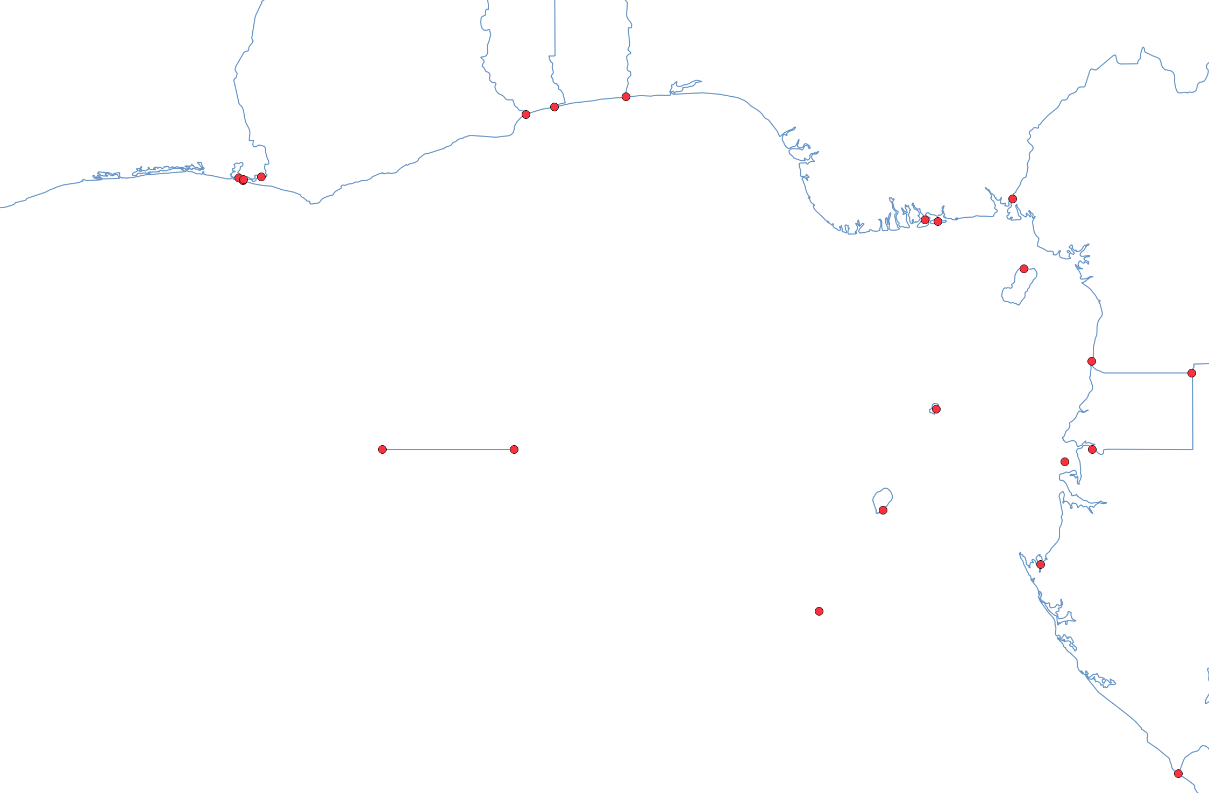
We will close the polygon shape now. As the next edge will be bound to another edge, it cannot be called isolated, and therefore another function is necessary:
SELECT topology.ST_AddEdgeNewFaces('my_topology',4569,4568,'SRID=4326;LINESTRING(1 1, 1 -1, -1 -1, -1 1)');
 st_addedgenewfaces
--------------------
               4767
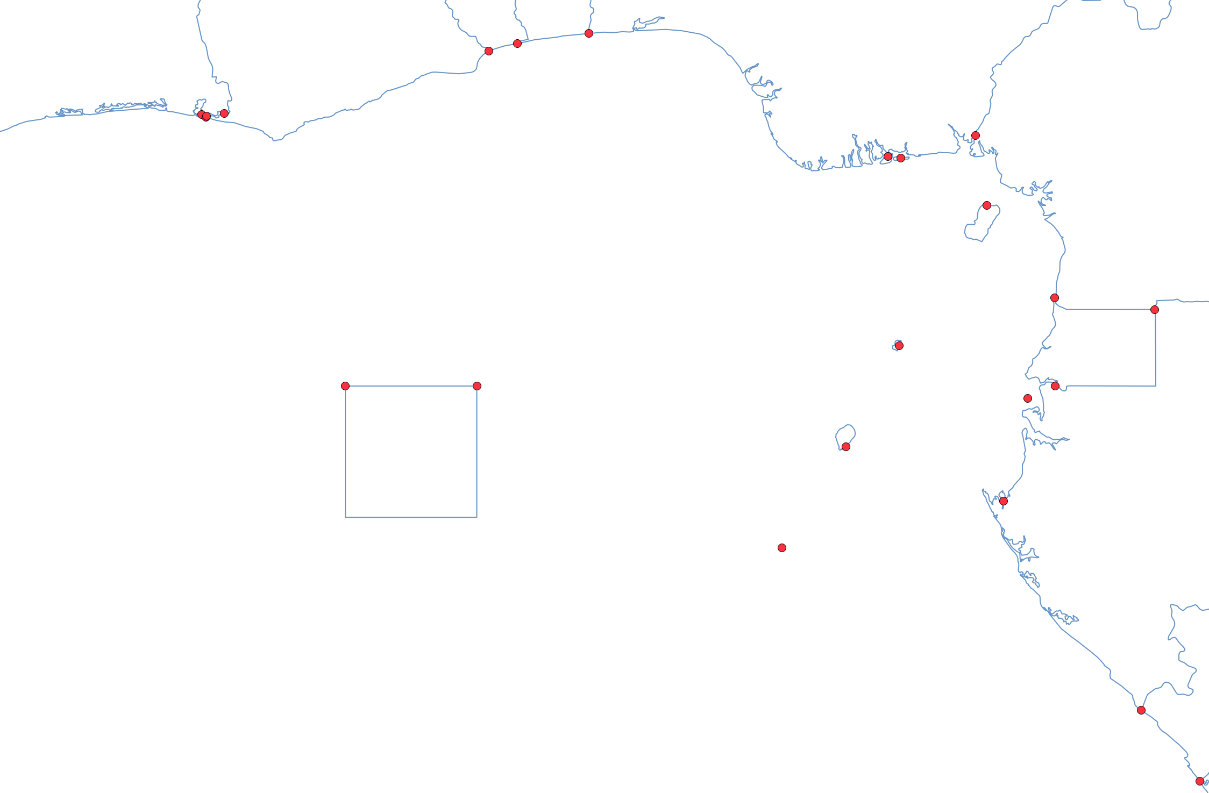
Now we can verify the newly added elements (and find out the face ID):
select edge_id, start_node, end_node, left_face, right_face
from my_topology.edge_data where edge_id in(4766,4767);
 edge_id | start_node | end_node | left_face | right_face
---------+------------+----------+-----------+------------
    4766 |       4568 |     4569 |         0 |       4258
    4767 |       4569 |     4568 |         0 |       4258
(2 rows)
The following is the face geometry:
SELECT ST_AsText(ST_GetFaceGeometry('my_topology',4258));
              st_astext
-------------------------------------
 POLYGON((-1 1,1 1,1 -1,-1 -1,-1 1))
Another option is to use a PostGIS-specific function: TopoGeo_AddPolygon. When using it, we don't have to think about creating nodes and edges, as they will be created automatically. The function takes three arguments: the topology name, the polygon geometry (it has to be valid, and in the same SRID as topology), and a snapping tolerance when splitting existing edges:
SELECT topology.TopoGeo_AddPolygon('my_topology','SRID=4326;POLYGON((-2 1, -1.5 1, -1.5 -1, -2 -1, -2 1))',0.002);
 topogeo_addpolygon
--------------------
               4259
In this case, a new polygon was added in empty space. One closed edge has been created, as well as one node connecting its terminals. The newly created face ID was returned: