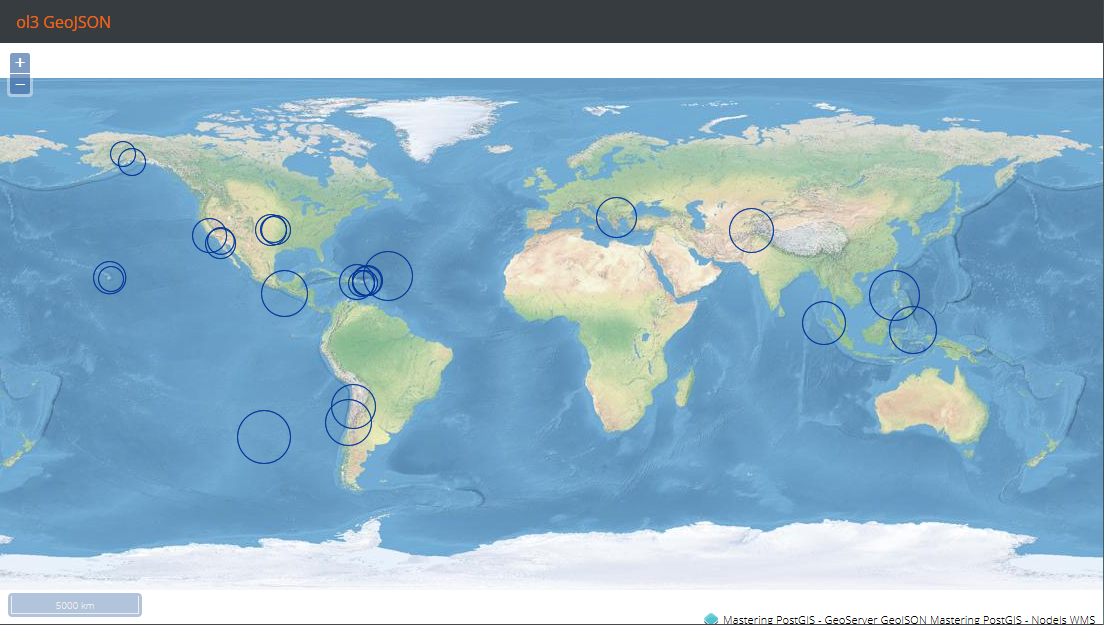
GeoJSON layer declaration in ol3 is way simpler than what we had to do with WFS. This time, BBOX strategy is used to load the data for whatever area is visible on the map:
createLayers: function(){

    var proj = ol.proj.get('EPSG:4326');

    return [
        (...WMS Layer declaration),
        new ol.layer.Vector({
            //projection: proj,
            source: new ol.source.Vector({
                format: new ol.format.GeoJSON(),
                url: function(extent) {
                return 'http://localhost:8080/geoserver/wfs?service=WFS&' +
                'version=1.1.0&request=GetFeature&typename=mastering
                 _postgis:earthquakes&' +
                 'outputFormat=application/json&srsname=EPSG:4326&' +
                 'bbox=' + extent.join(',') + ',EPSG:4326';
                },
                strategy: ol.loadingstrategy.bbox,
                attributions: [
                    new ol.Attribution({
                        html: 'Mastering PostGIS - GeoServer GeoJSON'
                    })
                ]
            }),
            style: (...style declaration...)
        })
    ];
}
We now need to navigate to the example's folder, run sencha app watch, and navigate to http://localhost:1841/apps/05_ol3_geojson/. You should see a similar output to the following: