
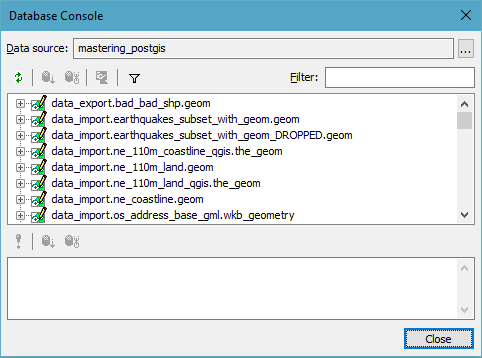
The process of connecting to a database in Manifold is similar to the one we saw in QGIS. Manifold uses a tool called Database Console (Tools\Database Console) where you can define your data source connection details and then connect to the data source:
In order to perform the actual export, one needs to either import the data to Manifold's workspace or link it. Once done, right-clicking on a layer in the Project Manager brings in a context menu where an Export option is available. Through it, an export prompt is displayed that lets one configure the export parameters.
At the time of writing, it is not possible to consume PgRaster in Manifold, although future versions of the software are likely to happily connect to the PgRaster data too.