
To work with AWS DynamoDB services, we have to set up an AWS account. The following are the steps to sign up with an AWS account:
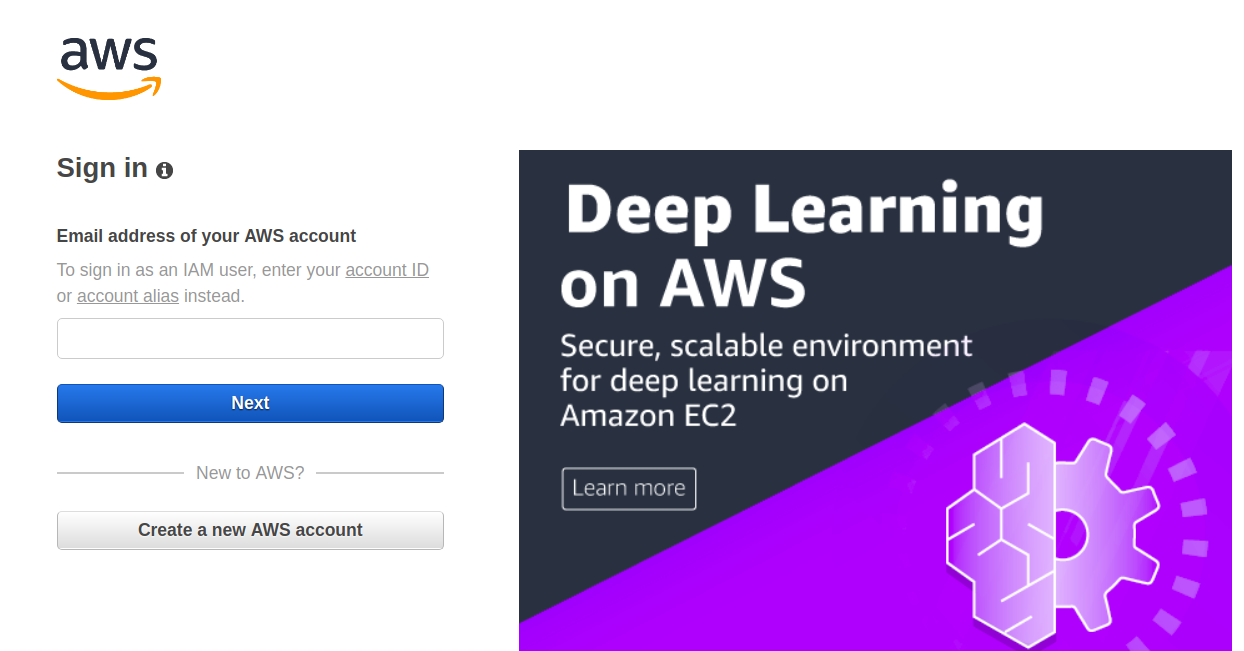
- Go to https://aws.amazon.com/ and then choose Create an AWS account:
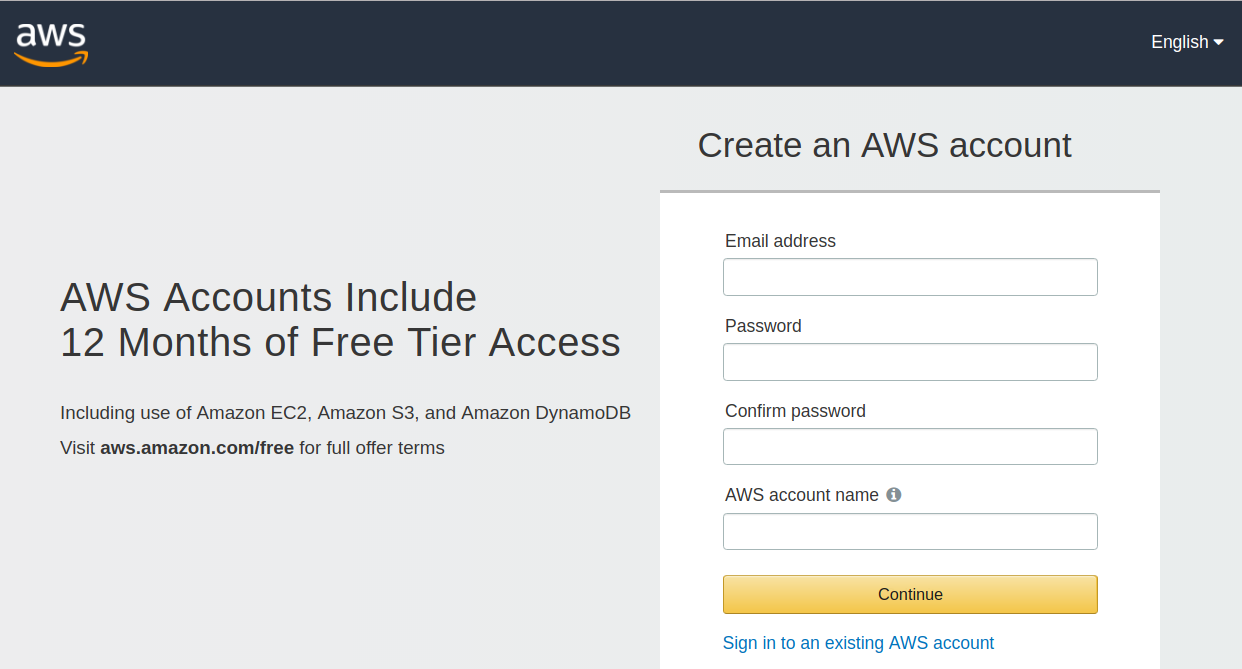
Follow the online instructions to create the account. This involves adding personal information, creating a password, and adding a payment method:
- Before you can start accessing DynamoDB programmatically or through the AWS command-line interface, you must have the AWS access key. You don't need an access key if you plan to only use the DynamoDB console.
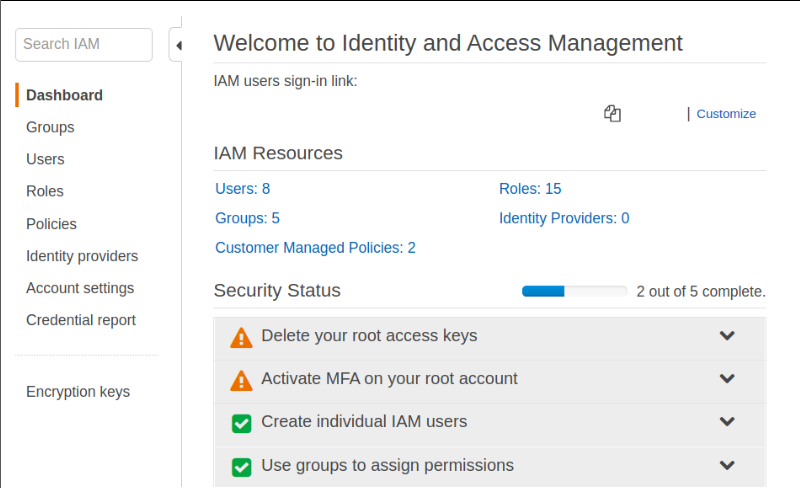
To get the access key, go through the following steps:- Open the IAM console:
-
- In the navigation panel of the console, choose Users.
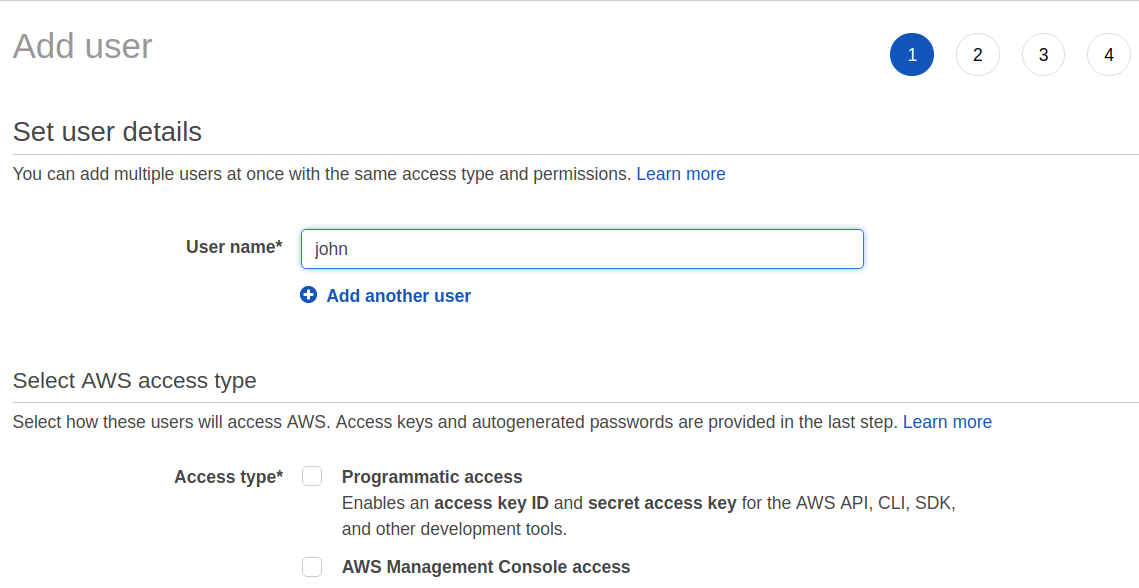
- Choose your IAM username:
-
- Click the Security credentials tab and then choose to Create access key:

-
- To see the new access key, click Show. It will show the credentials as follows:
- Access key ID: AKIBHBDBKHKDHDLJD
- Secret access key: ajgjhsjhjahjgs/HGFSHGFhjJHGJHGJH
- To download the key pair, choose Download .csv file.
- To see the new access key, click Show. It will show the credentials as follows:
- To access DynamoDB programmatically or through the AWS CLI, you must configure your credentials to enable authorization for your application.
For this, you can manually create a credentials file or you can use the configure command of the AWS CLI to automatically create the file.