
To run Neo4j Browser, navigate to the URL mentioned in your server output (or in your neo4j.log file) as the Remote interface:
INFO Remote interface available at http://192.168.0.100:7474/
If you did not set the initial password from the preceding command line, Neo4j Browser will prompt you to do so immediately.
While additional users can be created, role-based security and Kerberos integration is only available in the Enterprise Edition of Neo4j.
Once you have successfully logged in, you should see a screen similar to this:
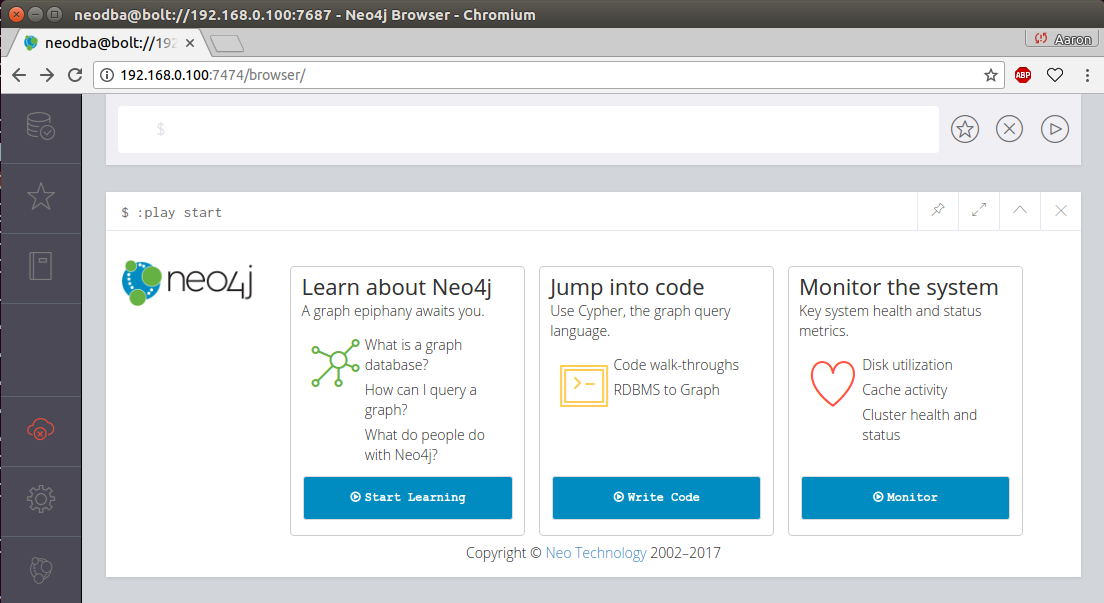
Neo4j Browser after login
This initial screen gives you several links to get started with, including an introduction to Neo4j, walkthroughs with the code, and ways to monitor the current server's resources.