
The DynamoDB stream feature is a feature local to DynamoDB that allows you to see the changes to your DynamoDB table items.
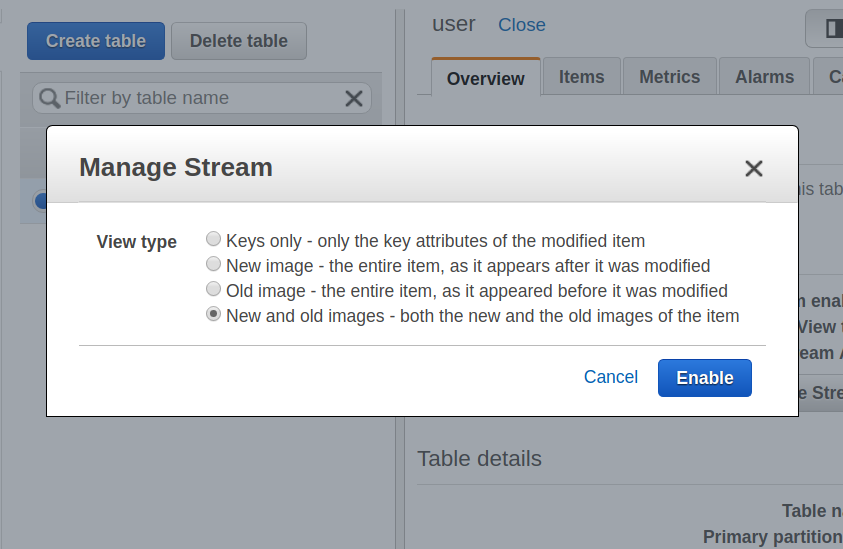
When you turn on the DynamoDB stream feature, it will present all changes to the items as a stream in real time, as changes happen to the items. When you turn on the stream feature, you have to choose what it is going to write to the stream. The options are as follows:
- Keys only: Only the key attribute of a modified item will be written to the stream
- New image: This will write the item to the stream as the item appears once it has been modified
- Old image: This will write the item to the stream as the item appeared before it was modified
- New and old image: When you choose this option, both the new and the old image of an item is written to the stream upon the modification of the item
Whenever we create, update, or delete an item in a DynamoDB table, the DynamoDB stream will write a stream record. The order of the stream record is maintained by the DynamoDB stream, and will change in the same sequence as the actual modification of the item:
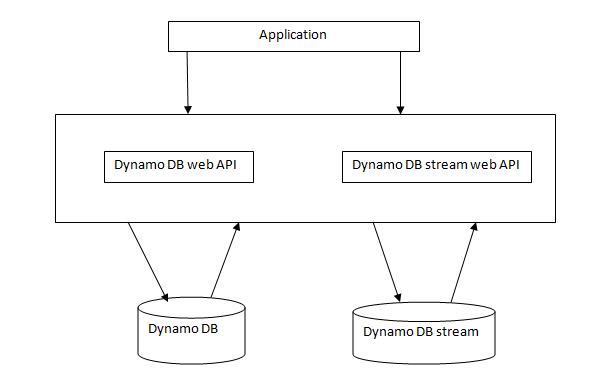
When modification happens in a DynamoDB table, the DynamoDB stream API records the changes. Both work independently. The stream API works asynchronously, so there is no performance impact on the application.
The following are the steps to enable DynamoDB streams:
- Open the DynamoDB console:
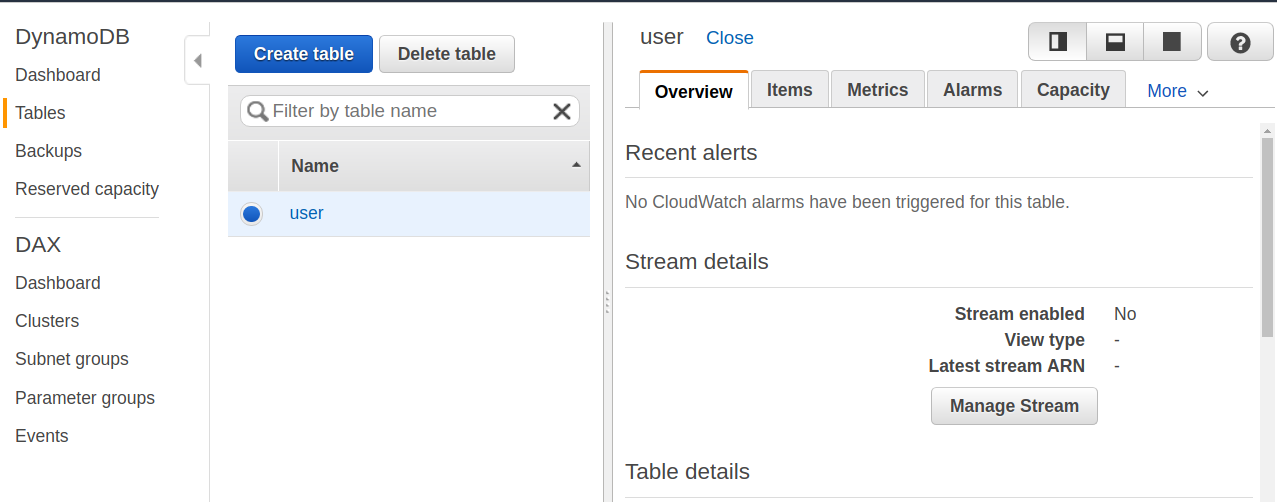
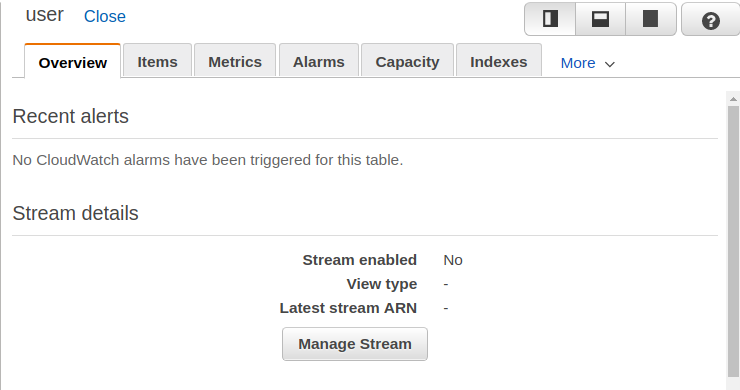
- In the console dashboard, choose Manage Stream:
- In the Manage Stream dialog box, choose which information will be written to the stream whenever data is inserted, deleted, or modified in the table:
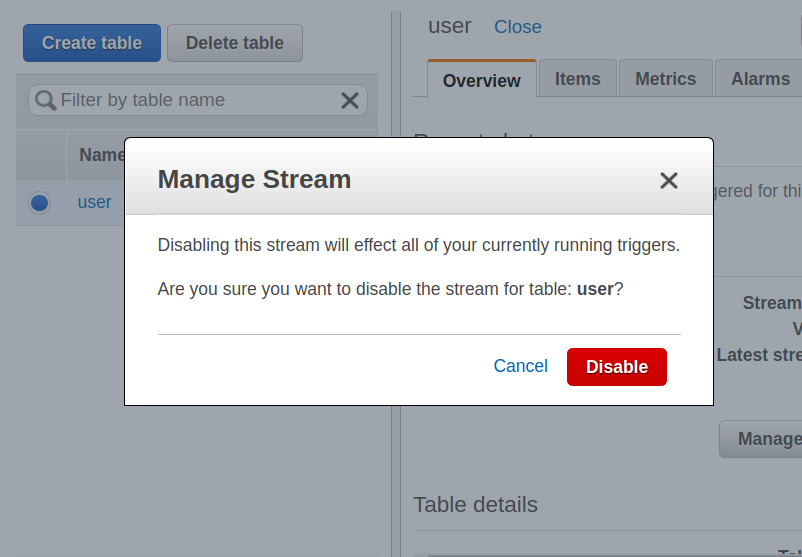
- To disable the stream, click Disable, as follows:
DynamoDB streams are used for the replication of data, table audits, and to trigger another event, such as sending an email when data is modified.