Table of Contents for
Web Design Blueprints
 Web Design Blueprints
Published by
Packt Publishing, 2016
Web Design Blueprints
Published by
Packt Publishing, 2016
- Cover
- Table of Contents
- Web Design Blueprints
- Web Design Blueprints
- Credits
- About the Author
- About the Reviewer
- www.PacktPub.com
- Preface
- What you need for this book
- Who this book is for
- Conventions
- Reader feedback
- Customer support
- 1. Responsive Web Design
- Getting familiar with the basics
- Using media queries for responsive design
- Working with responsive media
- Building responsive layouts
- Summary
- 2. Flat UI
- Flat UI color
- Creating a flat UI layout
- Summary
- 3. Parallax Scrolling
- Color classes
- Using SVG font icons
- Getting the fonts
- That's no moon!
- OMG, it's full of stars!
- Clouds, birds, and airplanes
- The rocket
- Terra firma
- Next up, the CSS
- Styling the objects with CSS
- Styling the ground objects
- Writing the JavaScript effects
- Setting the row height
- Spreading the objects
- Spreading the clouds
- Loading the page functions
- Smoothening the scroll
- Updating elements on the scroller
- Collecting the moving elements
- Creating functions for the element types
- Setting the left positions
- Creating the rocket's movement function
- Finally, moving the earth
- Summary
- 4. Single Page Applications
- Getting to work
- Getting the old files
- Object and function conventions
- Creating utility functions
- Working with the home structure
- Setting up other sections
- Performing housekeeping
- Creating a callBack function for the API
- Summary
- 5. The Death Star Chapter
- Dropping in the parallax game
- Loading elements from JSON
- What can be done in the shared levels service
- Editing the home JavaScript
- Creating the other pages – credits and leaderboard
- Creating the second level
- Summary
- Index
The home screen is the starting point and where the user will select the levels he wants to go to. Here, he can also see things like the credits and leaderboard. Here is where I lament that there isn't enough time to make a scoring function. Sorry, it's just not in the scope of this book. Maybe we'll make a sequel, or a prequel.
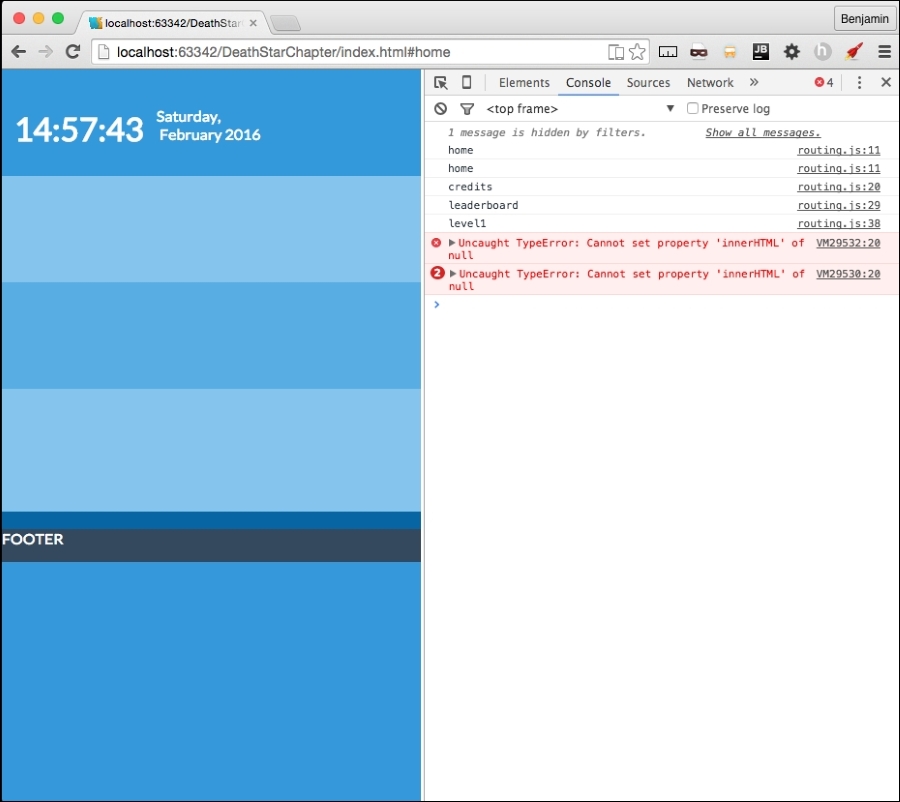
Let's take a look again at our home page. It's empty. Actually, it's not exactly empty: its components are loading, but there's nothing to load. See the following screenshot of our beautiful colors:
Let's focus on our home page so we can say that the framework is 100 percent operational. Now, the home page is mostly empty, so we want to load up a little bit of content and spread it around in the small section allocated to it. We know that the level1.js file is loaded into the DOM and executed in the header, but that no functions are actually executed.
We want to change that; we want to load a scaled-down version of the objects list into the scaled-down space. So, at the bottom of the page, we have a conditional statement that did nothing if the browser was on the home page, but executed two functions if not at the home page. Let's update it to call a script if the has is at home. Copy the services.getPage call in the else condition and paste it into the home condition. Change the second variable from level1 to home, and the second variable, the callBack, to level.parseAjaxHome. See the following sample:
if(window.location.hash.split('#')[1] === 'home'){
services.getPage(pageRoute.data, 'home', level1.parseAjaxHome,id);
}else{
levels.load('level1.updateElement()');
services.getPage(pageRoute.data, 'level1', level1.parseAjax,id);
}
We need to create this function, parseAjaxHome. Simply copy the parseAjax function to begin, and scale it down from there. I suggest only loading the moon and stars to keep it simple, and loading them into the same HTML variable. You can try to add more on your own. You will need to add more CSS to fit it all together. Here's my scaled-down version loading the moon and stars in the following sample code:
level1.parseAjaxHome = function (xhr, id) {
level1.data = JSON.parse(xhr.responseText);
var level1StarsHTML = '<i class="' + level1.data.objectgroups.moon.objects[0].idclass + ' ' + level1.data.objectgroups.moon.objects[0].sizeclass + ' ' + level1.data.objectgroups.moon.objects[0].colorclass + '"></i>';
level1StarsHTML += '<div id="stars">';
for (i = 0; i < level1.data.objectgroups.stars.objects.length / 4; i++) {
level1StarsHTML += '<i class = "' + level1.data.objectgroups.stars.objects[i].idclass + ' ' + level1.data.objectgroups.stars.objects[i].colorclass + '"></i>';
}
level1StarsHTML += '</div>';
document.getElementById('p0').innerHTML = level1StarsHTML;
levels.spreadObjects(document.getElementById("stars").getElementsByTagName("i"), 150, 100, 1, 1, "fixed", "%");
};
The spreadObjects function is a useful function that spreads the objects based on the parameters sent. The parameters sent will spread the stars across the page. That's not really what we are looking for, we just want them spread throughout the small section. And, don't forget our responsive template. The portrait and landscape views are responsive. They need to spread differently to be optimized for both views, as we are using an absolute position to spread them programmatically. Let's replace this function call with a simple if else on whether the window's inner height is larger than its inner width, and if true, send different variables, than if false. The parameters are See my version next and test it out:
If (window.innerHeight > window.innerWidth) {
levels.spreadObjects(document.getElementById("stars").getElementsByTagName("i"), 100, window.innerWidth, 100,1 ,"absolute" ,"px");
} else {
levels.spreadObjects(document.getElementById("stars").getElementsByTagName("i"), 30, 25, 20, 1, "absolute", "%");
}
There has to be a template for this to insert into. Remember we created a new HTML partial in the level-1 folder called home-level1.html? This is the partial called when we load the home page. Let's add the link to the level-1.css file, then it needs a DIV element to insert the HTML, and it needs the ID attribute p0. Third, it needs a link to the level with a right-link class and inside has a font-awesome right chevron, is 3x the size class and white. See the following sample code:
<link type = "text/css" rel = "stylesheet" href = "css/level-1.css" media = "all">
<div id = "p0" class = "row"></div>
<a href = "#level1" class = "right-link"><i class = "fa fa-chevron-right fa-3x white">Level 1</i></a>
We are getting there. All of these changes are requiring us to do some CSS maintenance. We need to do this as the responsive layout for the SPA framework is breaking apart our game layout in landscape mode. Create a new CSS file called home.css. Next, open the style.css file. We are going to cut out everything below the color selectors, starting at the first media query, and everything down to right before the curtain selectors, and paste them into the home.css file. In addition, in the style.css file, change the right-link class selector's style attributes to a relative position, right float, and 9999 z-index. Make a new selector for its child fa class with a relative position, 78 pixels from the bottom. See the following example:
.right-link {
position: relative;
float: right;
z-index: 9999;
}
.right-link > .fa {
position: relative;
bottom: 78px;
 }