
We're skipping the Fields pane because we're not going to be specifying specific fields. We'll let Views parse our article content itself.
Only one setting from the Pets feed needs to be changed. Click the Has taxonomy term (= pets) link . In the subsequent popup, enter travel into the text box, select This feed (override) in the dropdown at the top, and click Apply (this display).
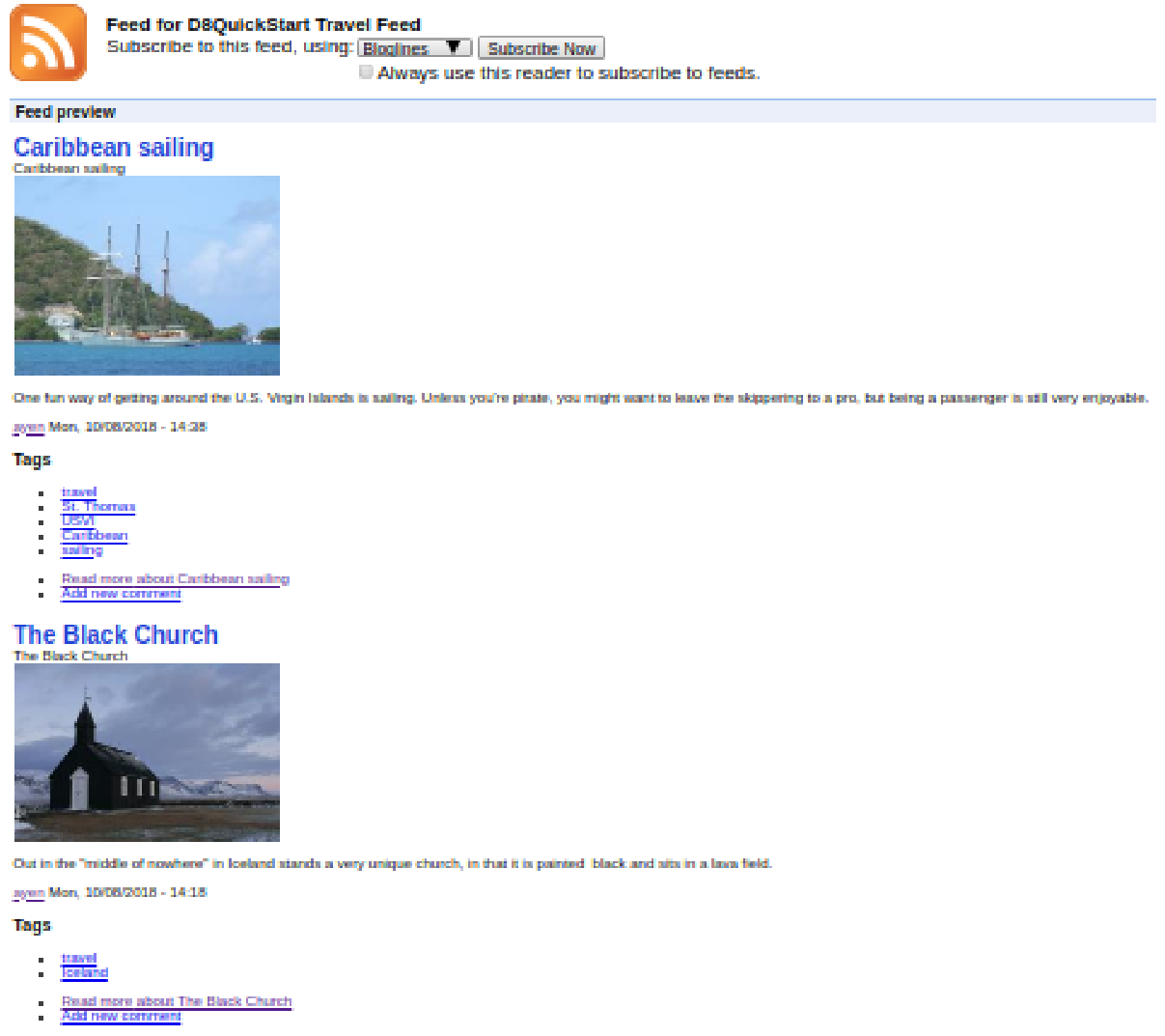
Now, when we scroll down to the Preview area, we will be able to see our feed with teasers of our travel content:
Two down and one to go!