
Now, we know how to provide translated content, but what about the rest of the page, like the menus? A link like Contact means little to someone who doesn't speak English. Fortunately, Drupal provides us with the means to translate the UI.
We've already enabled the Interface Translation module. We just need to configure it. Navigate to Config (/admin/config) and click the User interface translation link in the Regional and Language section.
So far, the actions that were necessary to provide translated content have been fairly simple. So, you're probably expecting a button to click that will translate all of the prompts and menus in the UI. Sorry... not gonna happen.
The configuration interface allows you to enter a translation string for each string that Drupal finds in the core and modules interfaces. You can use this page, and the many, many, many other pages to translate each, or you can export the list of strings and enter translations all into one file and then import it.
This sounds like a lot of work, and that's because it is a lot of work. So, let's look at the easy way to do it. What? You thought I said... no, what I said was that there's no button to translate the interface, but there is an existing translation file for many languages that you can download and import.
- Navigate to https://localize.drupal.org/download. Here, you will find a list of the available UI translation files. In my case, I'm going to download the Drupal 8 version of the file for Spanish and the one for Hebrew. Do the same for the language(s) that you chose. The nice thing about these files is that they are editable, so you can alter strings or add your own when you need new ones, like when you create custom menu links.
- Next, on the User interface translation page, click the Import tab at the top of the page.
- Browse to and select the translation file that you downloaded
- Select the applicable language from the Language dropdown
- Click Import.
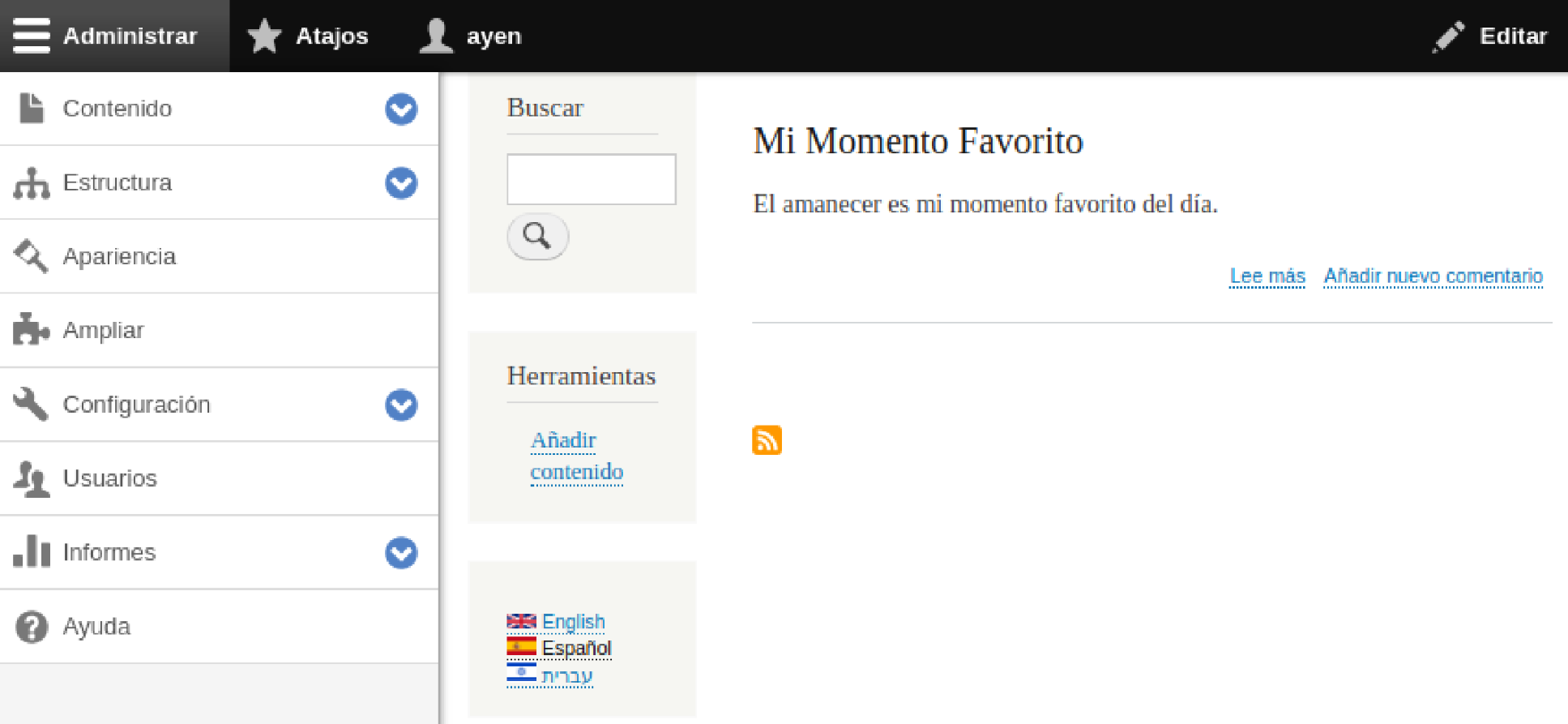
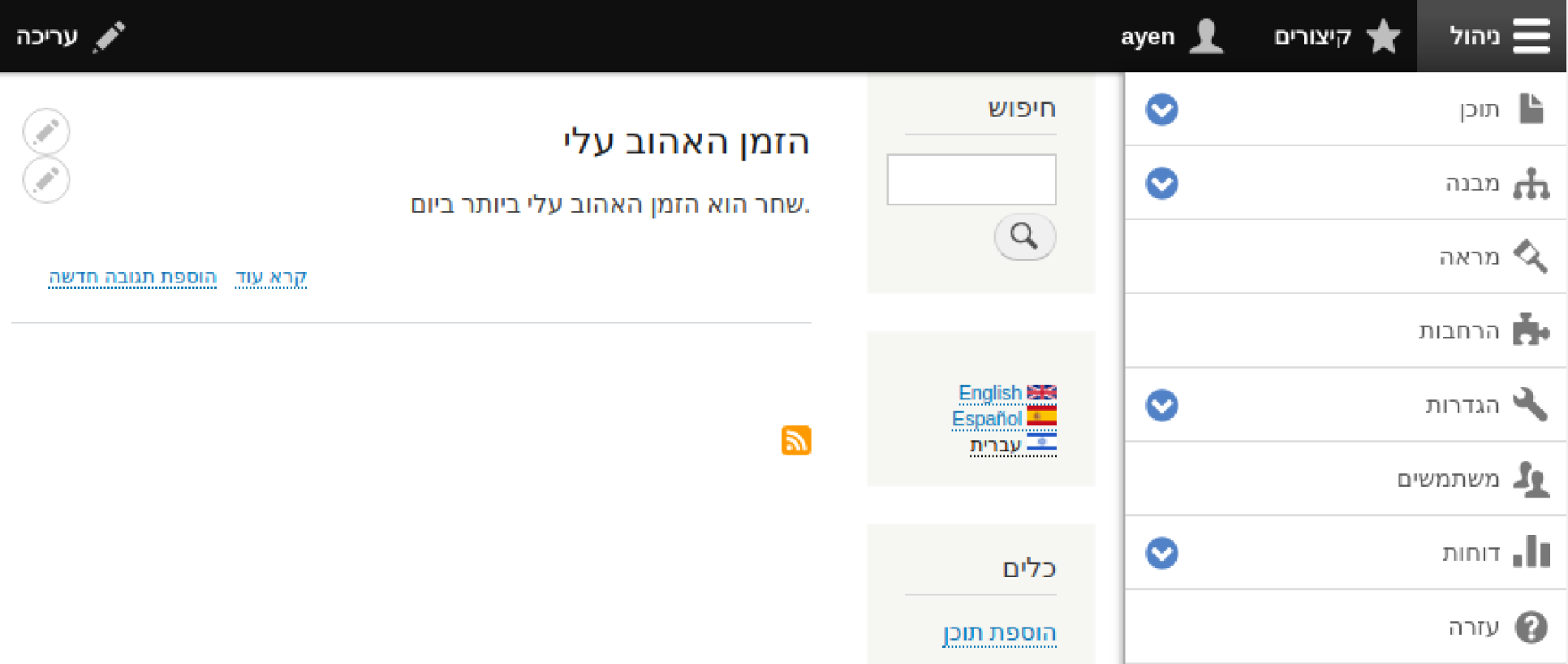
I've done this for both languages and the result can be seen in the following screenshots, which shows each version of the homepage when using the Language switcher block.
The following screenshot is in Spanish:
And the following screenshot version is in Hebrew, an example of a right-to-left (RTL) language:
This is definitely easier than manually translating every string!