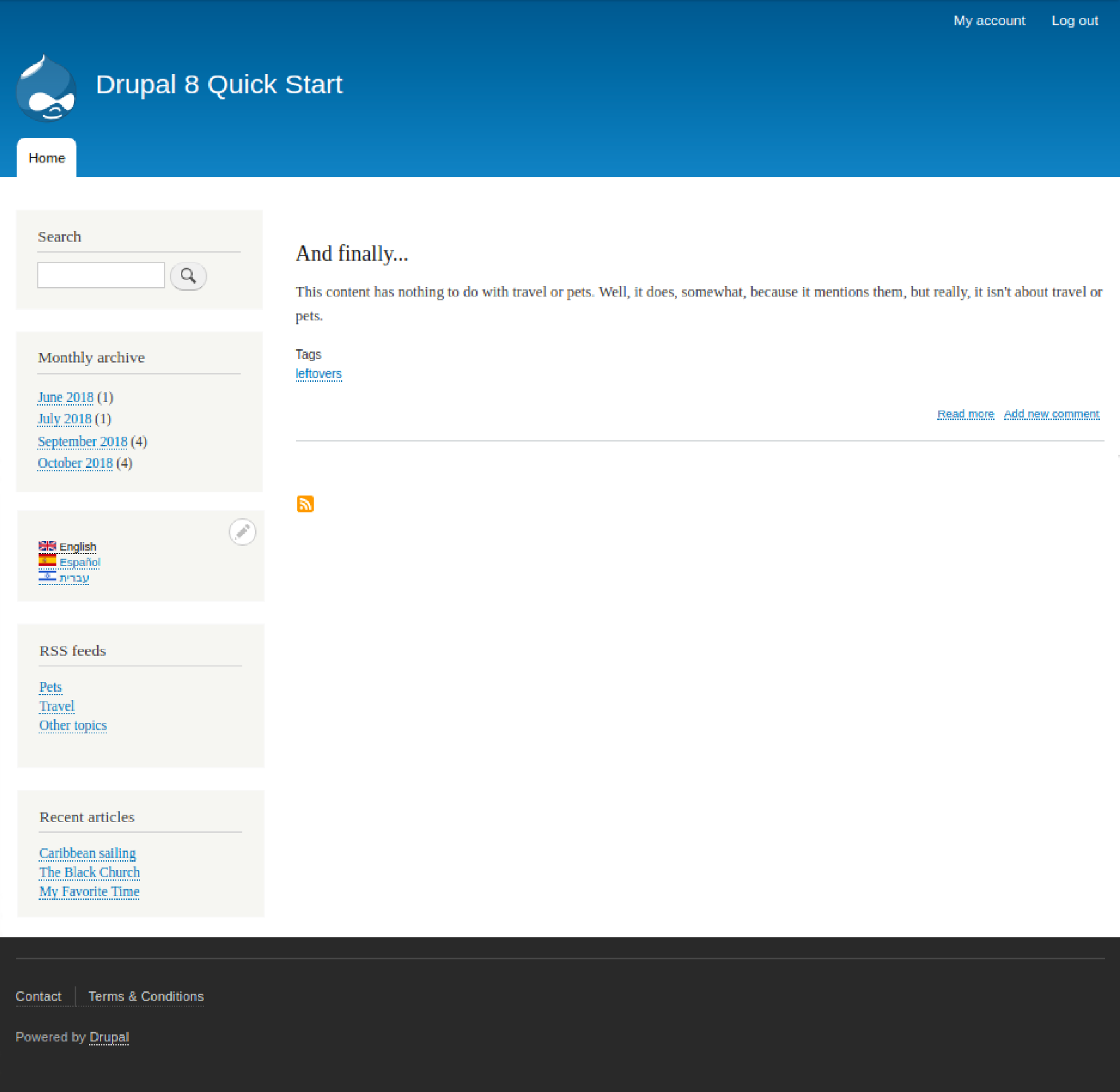
We want to fix the Legal link. One of the things we need to fix is that it is currently linking to the home page rather than a Terms and Conditions page. Drupal will not allow a path to be specified for the menu item unless the path already exists. Therefore, we need to create a Terms and Conditions page first.
Navigate to Content | Create content (/node/add) and select Basic page as the content type. In the Title text box, enter Terms & Conditions. We're not going to enter the legalese at this point, but let's type Placeholder in the Body field for now. Click the vertical tab for URL Path Settings, enter /termsandconditions, and click Save.
Navigate to Structure | Menus (/admin/structure/menu) and click the Edit menu button for the Footer menu.
Click the Edit button for the Legal link, and change the title from Legal to Terms & Conditions. For the Link, type Terms, and then when the autocomplete field offers the content title, click it. Enter T's & C's in the Description text box and click Save.
This completes our improvements.