
A workflow such as this one needs to have something to act upon. At the moment, this does not apply to any of the content structures available for moderation:
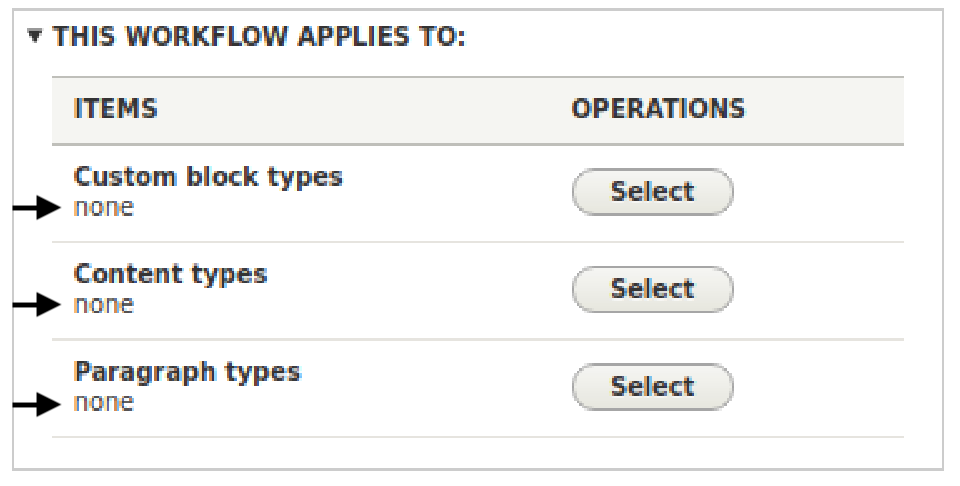
For our purposes, this workflow should apply to all articles, so let's click the Select button for Content types. In the resulting pop-up, check the box beside Articles and click Save. Then, click Save for this workflow.
If you create an article now, you might have the option to save it as Draft or Published, as select options at the bottom of the page. If so, this is because you are an administrator or have been given this permission. Otherwise, you will only be able to save the content as draft. Those given the permission to moderate this content or to view it, unpublished, will see the following screenshot when viewing it:
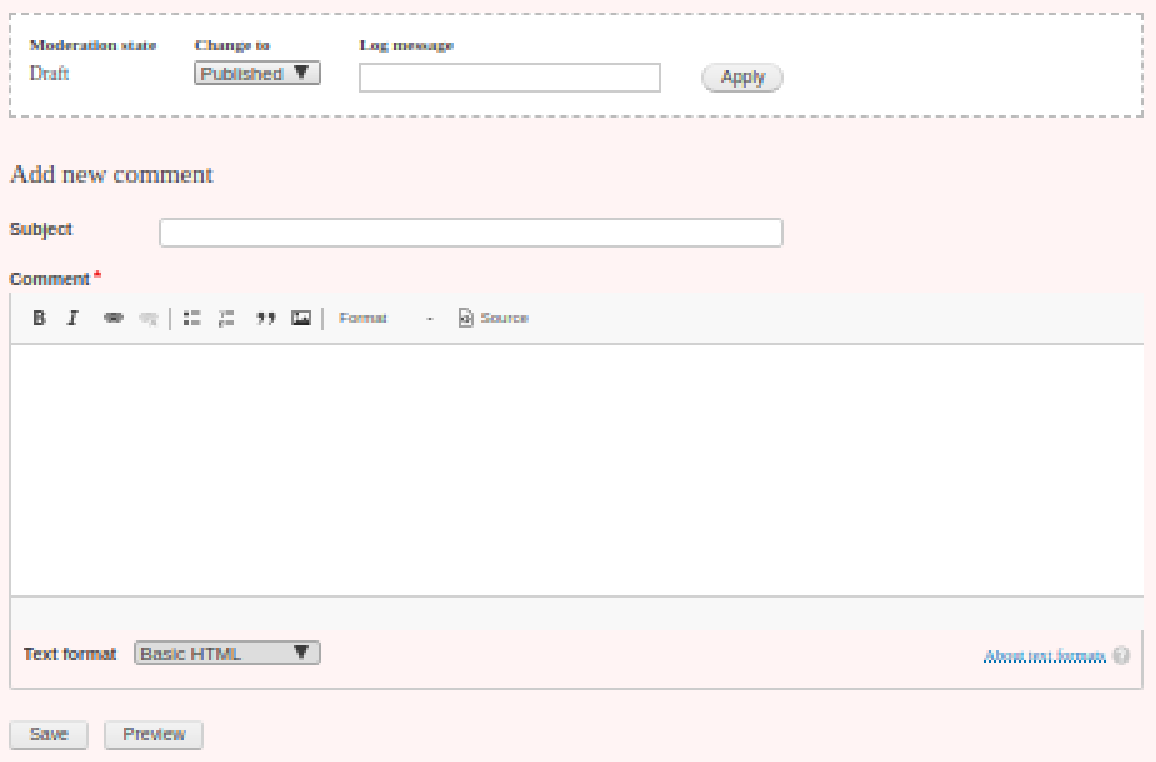
This form allows the moderator to change the state of the content and add a log comment about the transition.