
Now that we have finished building our betting platform, it's time to test it. Before testing, make sure the testnet blockchain is completely downloaded and is looking for new incoming blocks.
Now using our wallet service we built earlier, generate three accounts. Add one ether to each of the accounts using http://faucet.ropsten.be:3001/.
Then, run node app.js inside the Initial directory and then visit http://localhost:8080/matches, and you will see what is shown in this screenshot:
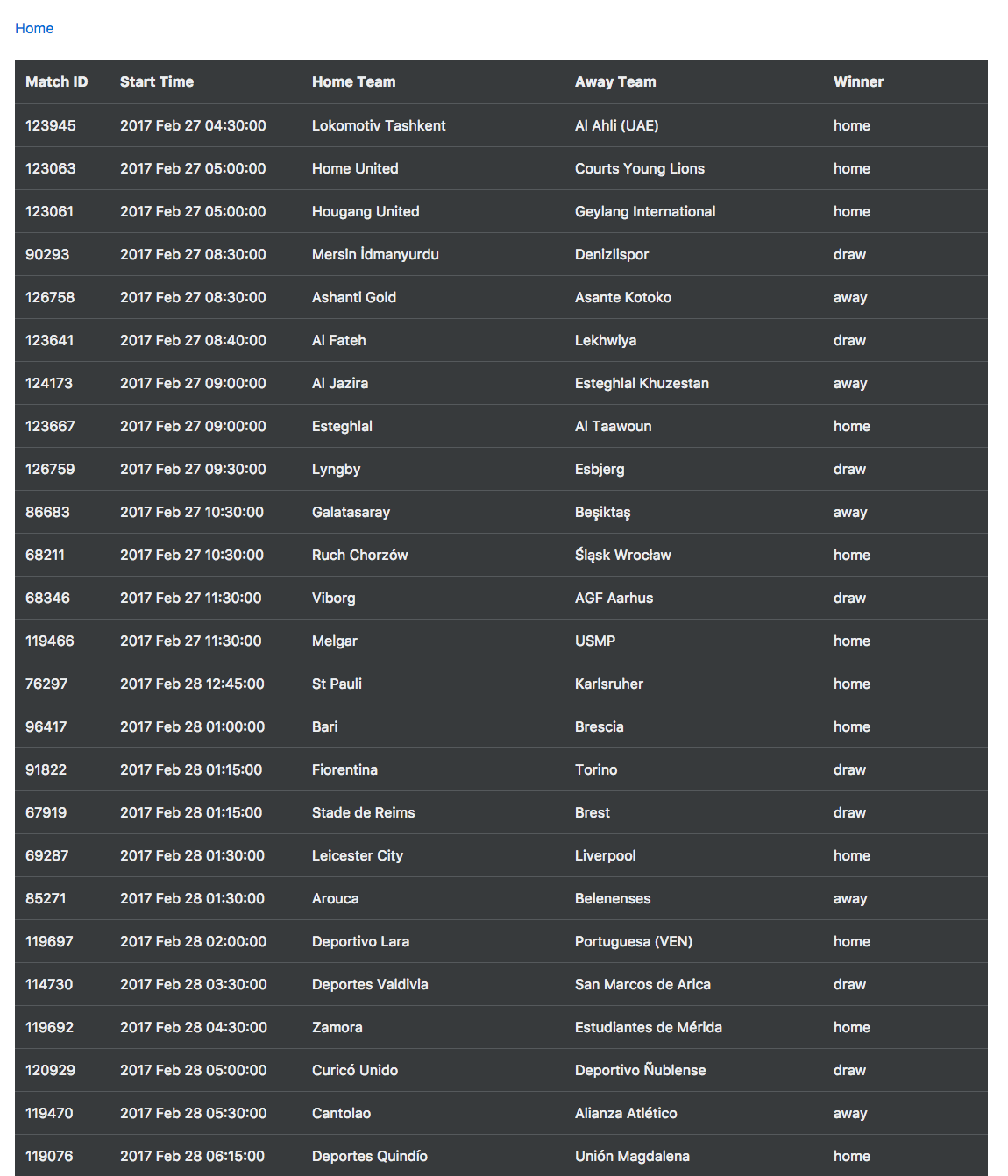
Here, you can copy any match ID. Let's assume you want to test with the first match, that is, 123945. Now visit http://localhost:8080 and you will see what is shown in this screenshot:
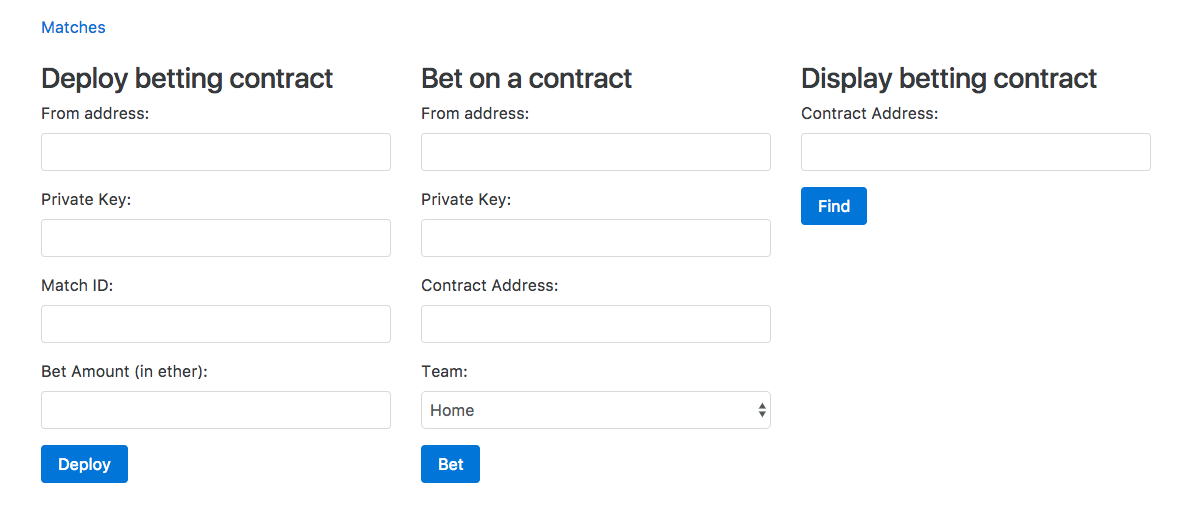
Now deploy the contract by filling the input fields in the first form and clicking on the Deploy button, as shown here. Use your first account to deploy the contract.
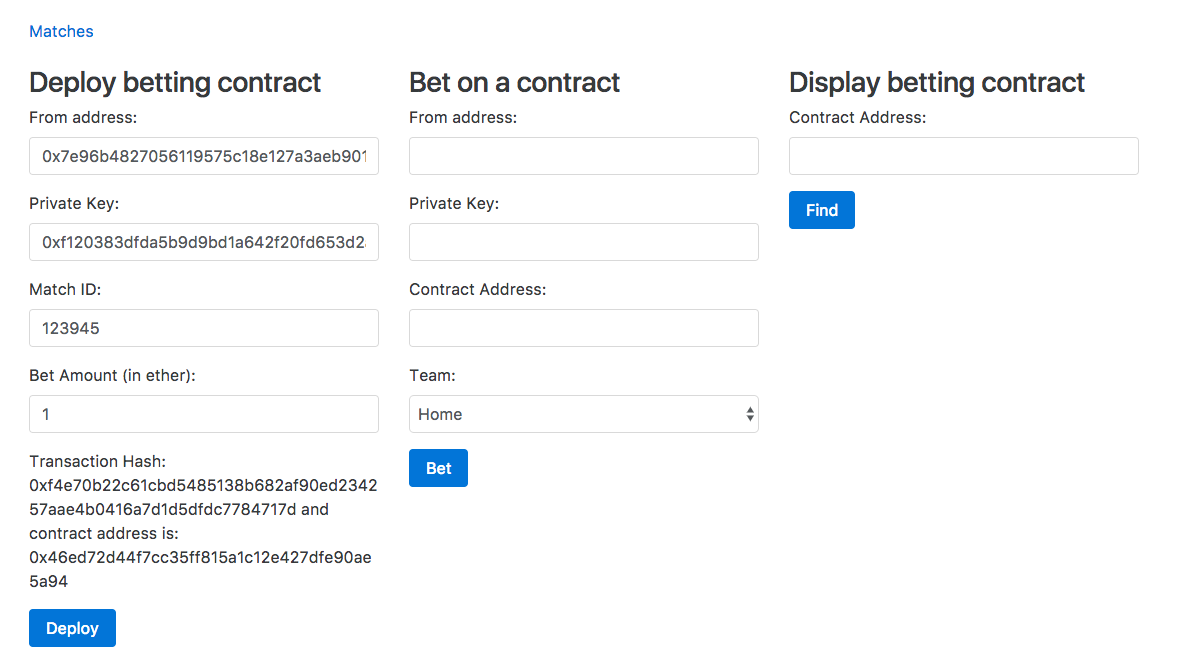
Now bet on the contract's home team from the second account and the away team from the third account, as shown in the following screenshot:
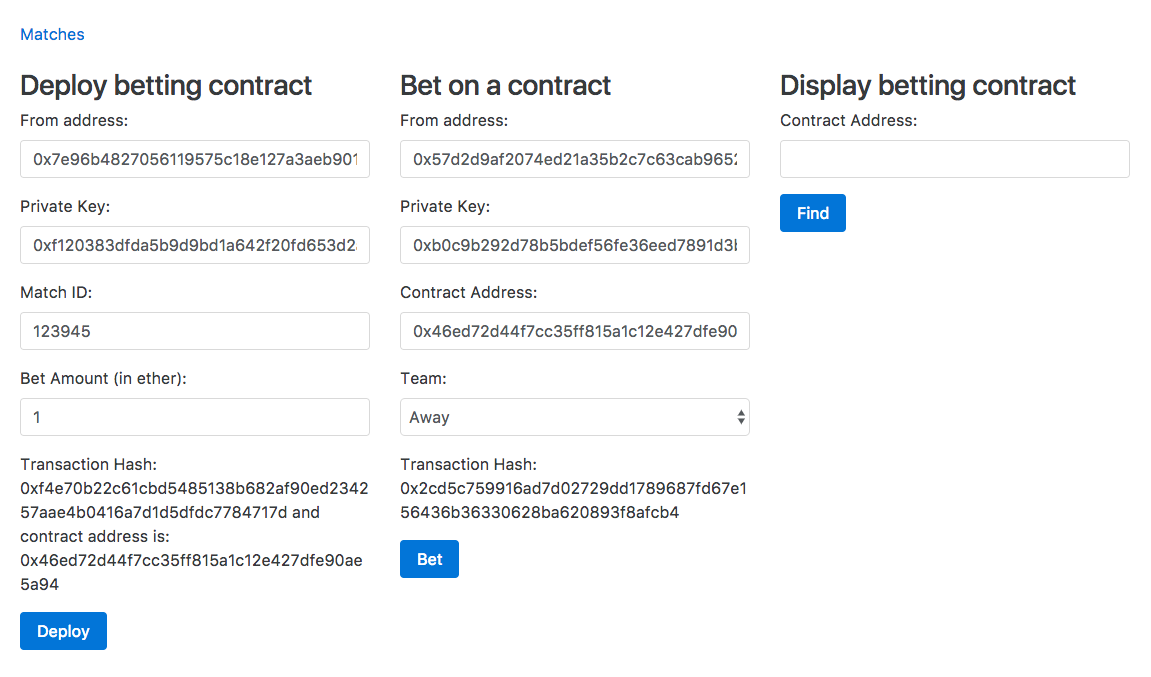
Now put the contract address on the third form and click on the Find button to see the details about the contract. You will see something similar to what is shown in the following screenshot:
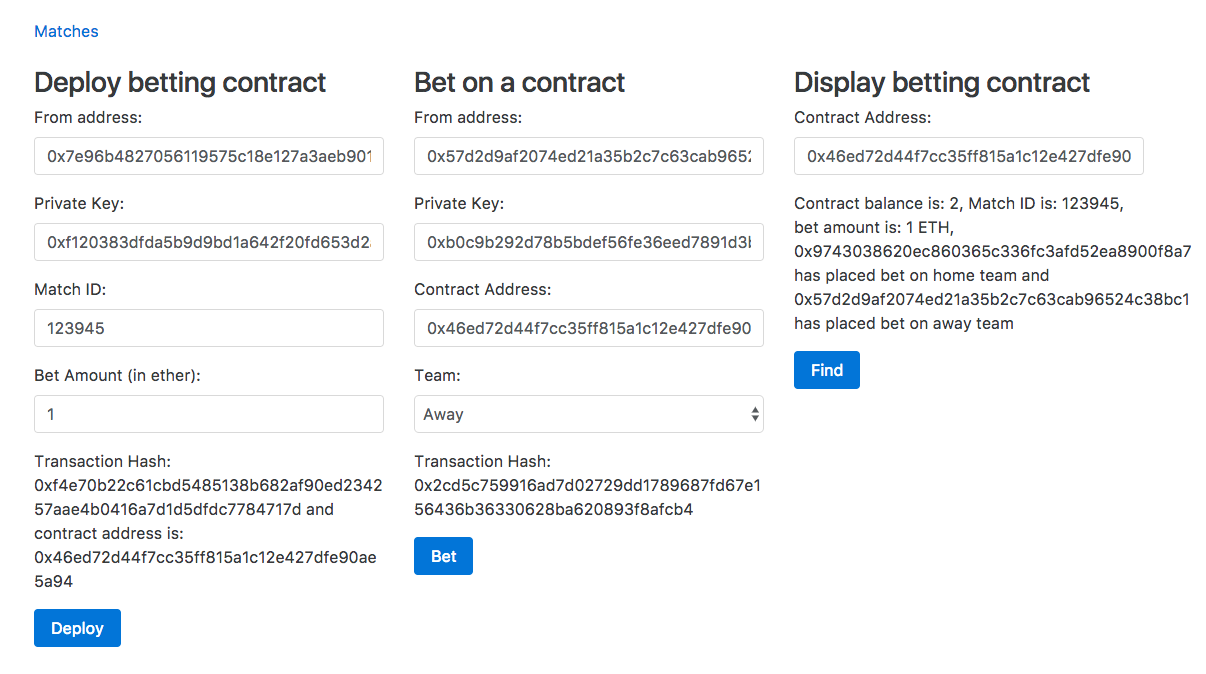
Once both the transactions are mined, check the details of the contract again, and you will see something similar to what is shown in the following screenshot:
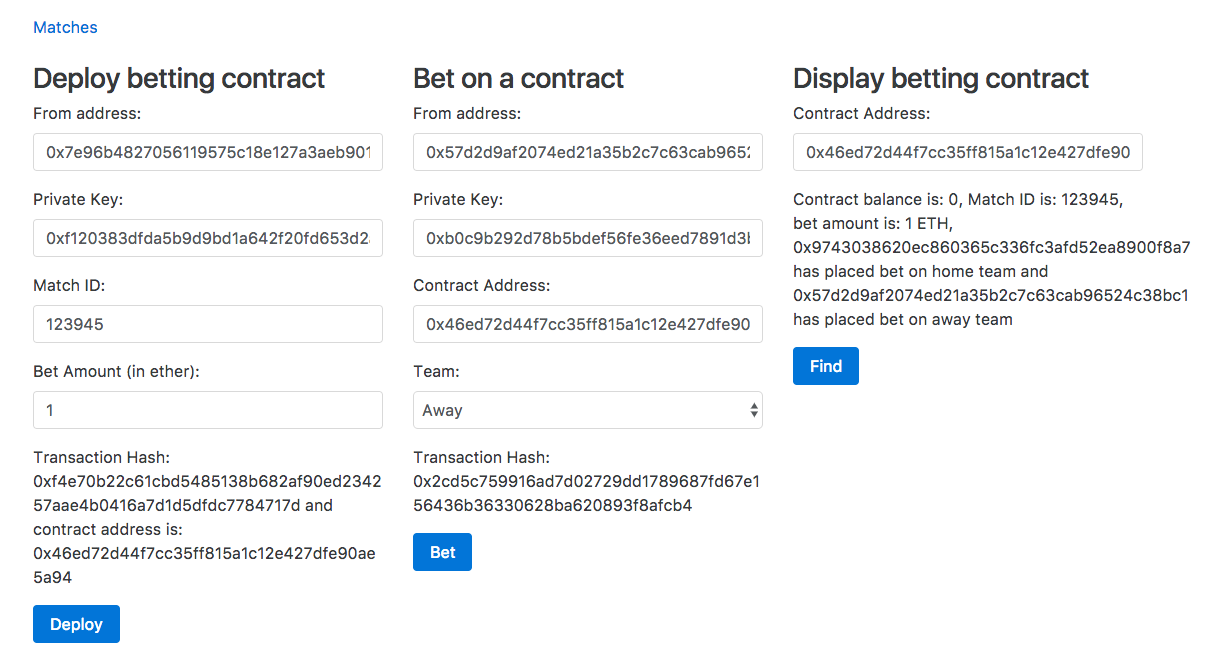
Here, you can see that the contract doesn't have any ether and all the ether was transferred to the account that put the bet on the home team.