Now finally, we need to connect both the nodes. Open a new shell window and run this command to find the URL to connect to the second node:
curl --data '{"jsonrpc":"2.0","method":"parity_enode","params":[],"id":0}' -H "Content-Type: application/json" -X POST localhost:8541
You will get this sort of output:
{"jsonrpc":"2.0","result":"enode://7bac3c8cf914903904a408ecd71635966331990c5c9f7c7a291b531d5912ac3b52e8b174994b93cab1bf14118c2f24a16f75c49e83b93e0864eb099996ec1af9@[::0.0.1.0]:30301","id":0}
Now run this command by replacing the encode URL and IP address in the enode URL to 127.0.0.1:
curl --data '{"jsonrpc":"2.0","method":"parity_addReservedPeer","params":["enode://7ba..."],"id":0}' -H "Content-Type: application/json" -X POST localhost:8540
You should get this output:
{"jsonrpc":"2.0","result":true,"id":0}
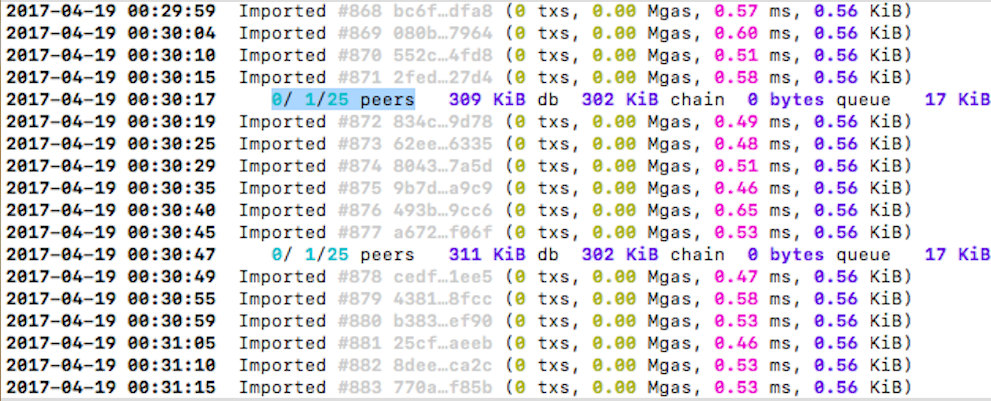
The nodes should indicate 0/1/25 peers in the console, which means they are connected to each other. Here is a reference image: