
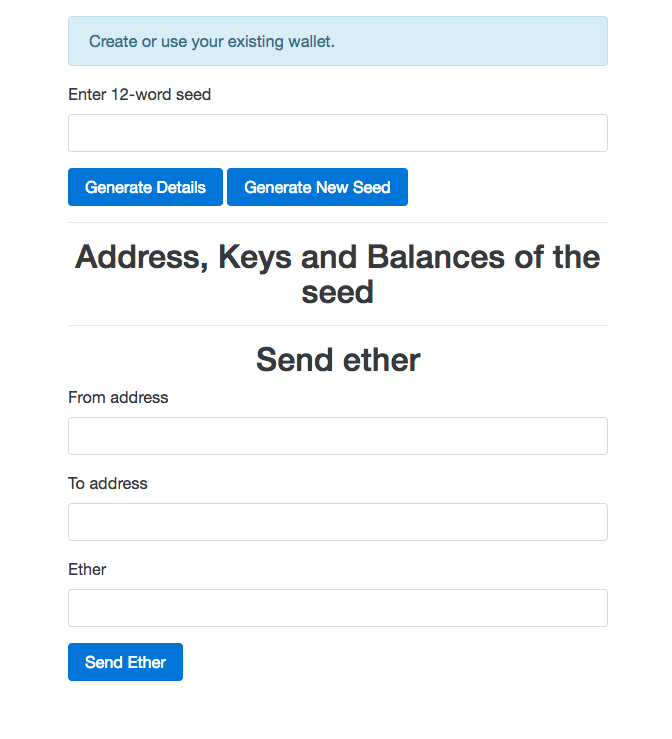
Now that we have finished building our wallet service, let's test it to make sure it works as expected. First, run node app.js inside the initial directory, and then visit http://localhost:8080 in your favorite browser. You will see this screen:
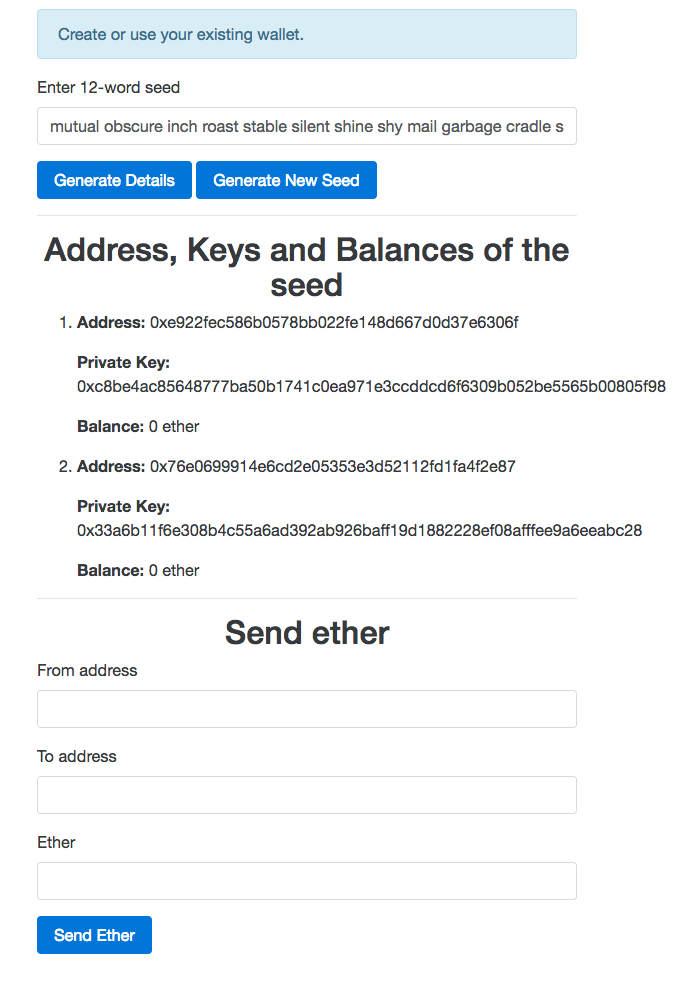
Now click on the Generate New Seed button to generate a new seed. You will be prompted to enter a number indicating the number of addresses to generate. You can provide any number, but for testing purposes, provide a number greater than 1. Now the screen will look something like this:
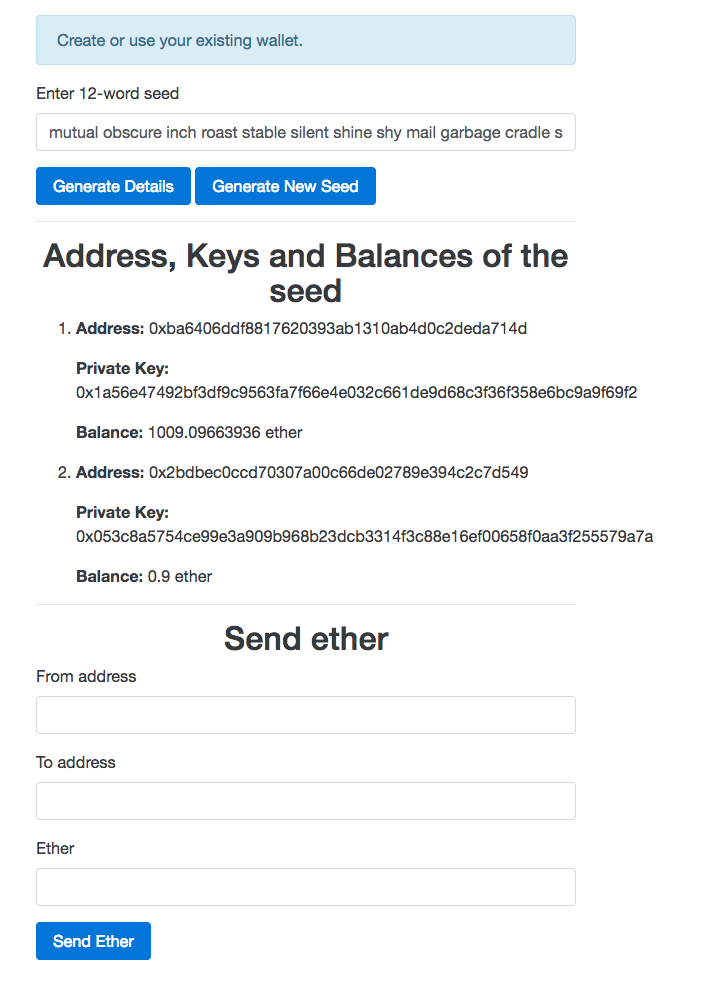
Now to test sending ether, you need to send some ether to one of the generated addresses from the coinbase account. Once you have sent some ether to one of the generated addresses, click on the Generate Details button to refresh the UI, although it's not necessary to test sending ether using the wallet service. Make sure the same address is generated again. Now the screen will look something like this:
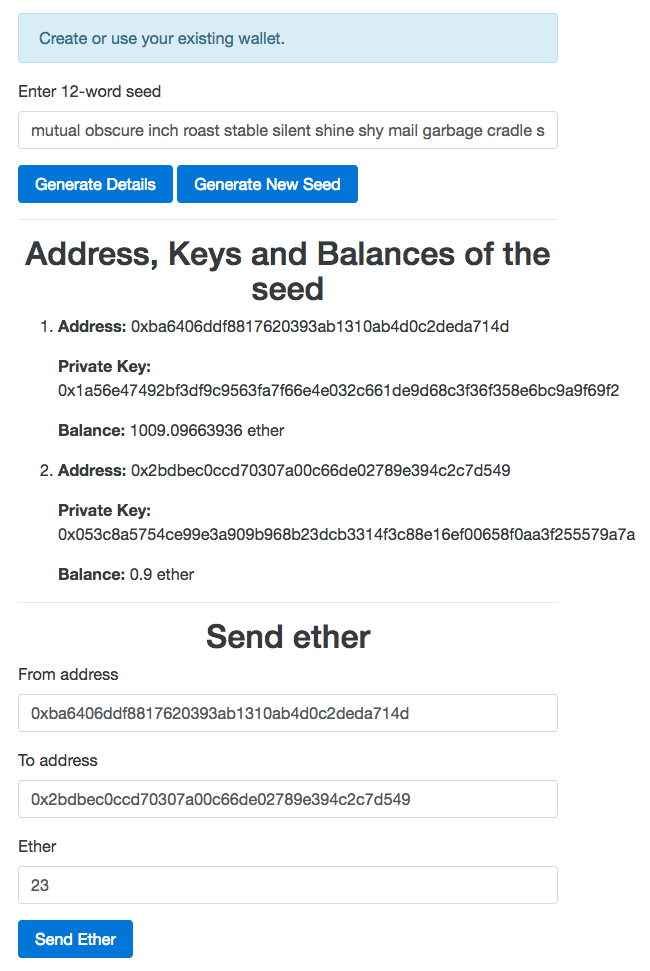
Now in the from address field, enter the account address from the list that has the balance in the from address field. Then enter another address in the to address field. For testing purposes, you can enter any of the other addresses displayed. Then enter some ether amount that is less than or equal to the ether balance of the from address account. Now your screen will look something like this:
Now click on the Send Ether button, and you will see the transaction hash in the information box. Wait for sometime for it to get mined. Meanwhile, you can check whether the transactions got mined or not by clicking on the Generate Details button in a very short span of time. Once the transaction is mined, your screen will look something like this:
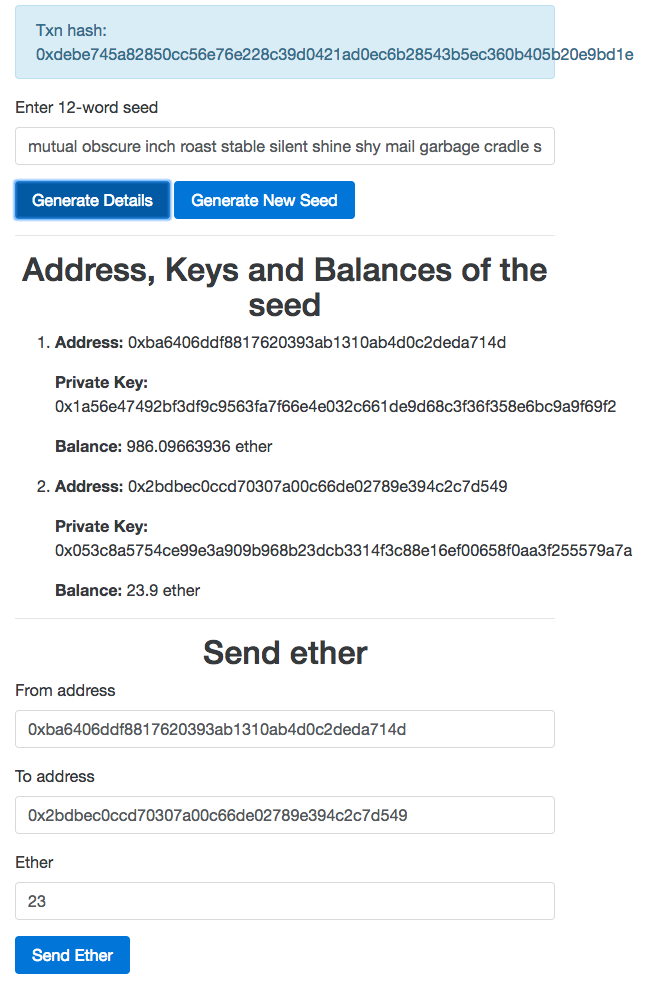
If everything goes the same way as explained, your wallet service is ready. You can actually deploy this service to a custom domain and make it available for use publicly. It's completely secure, and users will trust it.