Truffle comes with an inbuilt web server. This web server simply serves the files in the build directory with a proper MIME type set. Apart from this, it's not configured to do anything else.
To run the web server, run this command:
truffle serve
The server runs on port number 8080 by default. But you can use the -p option to specify a different port number.
Similar to truffle watch, this web server also watches for changes in the contracts directory, the app directory, and the configuration file. When there's a change, it recompiles the contracts and generates new artifacts files and then rebuilds the client. But it doesn't run migrations and tests.
As the truffle-default-builder places the final deployable code in the build directory, you can simply run truffle serve to serve the files via the Web.
Let's test our web client. Visit http://localhost:8080, and you will see this screenshot:
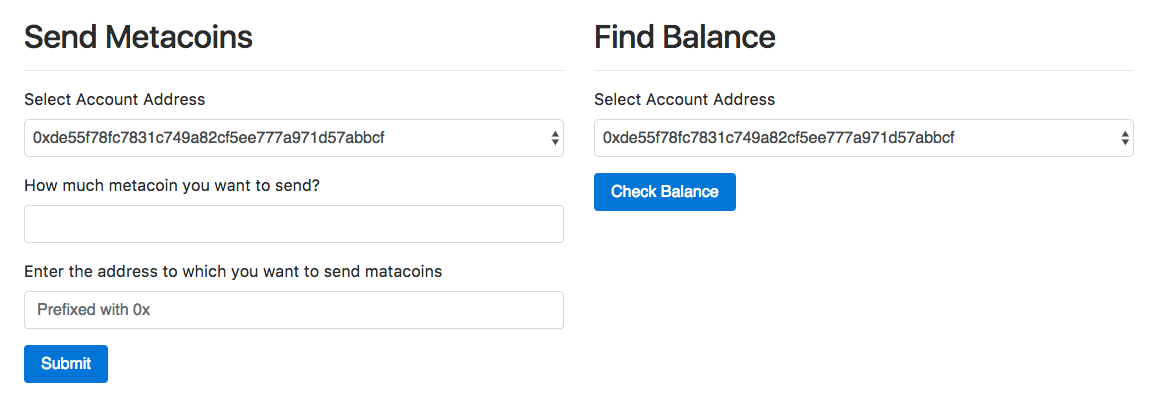
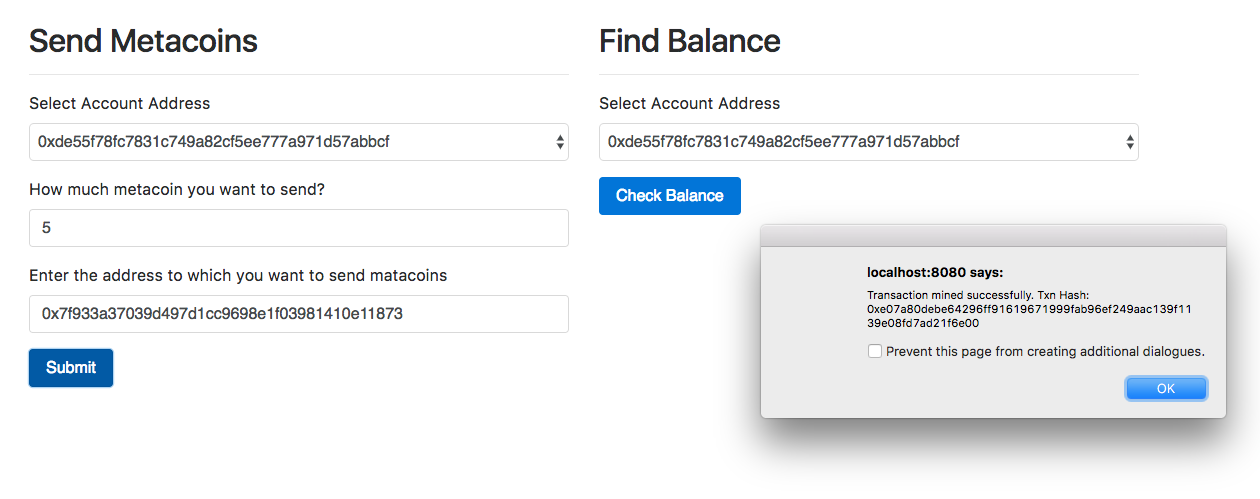
The account addresses in the selected boxes will differ for you. Now at the time of deploying the contract, the contract assigns all the metacoins to the address that deploys the contract; so here, the first account will have a balance of 10,000 metacoins. Now send five metacoins from the first account to the second account and click on Submit. You will see a screen similar to what is shown in the following screenshot:
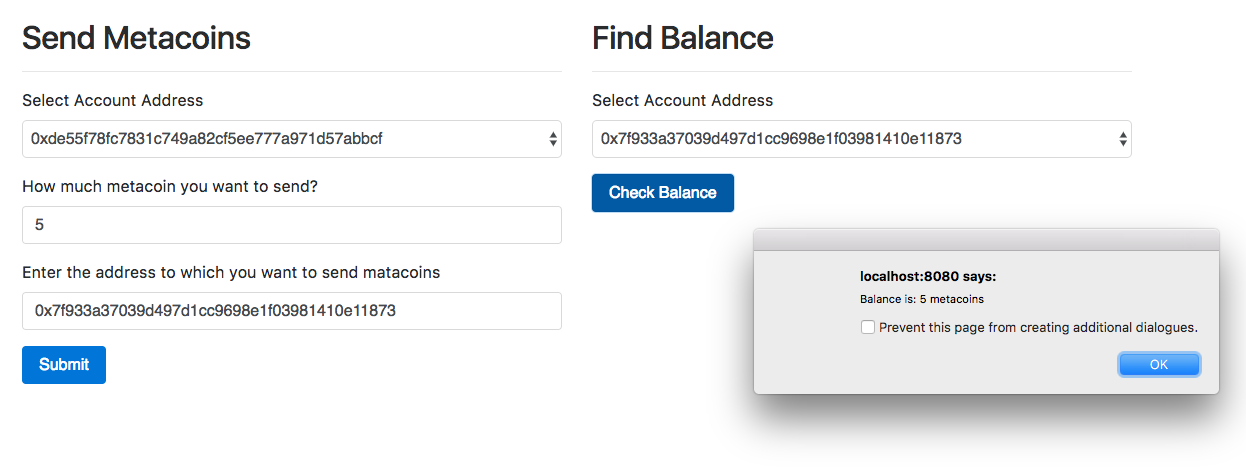
Now check the balance of the second account by selecting the second account in the select box of the second form and then click on the Check Balance button. You will see a screen similar to what is shown in the following screenshot: