sudo apt install ruby-dev
The following command helps you install Ruby on your Ubuntu system. This is one of the prerequisite software that is required for the cucumber-cpp framework:
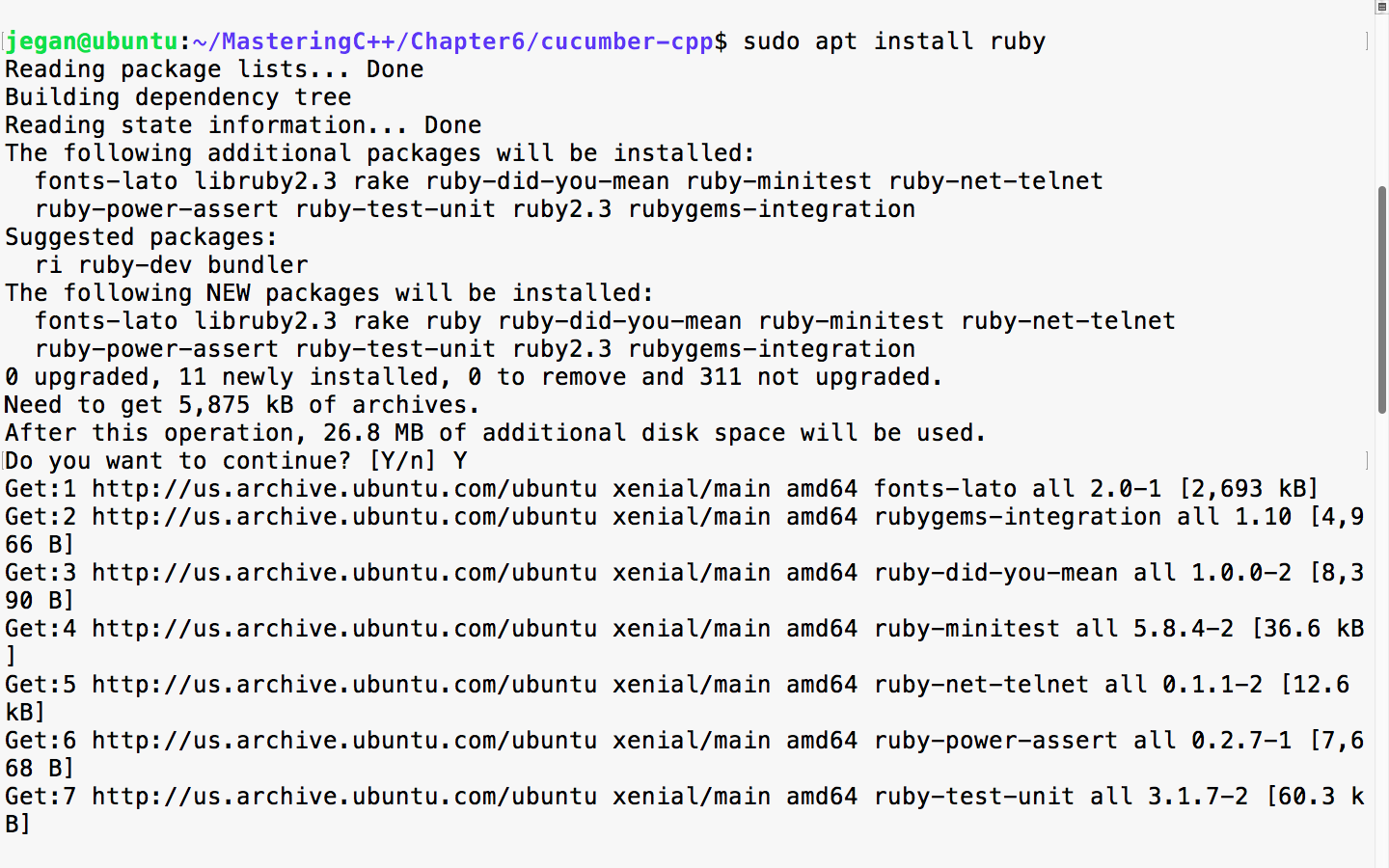
sudo apt install ruby
The following screenshot demonstrates the Ruby installation procedure:
Once the installation is complete, please ensure that Ruby is installed properly by checking its version. The following command should print the version of Ruby installed on your system:
ruby --version
In order to complete the Ruby installation, we need to install the ruby-dev packages, as follows:
Next, we need to ensure that the bundler tool is installed so that the Ruby dependencies are installed by the bundler tool seamlessly:
sudo gem install bundler
bundle install
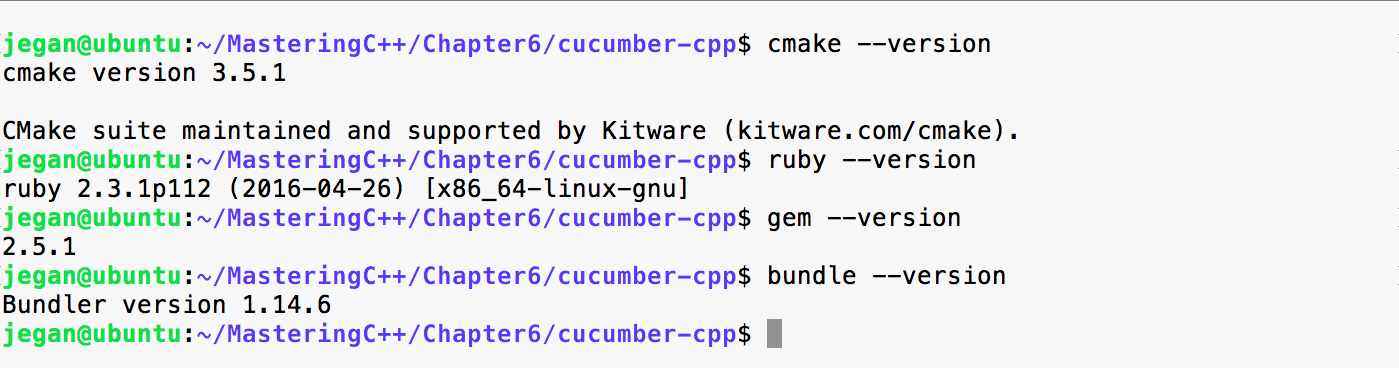
If it all went smooth, you can go ahead and check if the correct version of Cucumber, Ruby, and Ruby's tools are installed properly. The bundle install command will ensure that Cucumber and other Ruby dependencies are installed. Make sure you don't install bundle install as a sudo user; this will prevent non-root from accessing the Ruby gem packages:
We are almost done, but we are not there yet. We need to build the cucumber-cpp project; as part of that, let's get the latest test suite for the cucumber-cpp framework:
git submodule init
git submodule update
We go on to install the ninja and boost libraries before we can initiate the build. Though we aren't going to use the boost test framework in this chapter, the travis.sh script file looks for the boost library. Hence, I would suggest installing the boost library in general, as part of Cucumber:
sudo apt install ninja-build
sudo apt-get install libboost-all-dev