
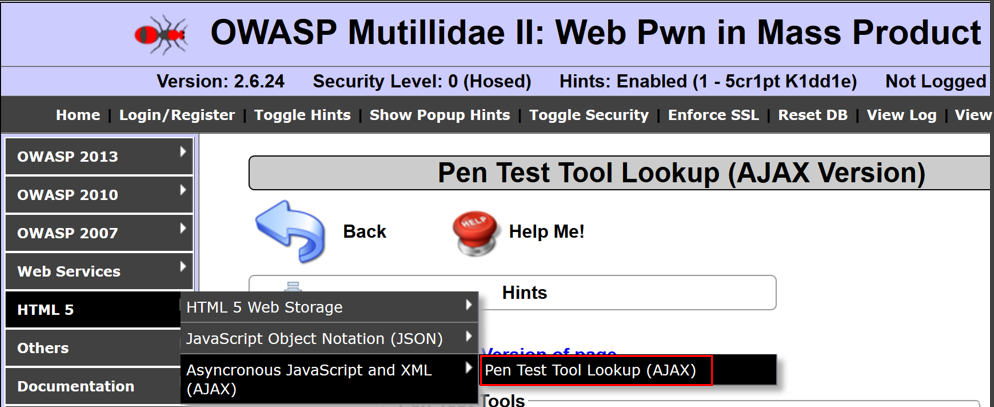
- Navigate to HTML5 | Asynchronous JavaScript and XML | Pen Test Tool Lookup (AJAX):
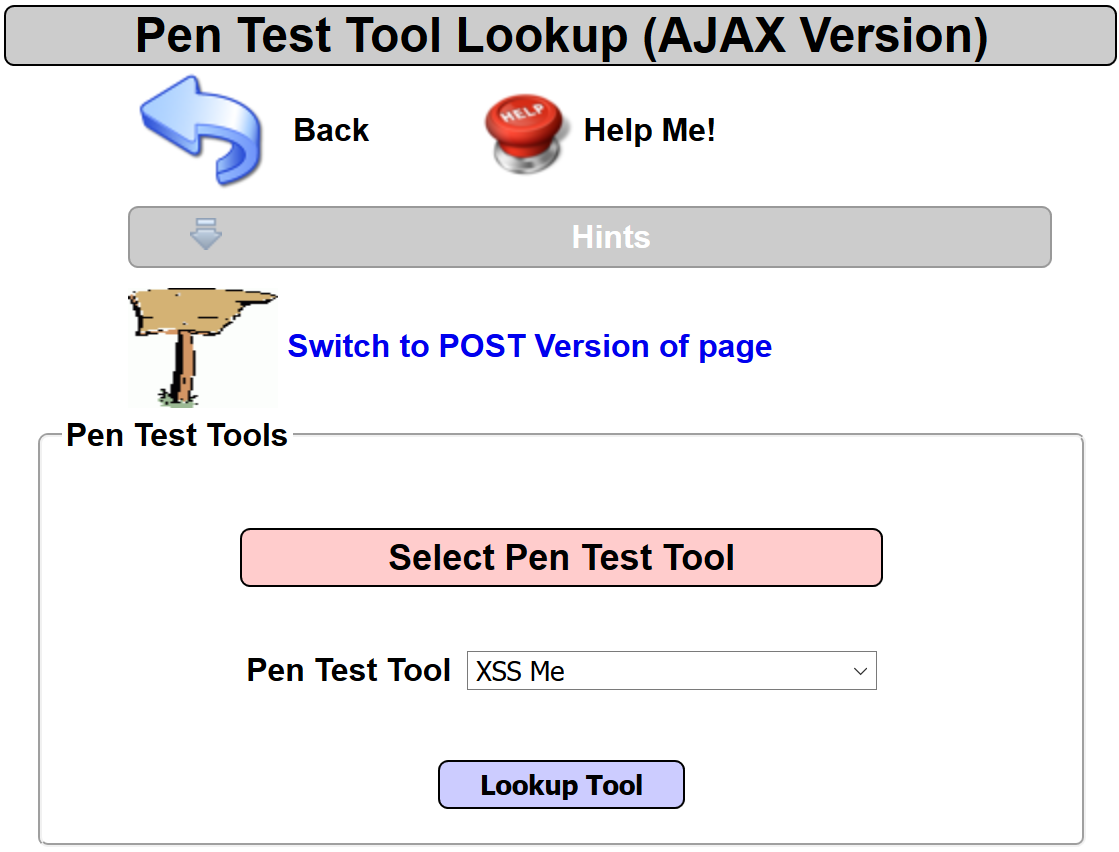
- Select a tool from the listing and click the Lookup Tool button:
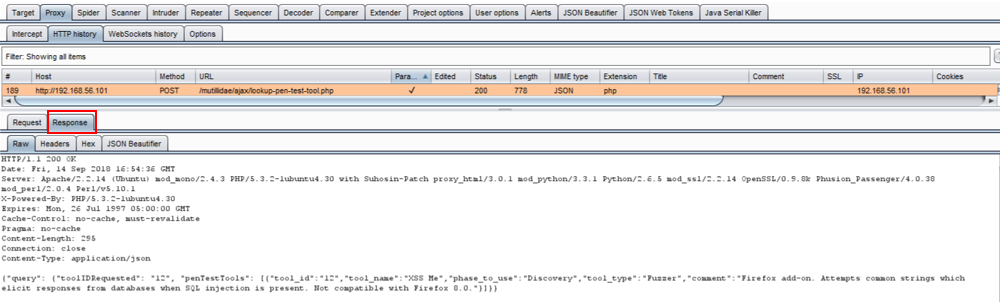
- Switch to the Burp Proxy | HTTP history tab and find the request you just made from the AJAX Version Pen Test Tool Lookup page. Flip to the Response tab:
- Let's examine the headers more closely by selecting the Headers tab of the same Response tab. Though this is an AJAX request, the call is local to the application instead of being made to a cross-origin domain. Thus, no CORS headers are present since it is not required. However, if a call to an external domain were made (for example, Google APIs), then CORS headers would be required:
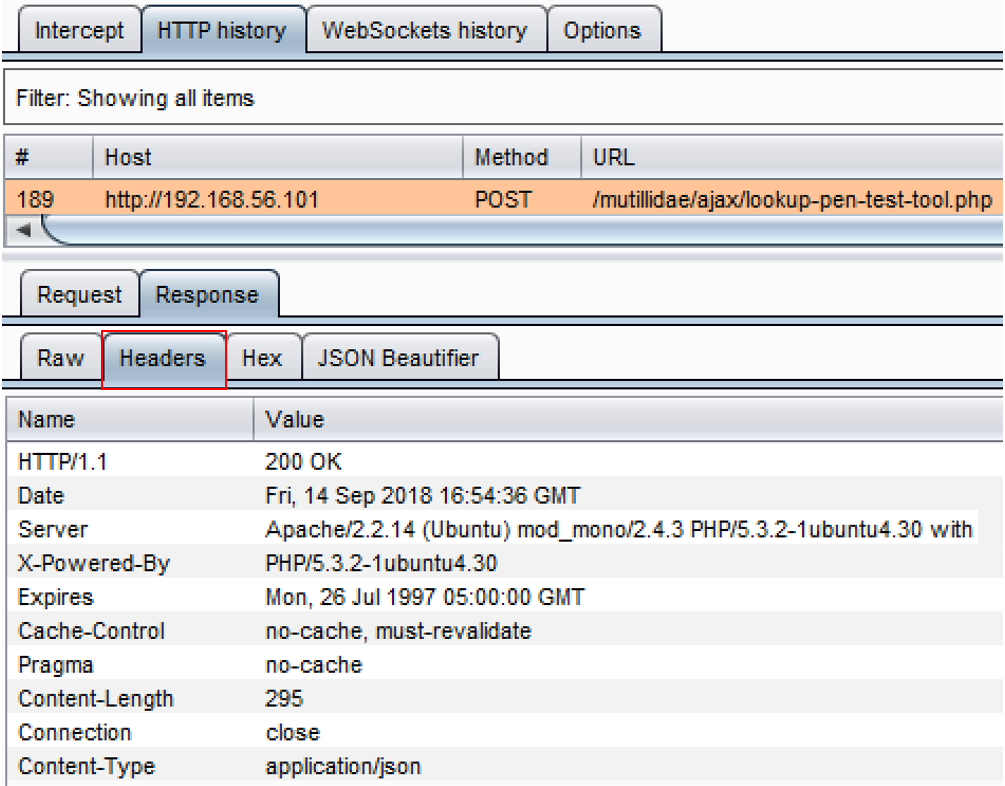
- In an AJAX request, there is a call out to an external URL (for example, a cross-domain). In order to permit the external domain to receive DOM information from the user's browser session, CORS headers must be present, including Access-Control-Allow-Origin: <name of cross domain>.
- In the event the CORS header does not specify the name of the external domain and, instead, uses a wild card (*), this is a vulnerability. Web pentesters should include this in their report as a misconfigured CORS headers vulnerability.