Under the Display tab, a tester has the following options:
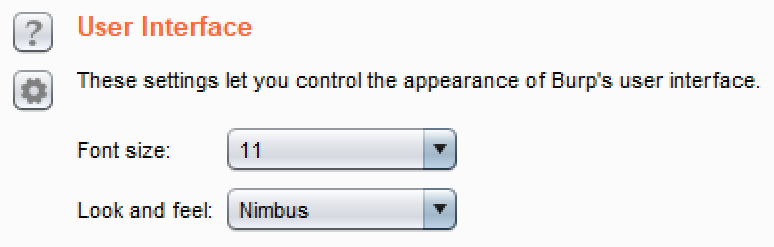
- User Interface: It provides the ability to modify the default font and size of the Burp UI itself:
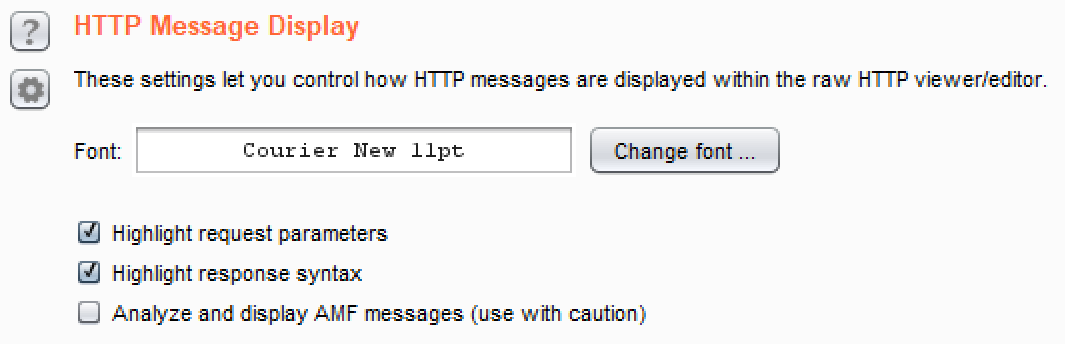
- HTTP Message Display: It provides the ability to modify the default font and size used for all HTTP messages shown within the message editor:
- Character Sets: It provides the ability to change the character sets determined by Burp to use a specific set or to display as raw bytes:

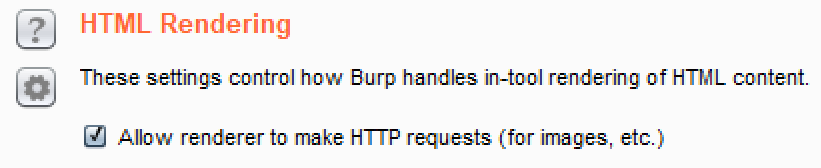
- HTML Rendering: It controls how HTML pages will display from the Render tab available on an HTTP response: